 China
China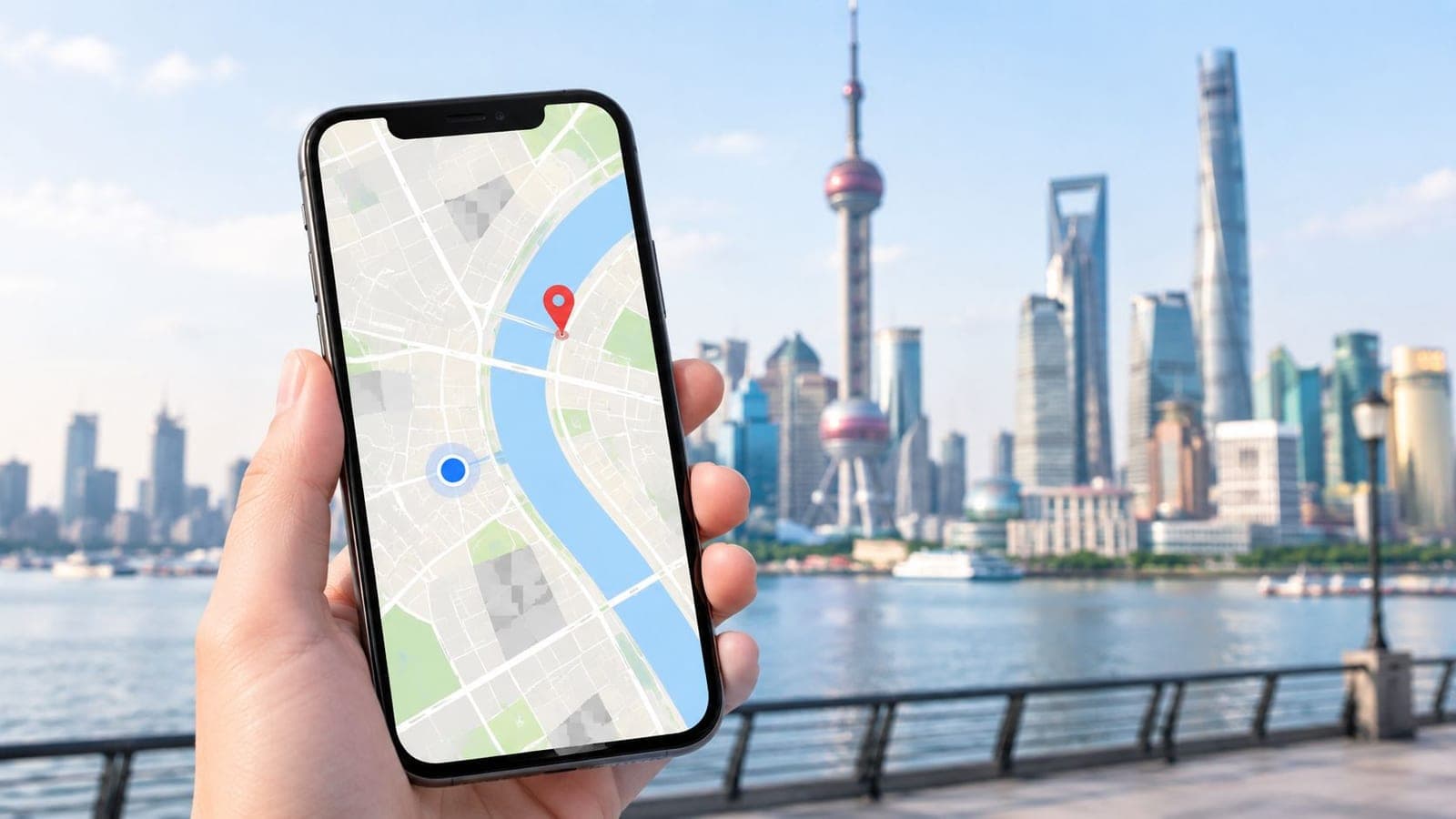
No. On an ordinary mainland China network, Google Maps is not dependable for live search, directions, traffic, or arrival-day navigation, even when the app icon still opens. The break has held since 2014, and a pin that does appear can sit roughly 100 to 700 meters from the actual doorway.
The popular advice stops at one question, VPN or no VPN. That advice fails the trip. Access, the position shift, and stale place names are three separate failures. A page that loads does not put a taxi at the right door. A line that draws can still turn onto a parallel road. A hotel saved months ago can name a lobby that is not the entrance in use.
Each job needs its own named backup. A Chinese address for the driver. A local map for the metro exit. A screenshot for the hour when nothing loads. The jobs below follow the order a traveler hits them, from the curb to the first meeting.
Google Maps on a Mainland China Connection
A late flight into Shanghai is the usual test. The hotel already sits in Saved places. Hotel Wi-Fi connects. The pin spins, and search never comes back with a result.
On ordinary mainland mobile data and hotel Wi-Fi, Google Maps is not dependable for live place search, directions, traffic, or transit. The app can still open on a cached screen. That cached screen is why people on the same trip argue about whether does Google Maps work in China. Opening the icon is not navigation.
Three separate failures sit under that spinning pin.
- Blocked calls: Live tiles, search, and routing often never reach Google's servers on a normal mainland connection.
- A shifted pin: The blue dot can land on the wrong block even after a map picture appears.
- Stale places: A page that does load can still name an old entrance, a closed shop, or a door that is not the lobby.
What travels well is a task chart, a before-flight routine, and a local app for streets, metro exits, and ride pickups. Install that Chinese map before the flight rather than testing Google at the curb. Pair it with data that can reach Chinese map servers on landing, such as a prepaid mainland data plan, so the phone is not stuck on captive hotel Wi-Fi.
Hong Kong and Macau are a different network question. Google services there are not the same locked door as on the mainland, so a stop in either place needs its own plan.
Which Google Maps Tasks Still Work
Read the chart in the order a traveler tries things. A visible icon is not service.
| Task | Mainland Wi-Fi or Chinese SIM | Connection routed outside mainland China | Rely on it |
|---|---|---|---|
| Open the app | Often opens on a cache; tiles may stay blank | Usually loads | No, opening is not navigation |
| Place search | Usually fails | May return results; local places can be stale | No as the only source |
| Walking or driving directions | Usually fails | May draw a route while the blue dot is offset | No without a local-app check |
| Live traffic | Unavailable | May appear but is not local map data | No |
| Public transit routing | Unavailable or incomplete | Thinner than local apps on exits and lines | No |
| Offline area saved before travel | Saved streets can show with no data | Same offline limits; nothing refreshes | Yes for orientation only |
| Live location sharing | Fails on local networks | May send, but the pin can sit on the wrong block | No for meetups or pickups |
| Hotel pin or pasted coordinates | Can land on the wrong street even in cache | Access does not fix the coordinate shift | Confirm in a Chinese map app |
On hotel Wi-Fi or a Chinese SIM, the app often opens while tiles, search, geocoding, and routing fail. An area saved before the trip can show streets with no signal. It will not refresh traffic, transit, or new businesses. A link that leaves mainland China, including some international roaming paths, may load Google again and still drop a pin on the wrong block.
A Wise travel guide draws the line most airport arguments miss. Google Maps may open or show cached information while search, directions, live traffic, public-transit routing, and location accuracy stay unreliable on mainland Chinese networks. The service is not officially supported in China, so a page that loads once is not proof that it is operational. That guide also notes that local Wi-Fi, a Chinese SIM, international roaming, and a connection routed outside the mainland can produce different results, and that an overseas path does not fix stale points of interest, thin transit data, or a shifted pin. The useful decision is not VPN versus no VPN.
What families and business travelers actually ask
A saved hotel can orient someone who already knows the neighborhood. It is a poor tool for finding the lobby door on the first night.
A walking route drawn on an overseas connection can look confident and still turn the wrong way at the first corner, because the blue dot and the road layer are not the same measurement.
A metro trip needs exit letters and line names that local apps carry in more detail. A Google transit suggestion is too thin to follow through a large station.
Live location sharing is the risky one. On a local network it often fails. On a path that leaves the mainland it may send a pin that sits across a junction or on a parallel road. A driver following that pin can stop on the wrong side of a wide street. A copied latitude and longitude has the same flaw. Pasting it into a chat does not make the entrance correct.
Occasional loading is not official support, and it is not an arrival-day plan.
Every row marked not reliable belongs in a local map app, not in a workaround. Knowing what an eSIM is helps separate the data question from the map question before anyone is standing at a curb.
Why Google Maps Stopped Loading in 2014
Treat the failure as a locked door, not a setting that needs a toggle. The shop sign can look lit. The door still does not open.
The history of Google in China records that Google moved its mainland search operations to Hong Kong in 2010 after disputes over censorship and cyberattacks, while some specialized services, including Maps, continued for a period. That account says the situation changed sharply in late May 2014, when Google services, including Google Maps, Gmail, and search, became largely inaccessible from mainland China. Reuters, cited there, reported that the disruption began during the period surrounding the 25th anniversary of the 1989 Tiananmen Square crackdown, and that Maps, search, and email briefly became reachable on July 10, 2014, before disruptions returned the following day. MIT Technology Review, also cited there, described mid-2014 as the point when Chinese authorities blocked virtually all major Google services, including Maps and Gmail.
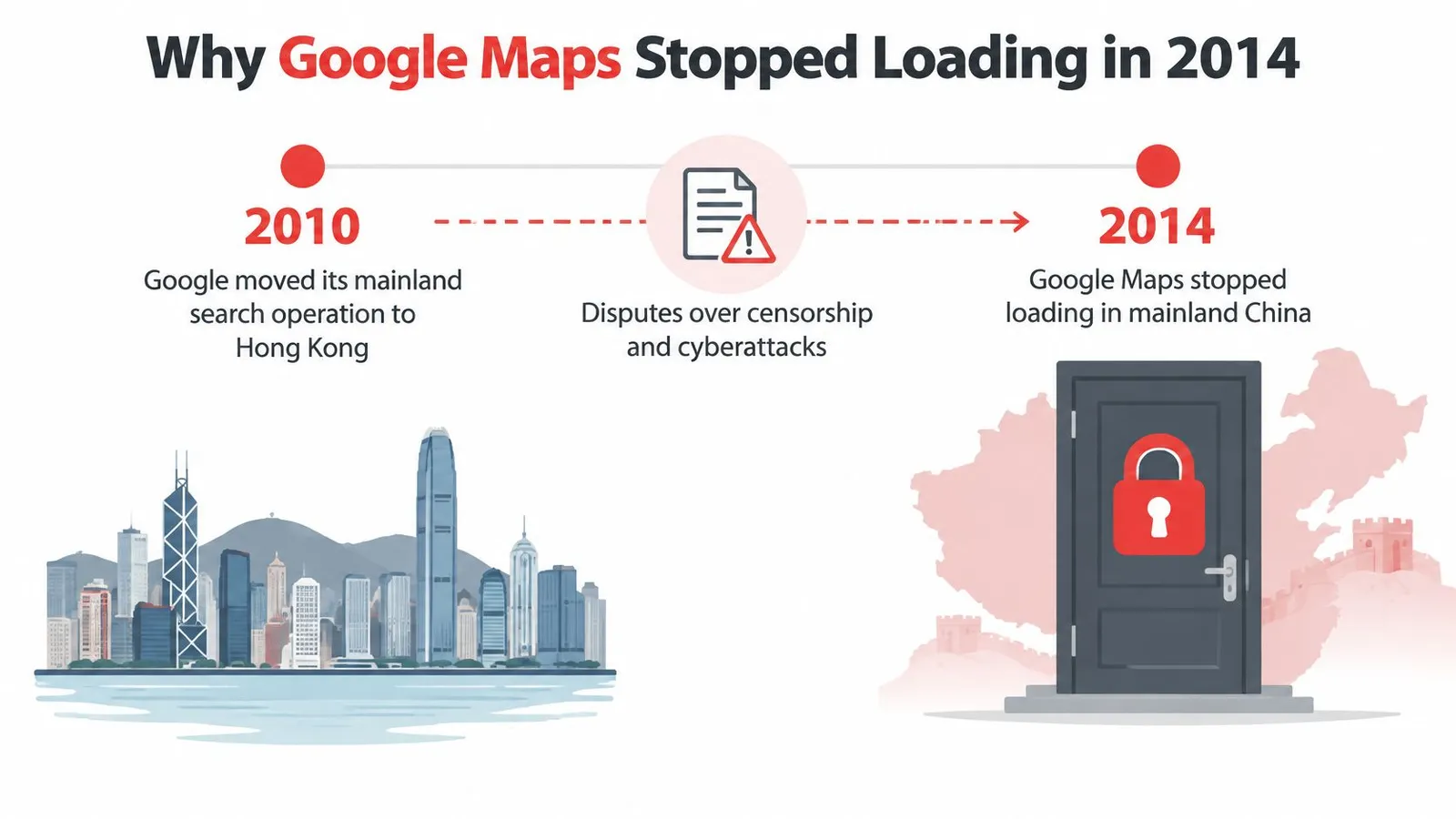
2014 is the milestone to remember. On a normal mainland connection, do not expect live tiles, place search, directions, or account features. The block hits the app and the browser alike, because tiles, geocoding, and routing all call Google servers. Hotel Wi-Fi, a café login, and a local SIM all exit through that same door.
Availability can flicker by city, carrier, and hour. A shop sign left on while the door stays locked is the right picture. Intermittent access is not a service anyone should schedule a pickup around.
Why the Blue Dot Sits on the Wrong Street
The phone's GPS and China's official online maps are not marked with the same ruler. One ruler is the global GPS reading. The other is the grid approved maps must use. Lining them up by eye is like measuring a room with a meter stick and a yardstick and expecting the furniture to match.
The Wikipedia summary of geographic-data rules in China explains the mismatch. Chinese map services generally use GCJ-02, while GPS receivers report WGS-84. GCJ-02 applies a nonlinear, location-dependent transformation, so plotting a WGS-84 position against GCJ-02 roads can produce offsets commonly ranging from roughly 100 to 700 meters. That gap is large enough to put the blue dot on the wrong street, across an intersection, or beside a parallel road.
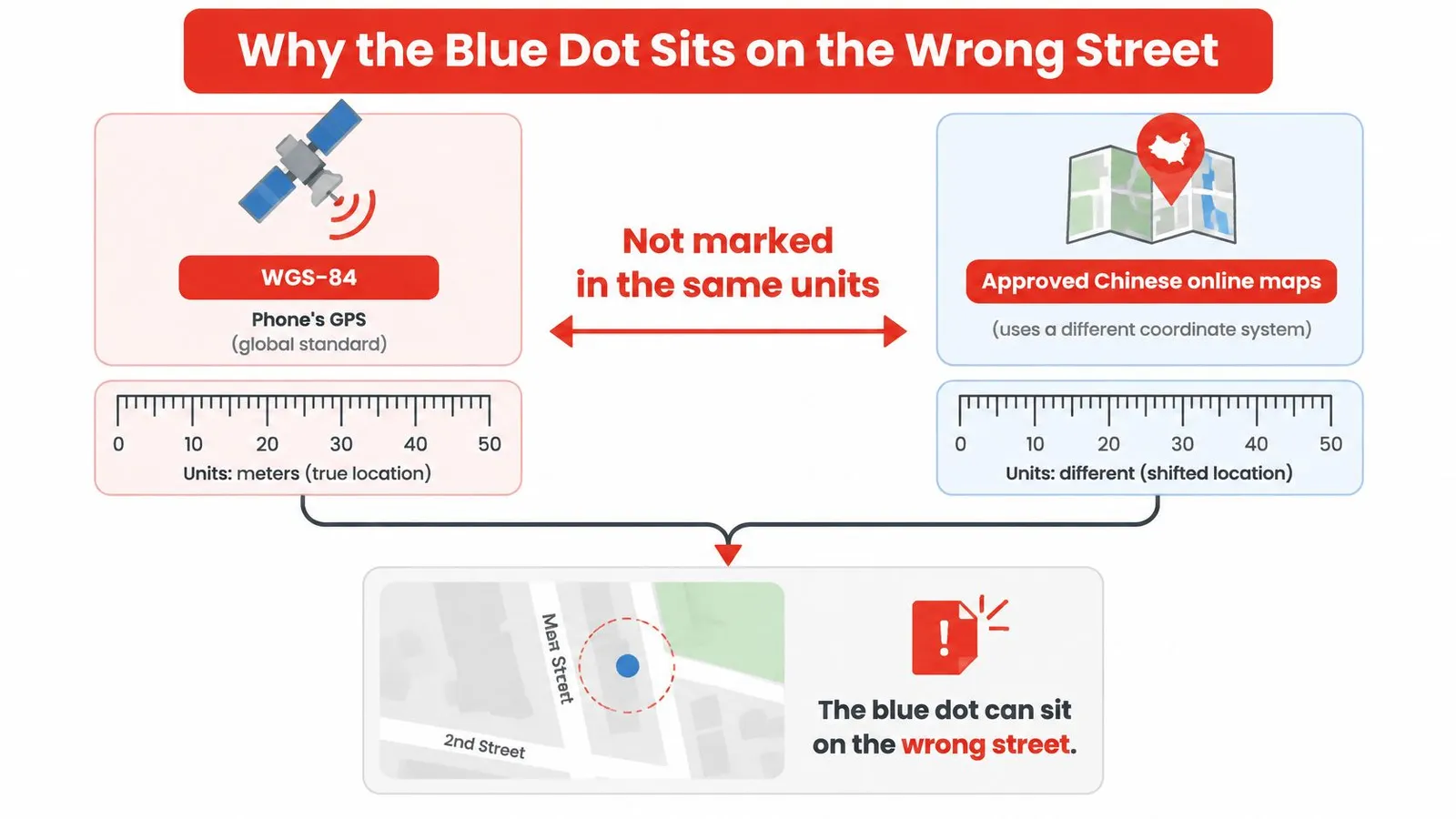
What a few hundred meters looks like on foot
A city block is often shorter than that error. A walking route built on the shifted dot can turn the wrong way at the first corner. Turn-by-turn prompts then keep correcting toward a point the traveler is not standing on. Satellite imagery and the street layer can also disagree, so the picture looks sharp while the label sits on the next block.
Say the English pin for a waterfront hotel in Shanghai sits across the road from the lobby, while the actual door is beside a named mall exit. The photo of the building is right. The drop-off is not. Confirm the stop with the Chinese address, a nearby landmark, and a locally supported map.
Do not trust a latitude and longitude copied from Google into a Chinese app, or the reverse, without that check.
Reaching Google through another network does not remove this offset. Licensed surveying rules are a separate barrier from the network block. Approved online maps have to draw from licensed data, and a foreign app that merely loads does not become that licensed map. Walking and driving directions built only on the raw GPS dot are unsafe to follow without a second check.
Chinese Map Apps That Replace Google
Pick the app by the job, not by which icon looks familiar.
| App | Best job | English | Needs China data | Without a VPN |
|---|---|---|---|---|
| Amap (Gaode) | Walking, metro exits, taxi pins | Limited; search Chinese names | Yes | Yes |
| Baidu Maps | City driving and transit | Partial | Yes | Yes |
| Apple Maps | Rough English overview on iPhone | English interface, thinner China detail | Helpful for updates | Often loads, not enough alone |
| Tencent Maps | Backup city search | Mostly Chinese | Yes | Yes |
| Didi in-app map | Ride pickup the driver sees | English in the Didi app | Yes | Yes for rides |
| Google Maps offline area | Pre-saved street orientation | Full English | No, once the area is saved | Saved area only |
Amap, also called Gaode, is the default for walking, metro exits, and a Didi pickup, because drivers see a similar pin. Baidu Maps is the other everyday choice for city driving and transit, with denser Chinese place names. Apple Maps can stay in English on an iPhone and works for a rough overview, but alley entrances are thinner there, so it should not be the only source. Tencent Maps is the backup when the big two miss a new mall. A Google offline area is the English street picture saved before the flight, not a turn-by-turn tool. For a car, set the pin inside Didi so rider and driver share one point.
English menus are limited on the Chinese apps. Search the Chinese name saved earlier, not a loose English translation that can match three hotels on the same road.
A technical note on China satellite alignment describes a discrepancy of approximately 500 meters in some cases, enough for a GPS position to appear on the wrong street or for a satellite image to miss the road labels. It also notes that map data must come from licensed surveying-and-mapping providers, with domestic data-handling rules that stand apart from internet blocking. Bypassing an access limit would not fix the offset, the license, or thin coverage. Google Maps is unsuitable as the only navigation tool for pickup points, walking routes, and business addresses.
Say an English Google pin sits across the road from a hotel lobby. Amap, plus the exit number, puts the taxi at the door. One Chinese app holds the pin. Google holds the memory of the street, nothing more.
How to Prepare Maps Before You Fly
Finish this routine at home. Nothing in it should depend on Google loading at the curb.
A Trip.com travel note states the network fact plainly. Tiles, geocoding, search, routing, and related Google endpoints may fail on local cellular data, hotel Wi-Fi, or any connection that exits through mainland China. Google Maps should not be an arrival-day dependency. Install another mapping app and download what matters before departure. If Google access is essential, the connection has to leave through an available international path, such as compatible international roaming or another legally permitted method.
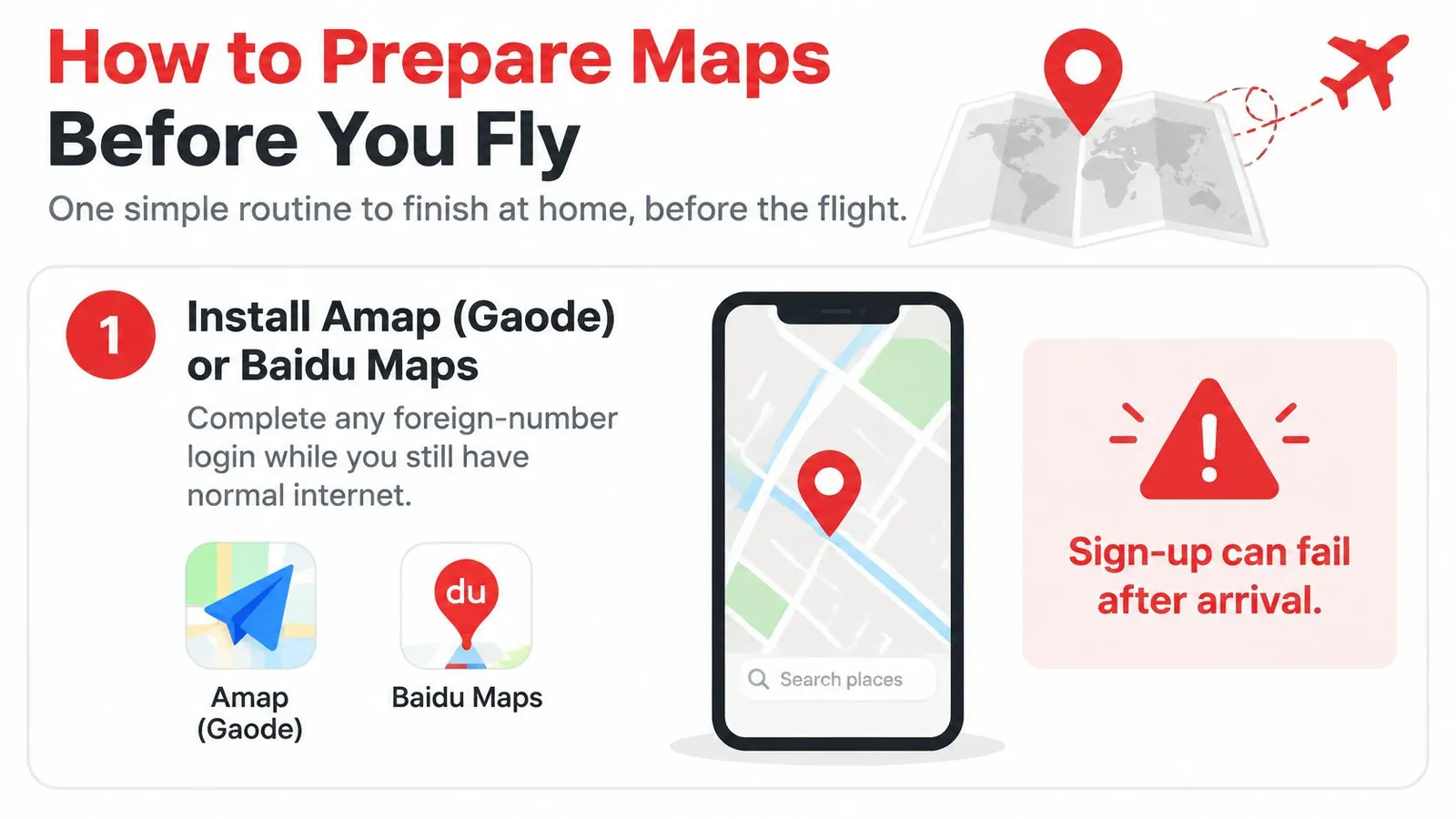
- Install Amap (Gaode) or Baidu Maps, and finish any foreign-number login while normal internet still works. Sign-up screens often fail after landing.
- Search the hotel, the first meeting, and the airport or station in that app, then save each one. A saved pin is faster than typing Chinese at a crowded curb.
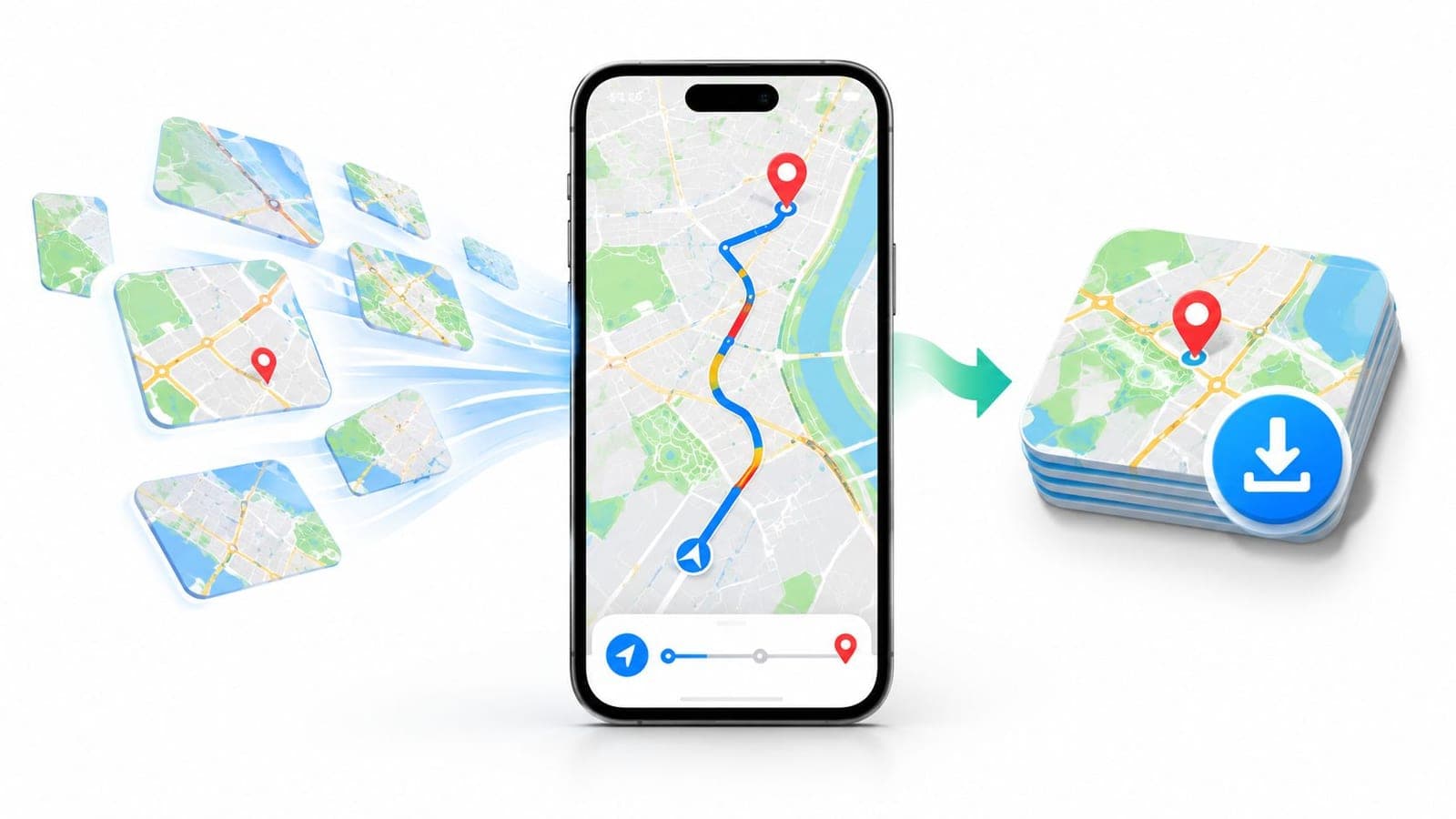
- In Google Maps, download the city only as a backup picture of the streets. Search, traffic, and transit will not update on that file.
- Copy each Chinese name plus the metro exit or hotel entrance into a notes file and a screenshot. A dead screen can still be shown to a driver.
- Arrange mobile data that reaches Chinese map servers on landing, using permitted international roaming or a local data plan. Confirm it on a compatible phone before leaving home.
- Do not plan the day around a consumer VPN. That use is legally restricted, it often fails on hotel Wi-Fi, and it does not correct the coordinate shift.
- If the Google pin and the door disagree, follow the Chinese app plus a landmark. The landmark is the tie-breaker, not the English label.
Every destination should have a Chinese name, a Chinese map pin, and a screenshot before boarding.
Arrival-Day Fallbacks Without a Working Map
Plan for the hour when the phone has no usable map. A printed or screenshotted card with the hotel's Chinese name, its address, and a nearby landmark lets a taxi driver or station staff read the stop when the app will not load. Keep that card with the passport so it stays reachable.
Hotel Wi-Fi is often captive or crowded. Do not let it be the only route. Ask the front desk to write the next address in Chinese before the first trip out.
Taxis, metro exits, and a dead phone
For rides, open Didi with the saved Chinese address, drop the pin on the entrance the driver should use, and message a landmark if the pin lands on the wrong side of the road. The shared pin inside the ride app beats a pin sent from another map.
For the metro, use the station name in Chinese and the exit number from the saved screenshot. A transit line pulled from Google is the wrong source for a lettered exit in a large station.
For meetings, send the Chinese address to contacts ahead of time. A shared Google location may not match the point a local driver sees, and a late correction in a lobby wastes the first half hour.
With no data at all, use a station or hotel printed map, or ask staff to point the direction. A paper arrow beats a spinning pin.
If a call from overseas drops while everyone is trying to meet, it helps to troubleshoot VoIP calls to China as its own problem. A failed call and a missing map pin need different fixes. When the phone shows bars but maps still will not load, start with no signal after landing before hunting for a new app in a crowded arrivals hall.
Set Up Navigation Before You Land
Google Maps can open and still send you to the wrong street. Before flying, prepare separate backups for access, location accuracy, and out-of-date place details.
Save key destinations in a Chinese map app under their Chinese names. Take screenshots of the correct building entrance and metro exit, too. A city block can have several entrances, and a screenshot gives you a reference if the map pin is shifted or the connection drops.
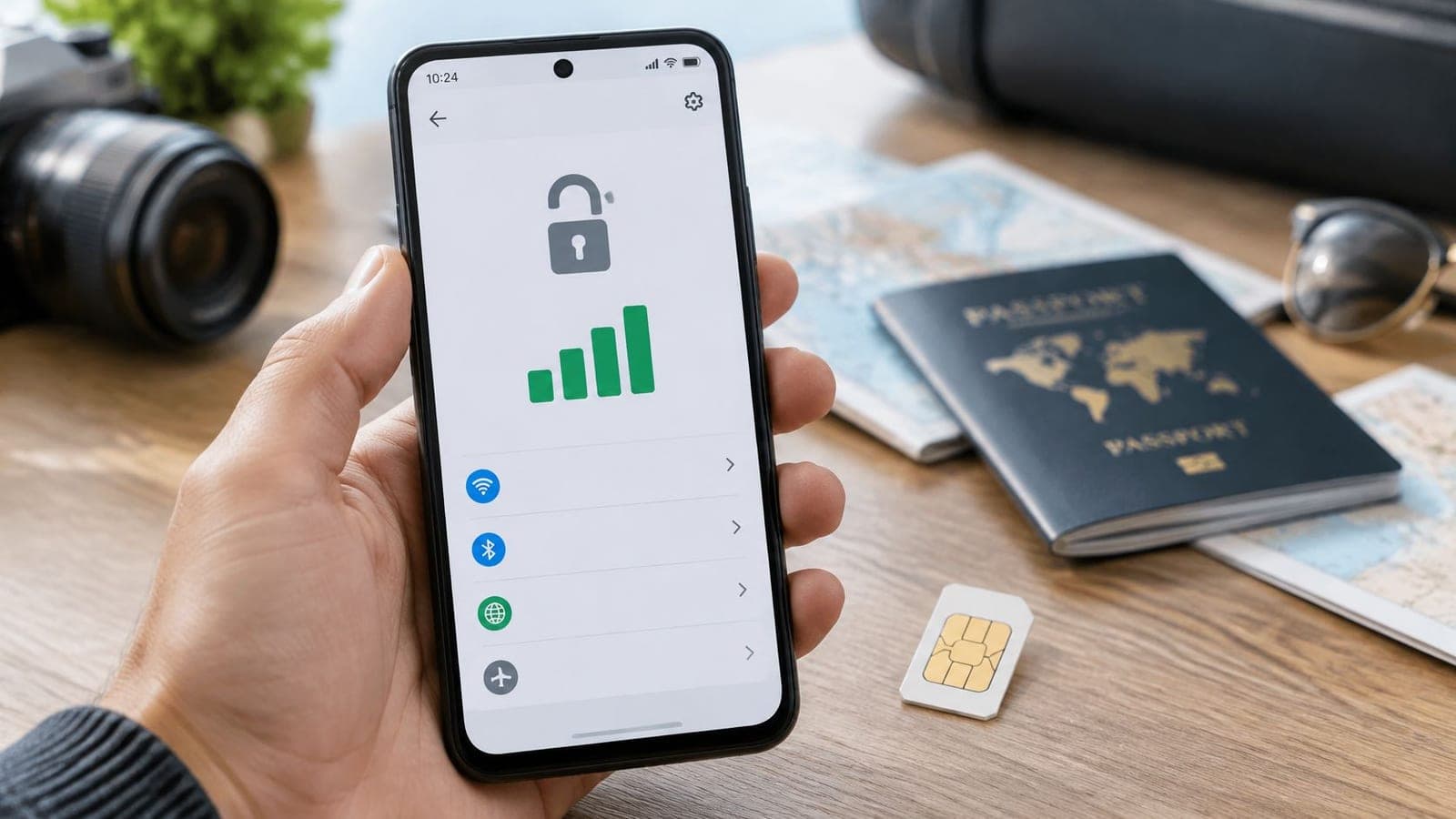
Mobile data is a separate part of the setup: it can help apps load, but it cannot correct a misplaced pin or refresh stale place information. A China eSIM gives you prepaid data for map apps. The smallest China plan costs $2.19. Install it before departure using the eSIM setup steps, then keep your home SIM for calls and texts if your phone supports dual SIM. Hotspot sharing can provide data to a companion's phone. Unused eSIMs that have not been activated are refundable.
If your itinerary includes Hong Kong or Macau, check data coverage for those stops separately rather than assuming a mainland plan includes them. Choose one backup for each problem: mobile data for access, a Chinese map app for local place information, and saved screenshots for entrances and exits.
RedSim offers travel eSIM data plans for more than 200 destinations, with QR-code delivery and 1-click installation in its iOS and Android apps. Check the China eSIM options before your trip.