 Japan
Japan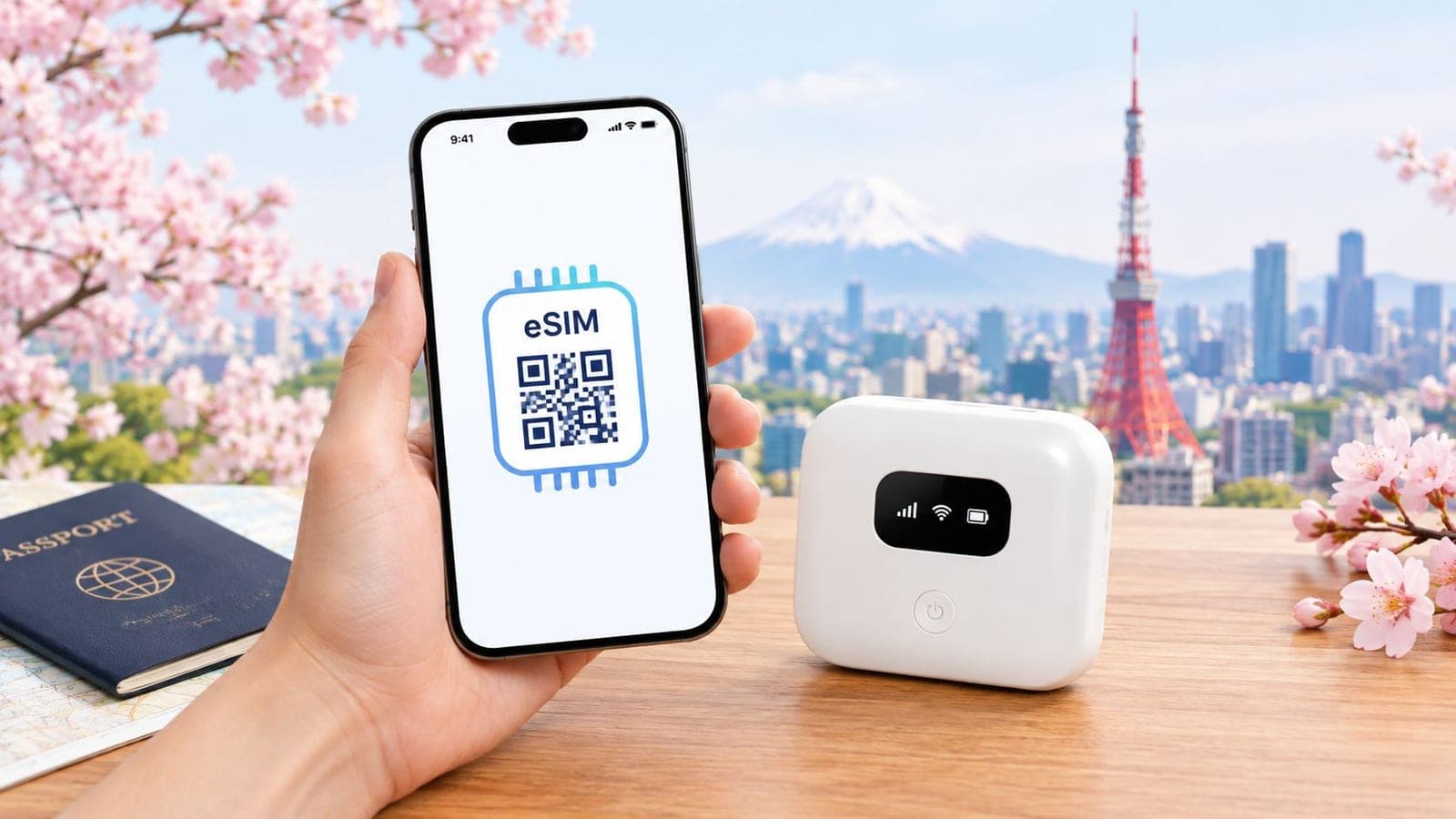
You land at Narita, the train app won't load, the taxi line is already ugly, and the first thing you need isn't a museum ticket. It's a working connection that can pull up a map, a boarding pass, a hotel address, or a translation app before the airport Wi‑Fi gives out.
If that sounds familiar, eSIM vs pocket WiFi Japan is not a theoretical comparison. It decides whether the first hour of the trip feels smooth or messy, and whether the rest of the trip keeps running on your phone, your tablet, and everyone else's devices without friction.
| Feature | eSIM | Pocket WiFi |
|---|---|---|
| Setup | Digital install, usually by QR code or app | Physical rental device picked up or delivered |
| Sharing | Usually one phone first, hotspot may vary by plan | One shared Wi‑Fi bubble for multiple devices |
| Hardware | No extra gadget to carry | Separate router to carry and charge |
| Best for | Solo travelers and simple trips | Groups, laptops, Wi‑Fi-only devices |
| Return | Nothing to return | Usually must be returned after the trip |
| Main risk | Compatibility and hotspot limits | Loss, charging, and rental logistics |
Why the Connectivity Choice in Japan Actually Matters
The first hour in Japan exposes every weak spot in your connectivity plan. A traveler who lands late at Narita and still has to find a JR counter, a hotel shuttle, or a last train does not care about abstract network talk, only whether Google Maps, translation, and booking pages open fast enough to be useful. That is why a dead data connection feels bigger than a bad seat on the plane.
Japan also still rewards people who can act fast online. Transit changes, restaurant QR menus, IC card top-ups, and hotel check-in links all become a lot easier when the connection is stable instead of patched together from airport Wi‑Fi and hope. The difference shows up again in rural stays, late-night arrivals, and family trips where everyone needs a separate screen working at once.
Practical rule: if the phone is the trip's navigation desk, translator, and reservation desk, connectivity is not a side purchase. It is the trip's operating system.
That is the reason this choice matters. A weak setup can waste an airport hour, drain a battery faster than expected, or leave three kids fighting over one tethered phone. For a cleaner Japan setup from the start, a traveler can also check RedSim's Japan eSIM page before departure.
How eSIMs and Pocket WiFi Actually Work in Japan
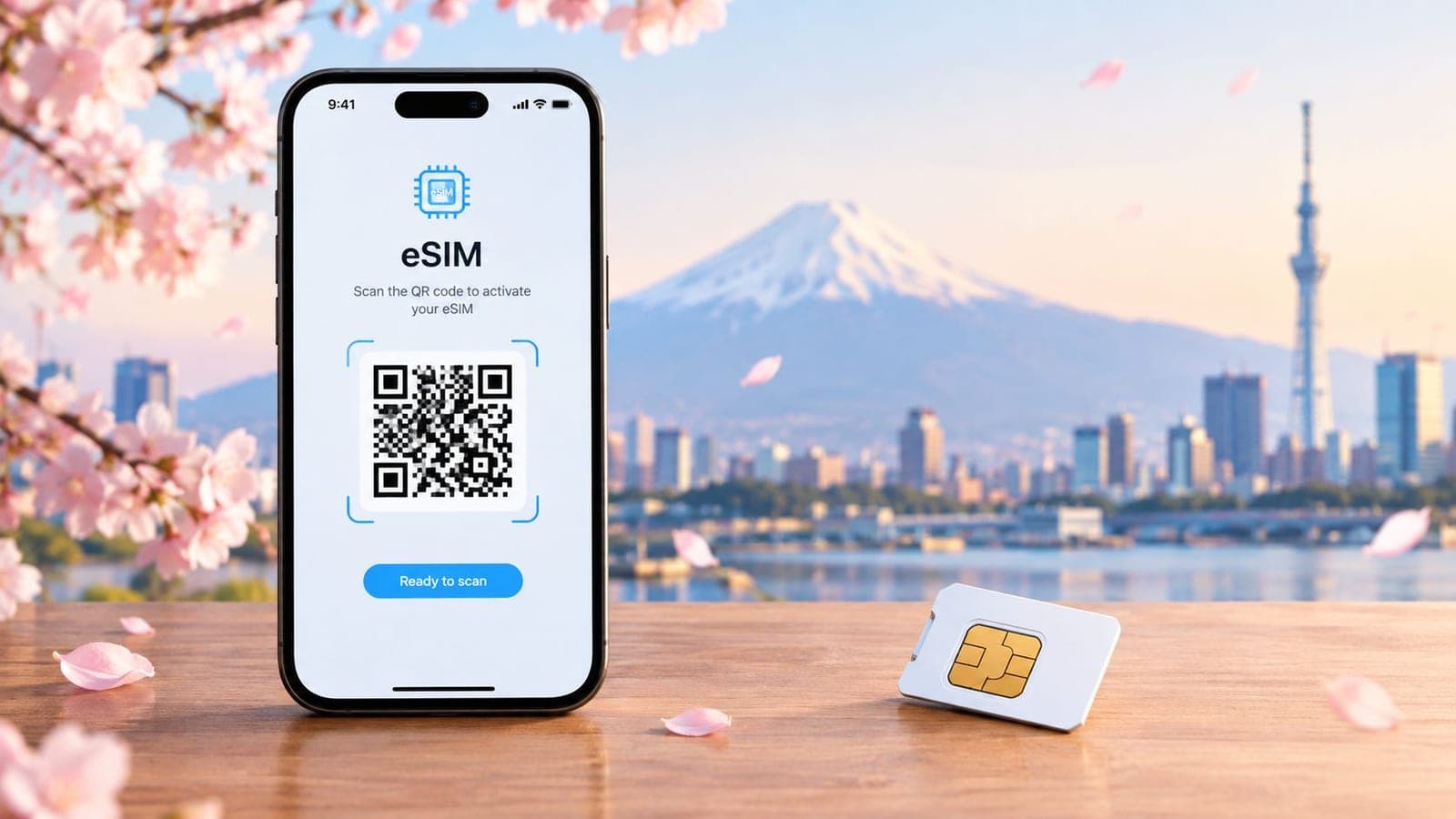
An eSIM is a digital mobile profile that lives inside a supported phone, see what is an eSIM for how it works. The traveler scans a QR code or installs it through an app, then the plan attaches to the handset without a physical card swap. That is why modern iPhones, Galaxy phones, and Pixels are the usual fit. The Japan data plan then runs on local carrier infrastructure through the provider's setup, while the user just sees mobile data on the phone.
Pocket WiFi works differently. It is a separate portable router, usually rented from a company such as Ninja WiFi, WiFi Rental Store, or Global WiFi, and it creates a local Wi‑Fi bubble that phones, tablets, and laptops can join. One device can cover several screens at once, which sounds efficient until you account for the extra box, the charger, the daily battery management, and the return step at the end of the trip.
eSIM is a line on a phone. Pocket WiFi is a rented mini-router. Both may use the same Japanese networks, but billing, sharing, charging, and return logistics are not the same.
| Feature | eSIM | Pocket WiFi |
|---|---|---|
| What it is | Virtual mobile profile on a compatible phone | Physical portable router |
| How it's installed | QR code or app | Pickup, delivery, or airport handoff |
| Main device needed | Supported, carrier-unlocked phone | Rental router plus charger |
| Sharing model | Usually per phone, sometimes hotspot sharing | One shared Wi‑Fi network |
| Billing style | Data plan attached to the line | Rental of a shared device |
| Return requirement | None | Usually must be returned |
The practical difference is ownership. The eSIM stays inside the traveler's phone. The router does not. That split decides most of the trade-offs later, especially for travelers who want to move fast, share data across several devices, or avoid carrying one more thing through airports and trains.
Real Cost Comparison for Solo, Couple, and Family Trips
A solo traveler leaving the airport with one phone pays for simplicity. A family leaving with four phones, a tablet, and a laptop pays for shared access. Comparing only the advertised plan price misses the true cost of carrying, charging, collecting, and returning the connection.
Solo travel usually favors eSIM
For a 7-day solo trip, use this illustration: a 10 GB Japan eSIM costs $25 to $35, while a basic pocket WiFi rental costs $7 to $9 per day, or roughly $50 to $65 for the week. On those figures, eSIM wins clearly. One traveler has no second phone to connect, no router to charge, and no return deadline to manage.
The eSIM also removes a small but persistent travel task. With pocket WiFi, the router must stay nearby and powered. Losing it can create a much larger bill than the plan itself.
Couples are the closest call
For two people, the price gap narrows. As a hypothetical comparison, two separate eSIMs at $25 to $35 each total $50 to $70, while one pocket WiFi rental for the same trip may total $50 to $65. Pocket WiFi can therefore win on the quoted plan price.
I would still choose two eSIMs for a couple that spends days apart or values independent movement. Choose pocket WiFi when both travelers stay together, want to connect additional devices, and will consistently remember one shared router, its charger, and the return process.
Families are where pocket WiFi starts to make sense
For a family of four on a 10-day trip, use another illustration. One pocket WiFi rental at $70 to $90 can serve everyone, while four eSIMs with 10 to 15 GB each total about $100 to $140. The shared router earns its cost when phones, tablets, or laptops need data throughout the day.
The saving is not only the plan total. One rental avoids four separate installations and gives the group one connection to manage. The trade-off is that the router becomes shared infrastructure. If it is left in a hotel room, loses battery, or breaks, everyone feels the problem.
Decision rule: with fewer than two connected devices needing data each day, pocket WiFi's logistics usually erase its price advantage. With three or more daily devices, sharing can justify the rental.
Hidden charges can change the result. Check pickup requirements, late-return fees, courier charges, battery-bank rentals, and the lost-device penalty, which can reach $200 to $300. Review the plan rules on RedSim's comparison page before booking, especially for a group trip.
| Trip Type | eSIM Total | Pocket WiFi Total | Hidden Costs | Winner |
|---|---|---|---|---|
| Solo 7 days | $25 to $35 | $50 to $65 | Extra device, charging, return | eSIM |
| Couple 7 days | $50 to $70 | $50 to $65 | Pickup, battery, return | Pocket WiFi on quoted plan price |
| Family of 4, 10 days | $100 to $140 | $70 to $90 | Loss risk, charging, logistics | Pocket WiFi |
One person should almost always skip pocket WiFi. Families and device-heavy trips are the cases where it becomes rational.
Coverage, Speed, and Latency in Real Conditions
Speed on a test page is not the same as speed on a train platform, in a ryokan, or while video calling from a station concourse. Independent testing in Japan shows that local-type eSIMs and pocket WiFi can both behave like near-resident connections in urban areas, with latency around 13 to 50 ms for local-type eSIMs and pocket WiFi, while roaming-style eSIMs can sit around 150 to 300+ ms because the data is backhauled overseas through the wrong routing path (RoamiApp's Japan connectivity field notes).
That routing difference matters more than a lot of travelers expect. A roaming-style eSIM can feel fine for maps and messaging, yet still lag badly on calls, uploads, and live collaboration even when the signal bars look strong. Pocket WiFi can avoid that problem only when the rental device is paired to a domestic Japanese network and not dragged down by weak coverage or shared usage.
Independent benchmarking also shows that not every Japan eSIM performs the same way. One dataset reports average download speeds from 23.5 Mbps to 204.5 Mbps, with latency from 24 ms to 80 ms, and the best tested plan averaged 204.5 Mbps down, 29.3 Mbps up, and 24 ms latency, while another major option averaged 23.5 Mbps down, 12.7 Mbps up, and 80 ms latency (Japan eSIM speed test database). That is a huge spread, and it proves the carrier path matters as much as the phone itself.
A fast-looking connection on a desk test tells very little about a Hakone ryokan, a subway tunnel, or a moving Shinkansen carriage.
| Location | eSIM Download / Upload / Latency | Pocket WiFi Download / Upload / Latency |
|---|---|---|
| City center | Varies widely by carrier and routing, with strong results on domestic paths | Often comparable when on domestic routing |
| Suburban transit | Can stay usable, but roaming-style paths add lag | Usually steadier if signal remains strong |
| Rural or mountain stay | Can drop sharply depending on carrier path | Can stay usable if the rental network holds |
| Video call use | Good on domestic routes, poor on roaming routes | Better when the device is on a strong local network |
For connection issues right after landing, the most useful fix is usually a correctly provisioned plan, not a bigger phone. A traveler dealing with no signal after arrival can use RedSim's landing help page as a checklist before blaming the handset.
Device Compatibility, Hotspot, Battery, and Portability
Compatibility is where a lot of trips get decided before the airport even appears. eSIM requires a carrier‑released phone with eSIM hardware, which usually means newer devices such as an iPhone XS or later, Pixel 3 or later, or Galaxy S20 or later. Pocket WiFi works with almost anything that can join Wi‑Fi, including older phones, Kindles, Nintendo Switch consoles, tablets, and laptops.
Hotspot behavior is the key separator. Some Japan eSIM plans allow tethering cleanly, while others limit it or make it awkward for heavy laptop use. Pocket WiFi is built for sharing from the start, so it can spread one connection across several gadgets without making the phone act like a tiny router.
Battery life is the other pain point. A phone running a travel eSIM and acting as a hotspot works harder, while a pocket WiFi unit carries its own battery and takes stress off the handset. The trade is obvious, one option adds zero physical weight, the other adds a small device that has to be kept charged.
The physical burden is not huge, but it is real. A pocket WiFi unit can sit in a bag all day, yet it still needs attention, while an eSIM disappears into the phone and never asks to be remembered. For travelers carrying more than a phone, the extra router is often worth the fuss only when multiple people really need it.
| Factor | eSIM in Japan | Pocket WiFi in Japan |
|---|---|---|
| Supported devices | Unlocked, eSIM-capable phones | Any Wi‑Fi-capable device |
| Hotspot use | Depends on plan | Built for sharing |
| Battery impact | Higher on the phone when tethering | Separate battery in the router |
| Portability | No extra item | Extra gadget to carry |
| Best fit | Solo phone users | Multi-device travelers |
If the trip depends on one phone staying alive all day, an eSIM is cleaner. If the trip depends on a laptop, tablet, and two phones all staying online, pocket WiFi starts looking more practical.
A traveler checking whether a handset is ready for Japan can use RedSim's compatible devices page before buying anything else. That step avoids the classic mistake of buying the right plan for the wrong phone.
Airport Activation, Refunds, and Customer Support
Arrival logistics separate the easy option from the annoying one. An eSIM usually starts with a QR code or in-app install before departure, then activates shortly after landing, which means the phone can be live without leaving the arrivals hall. Pocket WiFi usually starts with a counter visit, a passport check, and a queue that gets longer when a lot of travelers land at once.
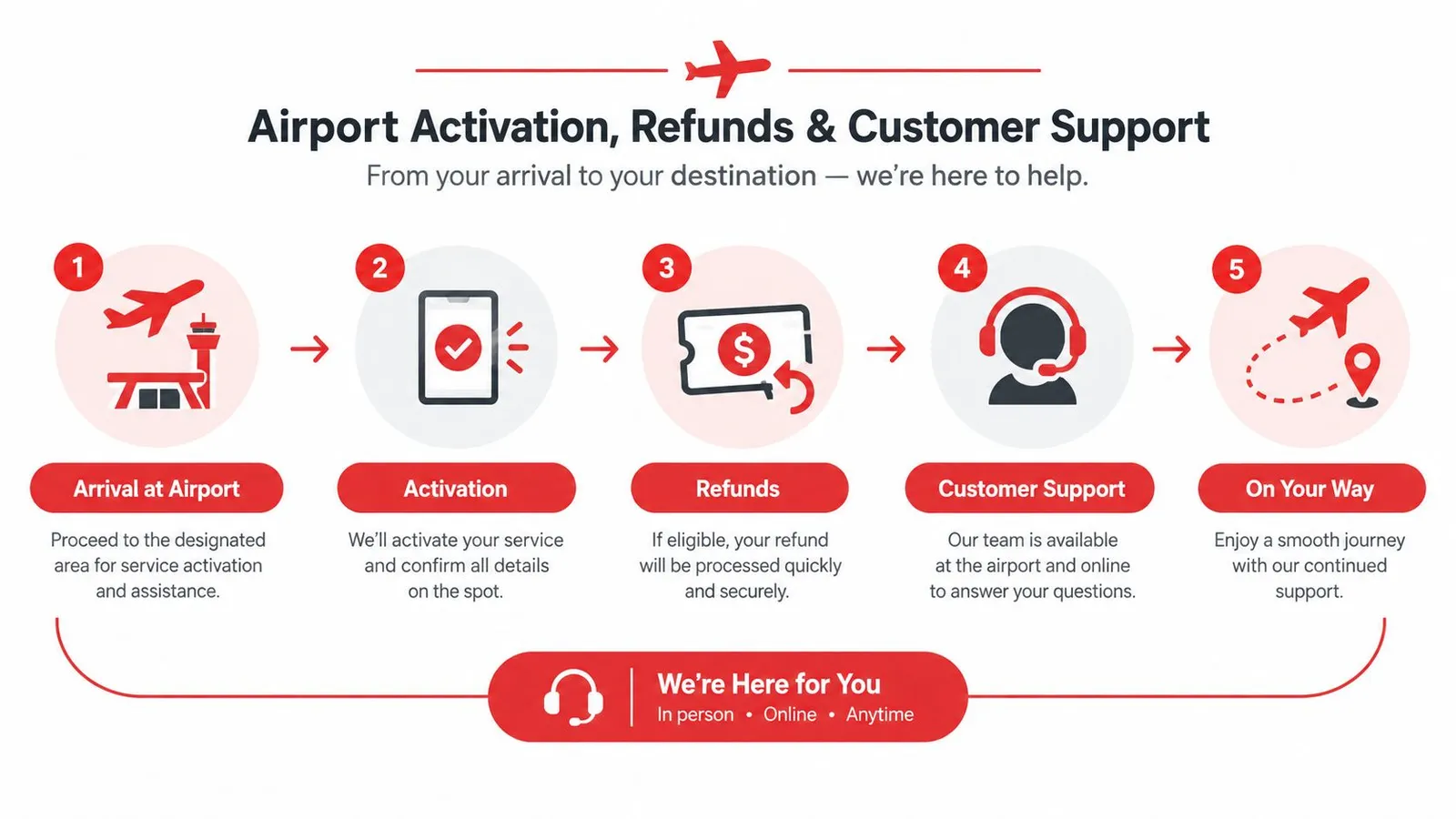
That difference matters because pocket WiFi adds a physical handoff to the trip. It can also add a return step before departure, either at a counter or by mail, which turns connectivity into one more thing to remember on the way home. An eSIM does not ask for a bag check, a return slip, or a final queue.
Refund behavior also tends to favor digital plans. Reputable eSIM sellers often offer prorated refunds for unused days within a set window, while pocket WiFi rentals can create late-return fees and insurance gaps if the device goes missing or comes back late. The point is not that one side is risk-free, only that the risk surface is smaller when there is no hardware to lose.
Customer support is different too. eSIM providers generally use in-app chat and email, while pocket WiFi companies can add phone lines, airport desks, and same-unit replacement channels if something breaks. That extra support can help in a crisis, but it does not erase the pickup and return burden.
For most travelers, the rule is simple. If the goal is to be online fast, eSIM wins. If the goal is to have a staffed desk and a replaceable box, pocket WiFi has the edge.
Which Option Wins by Traveler Type
Solo travelers should pick eSIM almost every time. One phone, one QR code, no extra device, no return line, and no reason to walk to a rental counter just to get the internet that the phone could have used all along. A mid-tier Japan eSIM on a strong domestic network is the cleanest answer for maps, messaging, trains, and restaurant bookings.
Business travelers are also usually better off with eSIM, but only if the plan supports hotspot use cleanly and the routing is stable enough for calls. Pocket WiFi can work for laptop tethering, yet it adds a failure point through one more battery, one more device, and one more thing to misplace between meetings. For short work trips, the less moving parts, the better.
Families are where pocket WiFi starts earning its keep, but only when enough devices need to stay online together. One shared unit can replace multiple phone plans when there are three or more active users, especially if the trip includes kids' tablets and a parent's laptop. Under that point, separate eSIMs can still be simpler and sometimes cheaper once logistics are counted.
Heavy data users need to think differently. Streaming, live navigation, cloud backups, and constant hotspot use can expose the limits of small tourist data buckets, while some pocket WiFi plans advertise unlimited service but still apply a daily soft cap or throttling. The right pick depends on whether the phone itself is the main consumption device or whether a separate shared router should carry the load.
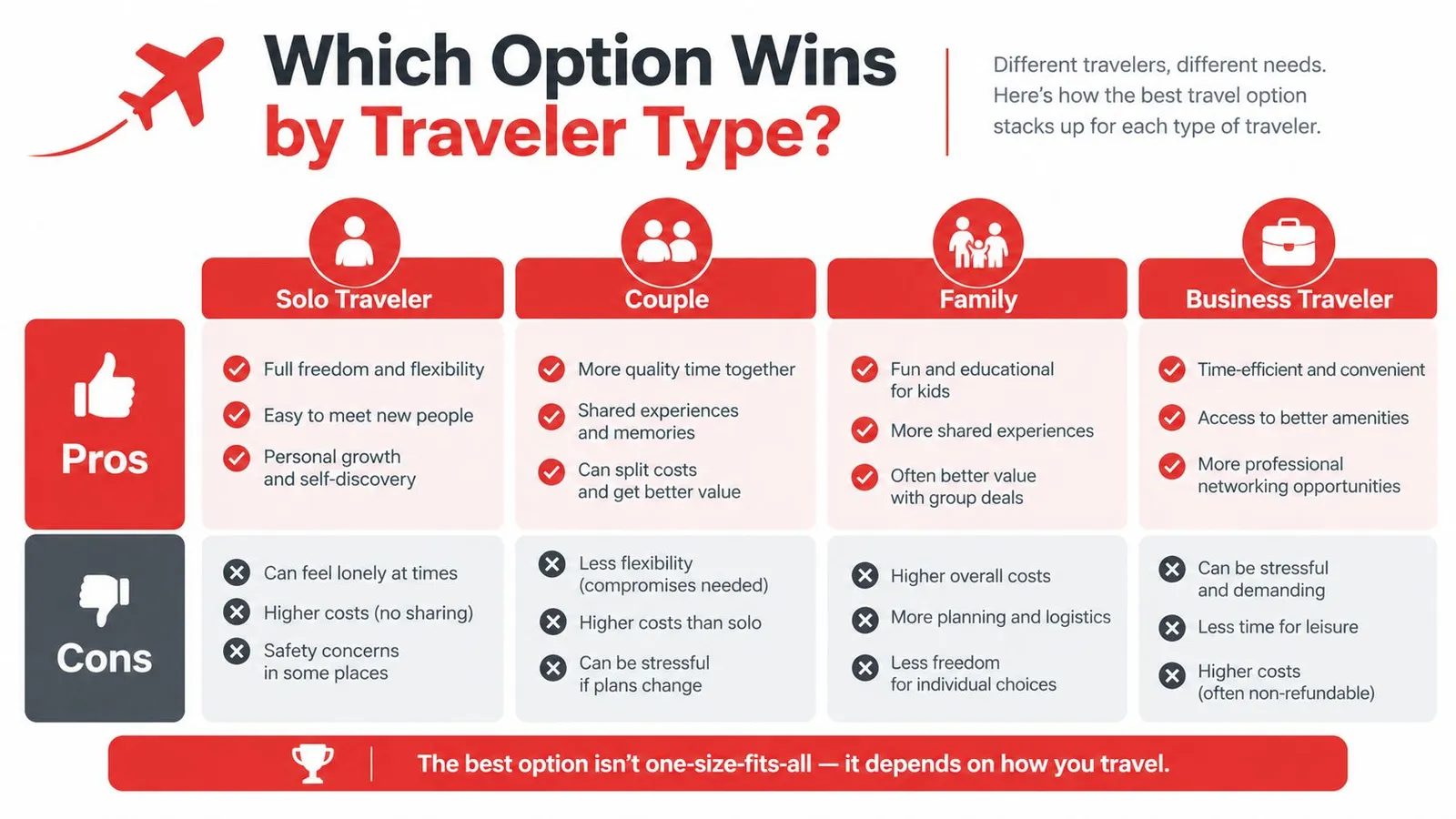
Clear call: solo and business trips should start with eSIM. Families and device-heavy trips should compare pocket WiFi only after checking whether three or more devices really need data at the same time.
There is one exception worth naming. Travelers with Wi‑Fi-only tablets, older phones, or multiple laptops that cannot use eSIM should look harder at pocket WiFi, because the hardware choice may matter more than the plan price. In that case, the shared router is not a luxury, it is the only simple way to keep everything online.
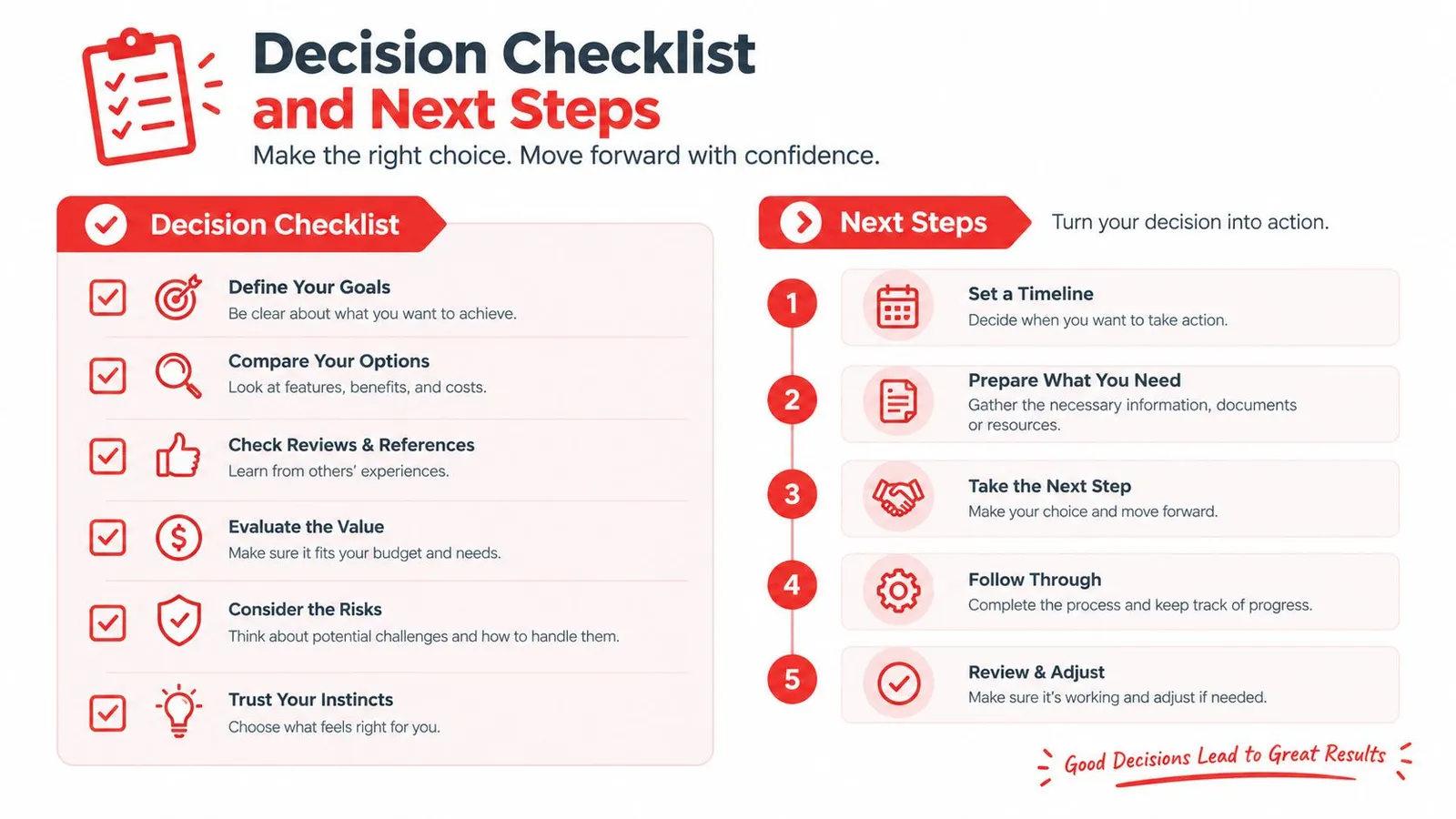
Decision Checklist and Next Steps for Booking
The right Japan connectivity choice gets easy when the booking checklist is blunt. First, confirm that the phone is eSIM-compatible and has an open carrier status. Second, check the cities on the itinerary against the provider's coverage maps, because Tokyo and a mountain ryokan do not behave the same way.
Next, count devices instead of people. If only one or two devices need data, eSIM usually wins on simplicity. If three or more devices need one shared connection, pocket WiFi deserves a closer look.
Then compare real trip cost, not sticker price. That means looking at the data allowance, pickup or delivery fees, return rules, deposits, and the cost of replacing or losing the device. It also means checking whether hotspot use is allowed on the eSIM and whether the pocket WiFi plan comes with a soft cap.
A good booking flow is short and practical:
- Check phone support early: Make sure the handset is carrier-free and ready for eSIM before buying anything.
- Match the trip to coverage: City-only travel and rural stays should not be treated as the same network problem.
- Count all users: One traveler, one partner, or a whole family changes the math fast.
- Compare total cost: Include pickup, deposits, return rules, and support access.
- Buy before departure: Give the eSIM enough time for QR delivery, or reserve the pocket WiFi pickup slot in advance.
- Save the setup info: Screenshot activation steps and support contact details before boarding.
The simplest decision rule is this. Choose eSIM for trips under 14 days with one or two devices. Choose pocket WiFi for longer trips, three or more devices, or travelers carrying Wi‑Fi-only tablets and laptops that can't use eSIM.
RedSim sells Japan eSIM plans with instant QR delivery, and that matters here because the whole point is to skip airport friction and get online fast. For travelers comparing Japan connectivity before departure, RedSim is a practical place to check compatible plans, device support, and trip-length options in one place.
 China
China