 Japan
The usual advice, check that the phone can be used with other carriers and supports 4G or 5G, leaves an important question unanswered: will ordinary calls and texts work too? A phone can load maps in Japan while its owner misses calls to the home number. Signal bars alone aren't a complete compatibility test.
A useful answer separates mobile data, carrier restrictions, and roaming voice service. Travelers also need to distinguish eSIM support from network compatibility, then treat 5G as an extra rather than the foundation of the trip.
Will Your Phone Actually Work in Japan
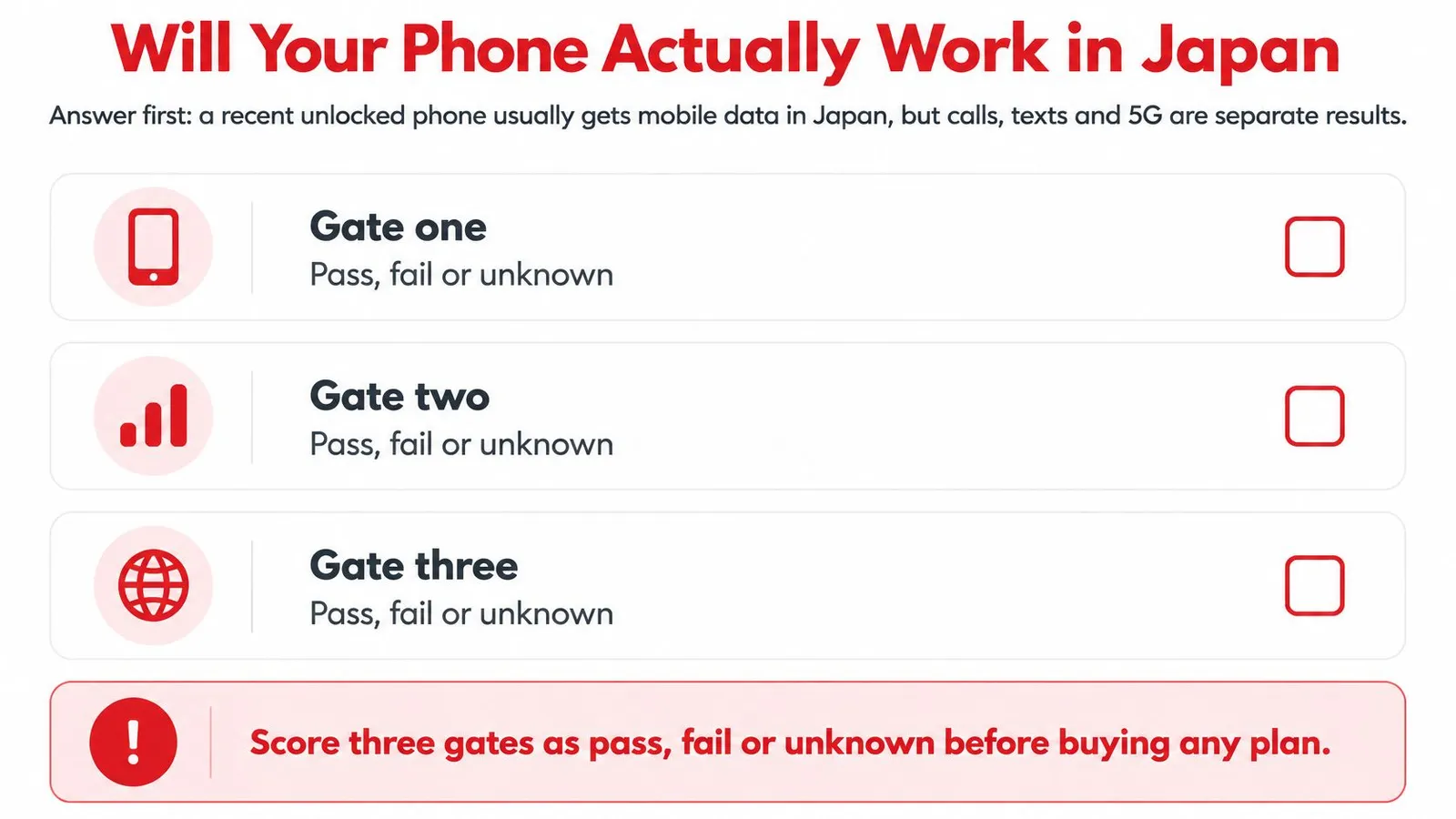
A recent phone will often work for mobile data in Japan, while calls, texts, and 5G each need a separate check. One successful connection tells you little. Every capability has its own gate, and the same device can pass some while failing others.
Before buying a plan, score each gate as pass, fail, or unknown. An unknown result calls for more checking; it doesn't condemn the phone. Each gate works like a separate exam subject: a pass in one says nothing about the rest.
Three gates for a phone in Japan
The gates are permission to use another carrier, a suitable data connection, and working roaming voice service. eSIM hardware and 5G support sit inside that decision as extra checks.
| Check | Pass looks like | Fail looks like |
|---|---|---|
| Carrier release | Carrier or settings confirm the carrier has released the phone | Lock blocks a travel eSIM and a local SIM |
| eSIM hardware | Add eSIM or Add Cellular Plan appears, or dialing *#06# shows an EID | No eSIM menu, or a China, Hong Kong, or Macau iPhone restriction |
| LTE data | Priority Japanese LTE bands appear in the exact model's specifications | Only partial network compatibility, potentially limiting coverage |
| 5G | Japanese network bands appear in the model's specifications | No matching bands; LTE still determines basic usability |
| VoLTE voice and SMS | Home carrier confirms Japan voice roaming and SMS support separately | Data works, but calls or authentication texts fail |
Gate one is carrier release. A carrier restriction stands on its own, no matter how capable the hardware is. A traveler whose phone fails this check should look into freeing the device or pick a connection that needs no second SIM profile.
Gate two is LTE compatibility. The phone needs suitable radios for the network the plan uses. A familiar model name or a 5G logo cannot confirm that match, particularly with imported regional variants. The exact model's specification sheet settles it.
Gate three is voice service. According to HelloRoam's Japan phone compatibility guide, au ended 3G in March 2022, SoftBank followed in April 2024, and NTT docomo's FOMA service was scheduled to end on March 31, 2026. With those older networks gone, confirming voice roaming and SMS delivery with the home carrier before departure is the safer plan.
Why full bars can give the wrong answer
VoLTE, short for Voice over LTE, carries ordinary carrier calls over the LTE network. A phone can have working data while VoLTE roaming stays unsupported, disabled, or incorrectly provisioned.
Say a traveler installs a data plan and opens a hotel reservation on landing. That proves internet access through the selected data line. The home carrier's ability to deliver an incoming call or a bank authentication text remains unproven.
SMS deserves its own confirmation. A working internet connection says nothing about whether messages addressed to the home number will arrive.
Practical rule: A webpage proves data access. A completed carrier call proves voice service. Neither result stands in for the other.
A data-only Japan eSIM supplies the data line and leaves the home number's calls and texts on the home SIM. Travelers who need both services must plan for the home line separately.
If the device checks remain unresolved, weighing an eSIM against a pocket Wi-Fi rental can surface a workable alternative before any purchase.
Confirm Carrier Release and eSIM Support
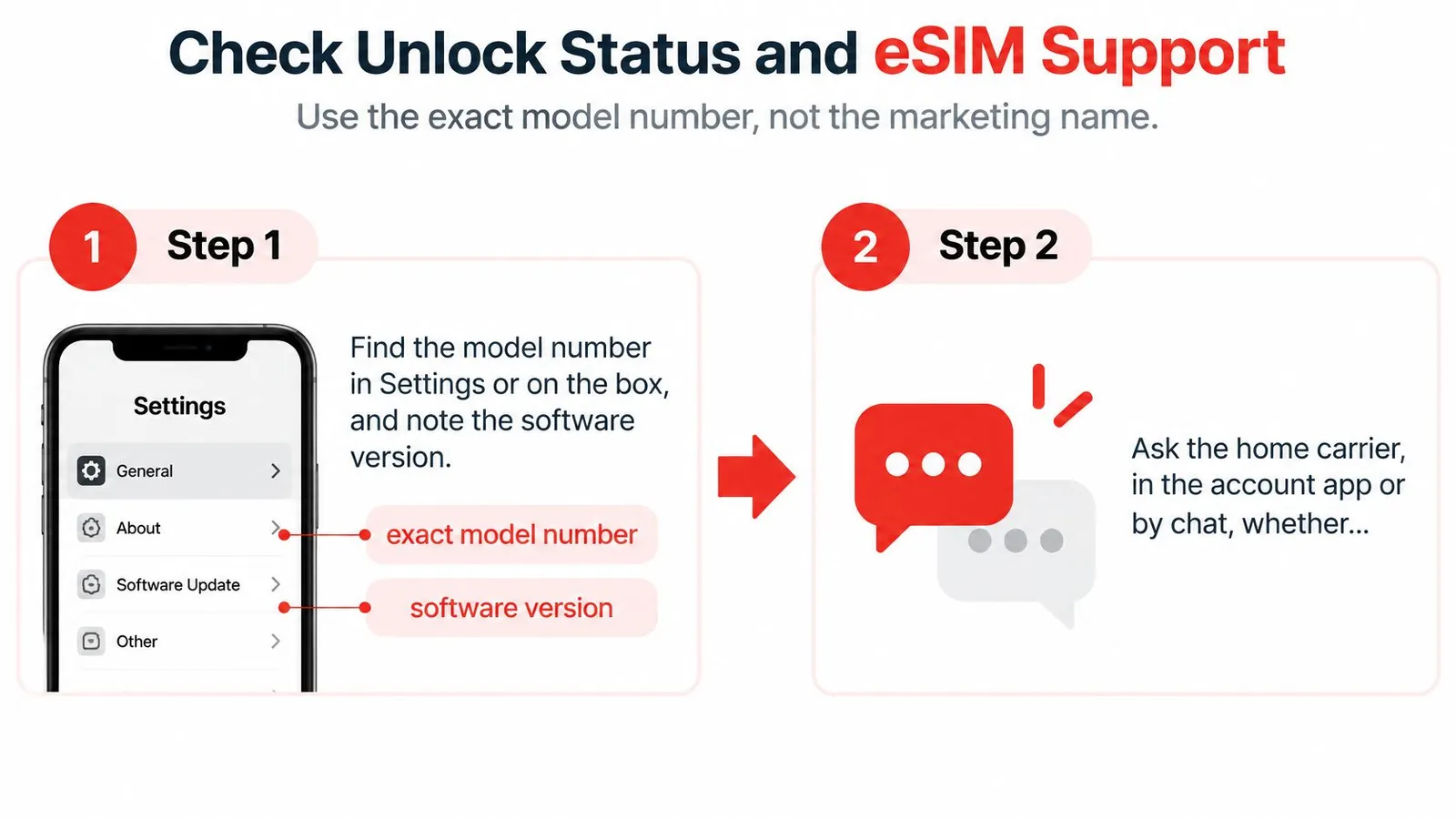
A strong signal on the spec sheet answers the wrong question first. Before radio bands or call features enter the picture, a phone has to pass two separate tests: it must accept a SIM or eSIM from another carrier, and it must support eSIM at all. A restricted handset and an eSIM-incapable handset produce the same result at checkout, a wasted purchase, but they fail for different reasons.
The exact model number matters more than the name printed on the box. Two phones sold under the same family name can carry different regional hardware or SIM capabilities, so the full model identifier from the About screen, not the product family, is what every later check should match. Confirming carrier release before buying a compatible-looking eSIM keeps the order correct.
Confirm the handset accepts another carrier
Start with the carrier account app or the provider's support line. The question is narrow: does the device accept another carrier's SIM or eSIM? International roaming being enabled on the account is a different setting, and it says nothing about whether the handset itself is restricted.
For readers unfamiliar with the distinction between a SIM and a carrier restriction, CTF Mobile Phones understanding SIM and carrier from CTF Mobile Phones & Computer Repairs provides useful context. An eSIM menu in Settings and a device free of carrier restrictions are two different findings, and only the second one determines whether a travel eSIM can activate.
If the answer comes back negative, ask the home carrier to release the handset. When that can't happen before departure, the practical fallbacks are the carrier's own Japan roaming or a rental hotspot, because a local physical SIM runs into the same restriction.
Confirm the phone supports eSIM
eSIM capability lives in the device's hardware and software, and it can be checked on the phone itself:
- Locate the eSIM controls. On an iPhone, inspect the cellular settings for Add eSIM or Add Cellular Plan. Android menu names differ between manufacturers, so the maker's instructions help when the option isn't obvious.
- Check for an EID. Dialing *#06# can display the eSIM identifier on supported devices. An EID is useful evidence of eSIM capability, though it says nothing about carrier restrictions or Japanese network support.
- Match the regional specification sheet. Compare the saved model identifier against the manufacturer's page for that exact version. A generic review of the international model isn't enough when the phone was bought in another market.
Selectra's device compatibility guidance identifies iPhone XS/XR and later and Google Pixel 4 and later as generally eSIM-capable, while iPhone X and iPhone 8 don't support eSIM; it also warns that regional versions can differ.
| Device | eSIM support | Note |
|---|---|---|
| iPhone XS, XR and later | Generally yes | Look for Add eSIM or Add Cellular Plan |
| iPhone X and iPhone 8 | No | Physical SIM only |
| Google Pixel 4 and later | Generally yes | Confirm the model and country-of-sale specifications |
| China, Hong Kong or Macau iPhone | Can be restricted | Check the regional specification sheet |
A device compatibility list covering more than 500 models offers a fast cross-check once the settings findings are in. The final answer should still agree with the phone's menus, the regional specification sheet, and the carrier's confirmation.
Record the outcome as two written answers rather than one general impression: carrier release status and eSIM support. If either remains unknown, the next move is clarification with the carrier or manufacturer before checkout.
Match Your Phone to Japanese Network Bands
A specification sheet answers a narrower question than a coverage map: which radio layers can this exact phone use? A plan can provide access to a Japanese network without making an unsupported band available to the handset.
LTE should be evaluated before 5G. For travel tasks such as maps, messaging, reservations, and translation, a dependable LTE connection is a more useful baseline than an occasional faster connection.
Read band labels rather than the 5G badge
The priority LTE labels to look for are Band 1, Band 3, Band 19, and Band 28. These are band identifiers, not speed ratings, and a phone doesn't gain support through a settings change.
For 5G, the relevant checks include n77, n78, and n79. The letter prefix distinguishes a 5G band label from an LTE band label.
The frequency classes below describe the broader Japanese network picture. They aren't a one-to-one conversion chart for the priority LTE bands, and they shouldn't be read as one.
Japanese bands that matter for travel
| Layer | Bands | Frequency classes | Travel priority |
|---|---|---|---|
| 4G baseline | 1, 3, 19, 28 | Japanese LTE networks use 850, 1500, 1800, 2100 and 2500 MHz classes | Prioritize a strong LTE match for dependable data |
| 5G mid-band | n77, n78 | Mid-band 5G | Useful where available, not required |
| 5G Japan layer | n79 | An additional Japanese 5G compatibility check, sometimes missing on imports | Optional; working LTE still counts |
| Coverage reality | 5G population coverage by prefecture | Population coverage isn't a guarantee for every location | Don't plan around 5G alone |
A missing band doesn't necessarily mean the phone will have no service. It means the traveler needs to compare the model against the plan's actual host network rather than assume complete compatibility.
For example, an imported Android handset might connect successfully in a city while offering fewer usable network layers elsewhere. A successful connection at the hotel doesn't establish the same result throughout a mountain itinerary.
Interpret coverage figures correctly
Japan's Ministry of Internal Affairs and Communications reported 5G population coverage ranging from 88.4% to 99.9% across prefectures as of March 31, 2025, in its published coverage announcement. Population coverage isn't geographic coverage, so those figures don't promise continuous service along every road, hiking route, or railway.
Missing n79 support can reduce available 5G options even when LTE works. Conversely, supporting the listed 5G bands doesn't guarantee that the chosen plan, network, and location will provide a 5G connection.
Navigation also requires a separate distinction: internet access and accurate positioning aren't identical. When maps load but the position marker behaves poorly, 3rd-i's guidance on how to manage permissions for more reliable positioning helps direct attention toward location settings rather than the data plan alone.
LTE compatibility determines the basic travel-data result. Compatible 5G adds an opportunity for faster service, not a guarantee.
The next action is to save the manufacturer's band list beside the intended network details. The mobile setup help can then support configuration, but it can't add radios the device doesn't contain.
Confirm Calls and One-Time Passwords
Voice calls and texted codes follow the home number, which the home carrier controls. A travel-data provider can supply internet in Japan, but it has no say over whether the home line will ring or receive messages there. That answer has to come from the carrier itself.
The inquiry should name the destination, the exact handset model, and the required services. A general statement that international roaming is available doesn't resolve whether ordinary voice calls and incoming texts will work on that combination.
Get separate answers for voice and SMS
- Voice provisioning: Ask whether VoLTE is enabled on the line and whether VoLTE roaming in Japan is supported for the exact handset.
- Incoming SMS: Ask whether texts to the home number can be received while roaming in Japan. Include bank codes and account verification messages in the question.
- Data settings: Confirm whether calls and SMS remain available when mobile-data roaming is disabled on the home line.
- Written confirmation: Save the carrier's response as a screenshot or offline document, together with the relevant roaming terms.
Voice and SMS are provisioned as separate services, so each one earns its own line in the checklist and its own answer from the carrier.
Prepare account access before departure
Any account that still relies on a texted code deserves a second way in. Where the provider supports it, set up an authenticator app, passkey, or recovery code before leaving home, and test it while the normal SIM and familiar login methods still work. Some services offer no alternative to an SMS code, so the account's own recovery options decide what is possible. A backup counts only after the account has accepted it and a test sign-in has succeeded.
After arrival, a real incoming call to the home number provides a practical voice test. A separate, non-urgent authentication attempt can check the SMS-dependent account, without turning an airport login into an emergency.
If the carrier can't confirm roaming voice or SMS, treat those services as uncertain. Family communication can move to internet messaging, while any account still tied to a texted code needs its tested backup in place before departure.
A voice pass requires carrier confirmation and a completed call. The next action is to record that result separately from the data-connectivity result.
Choose Roaming or a Local Data Plan
Three routes remain once the device checks are done: keep the home carrier's roaming, buy a Japanese physical SIM, or install a travel data eSIM. A carrier-restricted phone points toward home-carrier roaming or a hotspot; a phone without carrier restrictions allows more SIM choices.
Each option handles the home number differently, asks something different of the handset, and fails in a different way during setup. A low advertised price answers none of those questions.
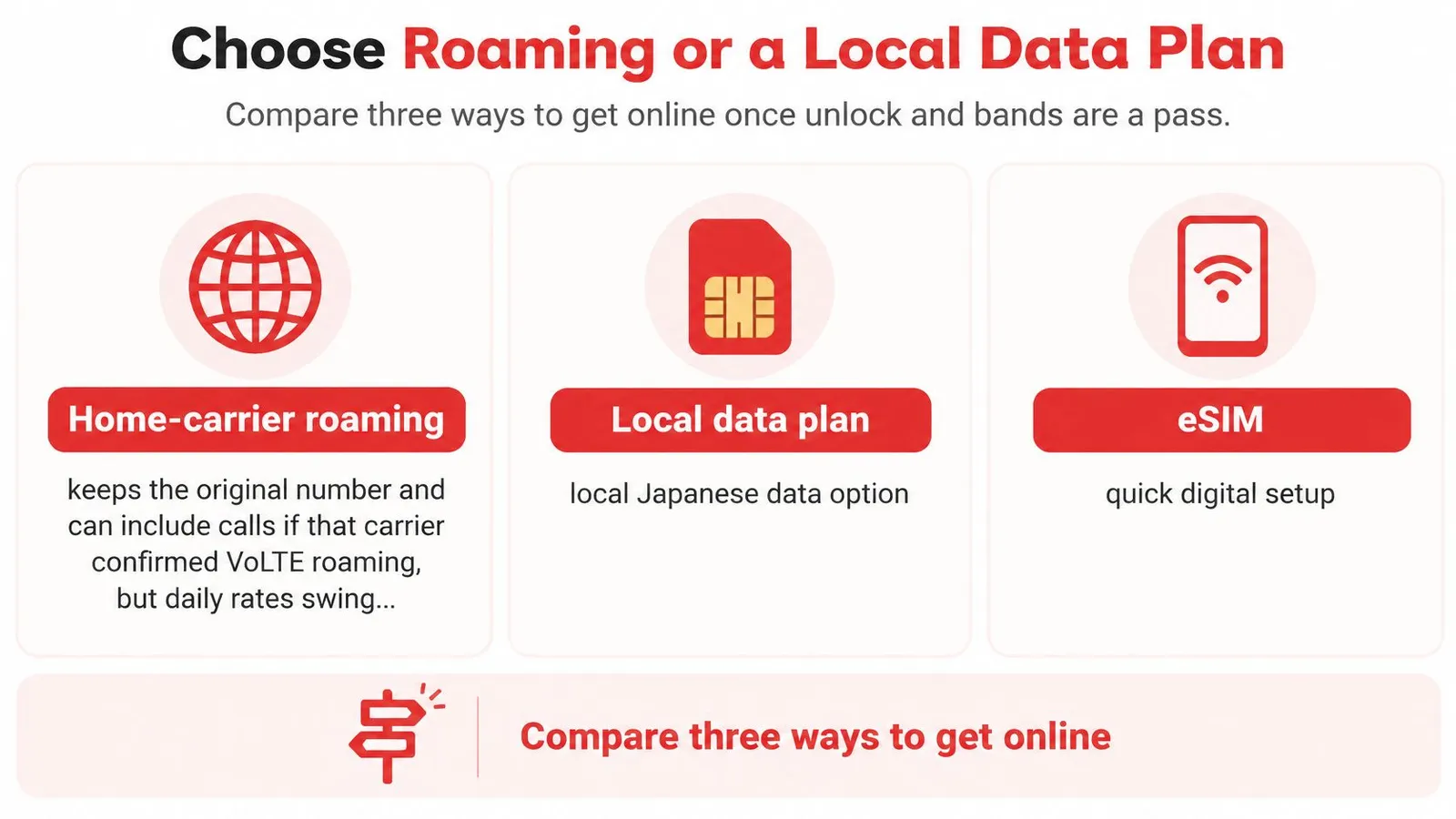
Roaming, physical SIM or travel eSIM
| Option | Home number | Phone must be | Main risk |
|---|---|---|---|
| Home carrier roaming | Stays active, including calls if VoLTE roaming is confirmed | Permitted to roam; carrier release not required | Unexpected charges if usage falls outside the selected pass |
| Japanese physical SIM | Often unavailable while removed from a single-SIM phone | Carrier-released, with a compatible SIM tray | Arrival setup and loss of home-line access |
| Travel data eSIM | Can remain active through the home SIM on a supported dual-SIM setup | Carrier-released and eSIM-capable | Wrong data line selected or installation attempted without internet |
Home-carrier roaming keeps the existing line in place. It can be the simplest option for a locked handset when the carrier offers a suitable capped pass, but the traveler should confirm activation rules, allowances, and out-of-plan charges before relying on it. A capped pass delivers predictable trip costs; an uncapped roaming arrangement does not.
A Japanese physical SIM suits a phone that is not carrier-locked and lacks eSIM support. An airport counter or shop may help with installation, though a traveler using a single-SIM handset needs a safe place to store the removed home SIM.
A travel data eSIM suits a compatible phone when digital installation and separate data routing are useful. A dual-SIM setup can retain the home line for calls and texts while the eSIM carries the data, but the handset's supported active-SIM combination should be checked before relying on that arrangement.
Match the plan to the trip
For a concrete option, the Japan eSIM provides prepaid travel data delivered by digital QR code, with entry pricing of $2.20 for a 1 GB, 7-day plan and $9.29 for a 5 GB, 30-day plan. Rather than tying service to a single carrier, the eSIM connects to the strongest local 4G or 5G network available. The buying decision should still follow device compatibility, required data allowance, and trip duration rather than the product name alone.
A laptop or child's tablet adds another requirement: hotspot sharing. Travelers should confirm tethering support and remember that shared usage draws from the same data allowance. If usage runs short mid-trip, a top-up adds data to the active eSIM without a new QR code.
A regional Asia plan becomes relevant when the itinerary leaves Japan. For a Japan-only holiday, additional countries don't solve a handset compatibility problem.
Indoor performance also deserves realistic expectations. Waymap's explanation of why strong signals fail indoors offers useful context when a connection changes between an open street and a building.
The practical choice follows the device: capped carrier roaming for a locked phone, a physical SIM for a suitable handset without eSIM, or a travel eSIM for a compatible digital-SIM device. Travelers who need their home number should confirm that the chosen arrangement keeps that line available.
Set Up Before You Fly and Verify on Landing
Installation should happen with reliable internet access, not under arrival pressure. The objective before departure is a correctly installed profile and a clear settings plan, not an overseas signal while still at home.
Sakura Mobile's compatibility guidance supports a staged process: establish the device details, confirm eSIM capability and carrier status, install through Wi-Fi, select the intended data line, and verify network access after arrival.
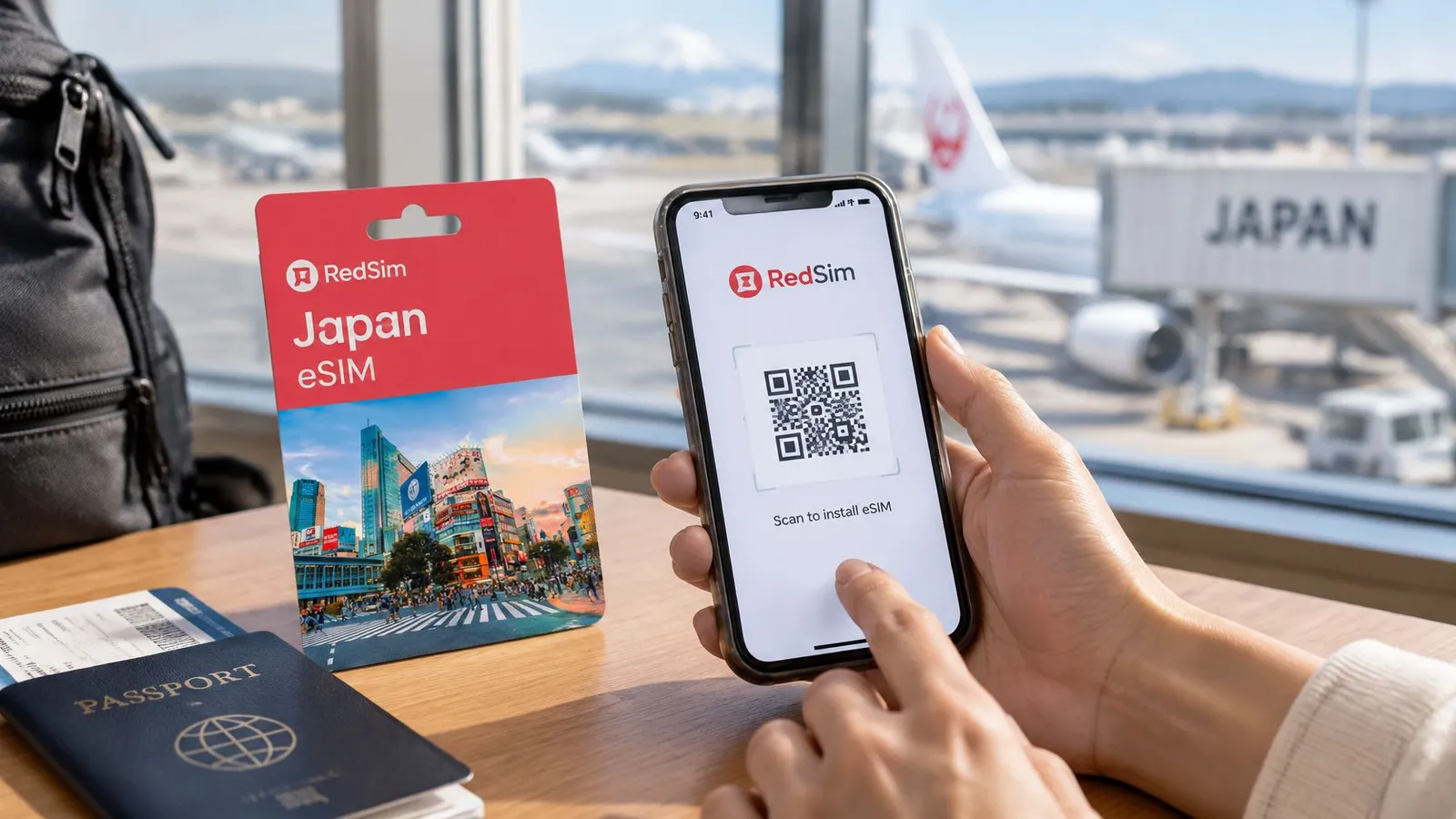
Before the flight
Finish the compatibility record. Save the exact model, software version, network access confirmation, regional band specifications, and carrier voice answer. Any unresolved item should have a fallback attached to it.
Read the activation instructions. Establish what starts the plan's validity before installing or enabling anything. Installation and the beginning of usable service aren't always the same event.
Install over Wi-Fi. Use the supplied QR code or supported app process. Confirm that the new profile appears in the phone's SIM settings, then give it a recognizable label such as Japan data.
Prepare the line settings. Retain the home SIM only when needed for calls or texts. Set the travel profile as the intended mobile-data line and disable automatic data switching if it could send usage through the home line.
Protect the home line from data roaming. Leave its data-roaming toggle off. Any roaming setting required on the travel profile should follow that profile's instructions, rather than be copied from the home line.
Save recovery material offline. Store the installation email, support details, hotel address, and account recovery information securely. A QR code displayed only on the phone being configured may require another screen or a supported manual installation method.
An installed profile without a Japanese network connection can be normal before arrival. Travelers shouldn't delete it merely because it hasn't registered overseas.
At the arrival airport
Allow network registration. Turn off airplane mode, then wait for the phone to connect. If necessary, toggle airplane mode again or restart the handset.
Test actual data access. Temporarily disconnect from airport Wi-Fi, load a webpage, and open a map. This prevents airport Wi-Fi from disguising a mobile-data problem.
Check essential services separately. Confirm the selected data line, make the planned voice test, and verify any necessary home-number SMS access. An LTE connection without a 5G icon is still a valid data result.
If mobile data fails, check that the profile is enabled, selected for data, and configured according to its instructions. The no-signal-after-landing troubleshooting guide provides a focused next step before deleting profiles or buying another plan.
A traveler with a failed activation or eSIM check should use the prepared alternative, not repeat the same purchase on the same handset. Once the relevant checks pass, the plan can serve its intended role: keeping travel tools online without confusing data access with home-number service.
RedSim offers digitally delivered travel data for compatible, carrier-ready phones. Travelers whose Japan device checks have passed can visit RedSim to choose a suitable data allowance and prepare installation before departure.
 China