
 Hong Kong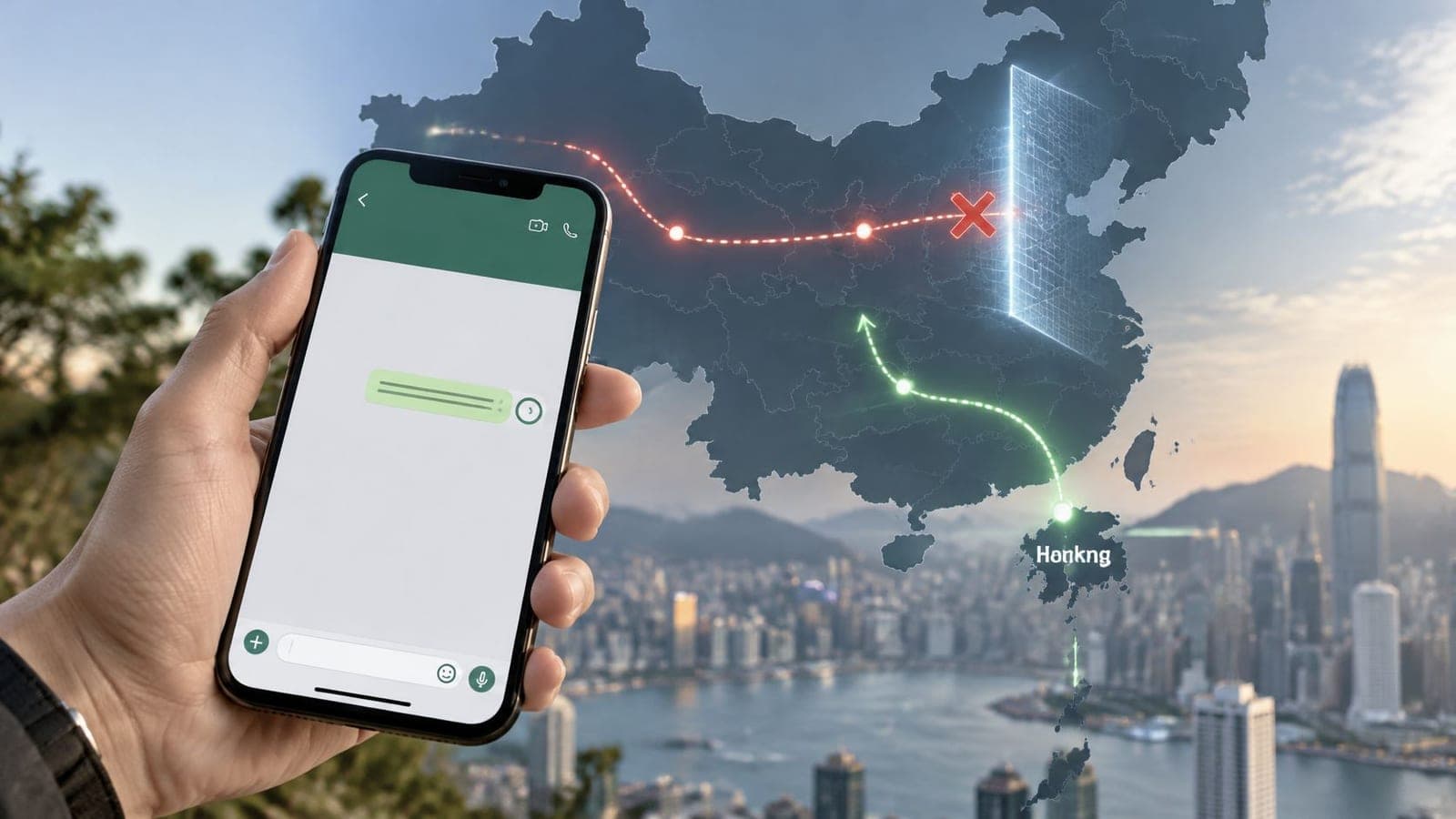
WhatsApp doesn't work reliably on mainland Chinese mobile data or Wi-Fi, so travelers can't count on texts, photos, or calls getting through on a local connection. The connection table in the next section shows the cases where it still can work, including Hong Kong, Macau, and mobile data that exits through a foreign route.
That distinction catches people on landing day. A phone can show full signal, load local websites, and still leave a family message stuck on one tick. WhatsApp for China is really a routing question, not an app question, and the answer changes with the city and the network a traveler joins.
Where WhatsApp Works Across China, Hong Kong and Macau
A traveler lands in Shanghai, joins the hotel Wi-Fi, opens WhatsApp, and sends a short message home. The app looks normal, old chats are visible, and the connection seems healthy, but the new message never leaves. That scene is the normal mainland result, not a broken phone.
On mainland Chinese mobile data and mainland Wi-Fi, WhatsApp is blocked even though the icon stays on the home screen. CNBC reported that by October 18, 2017, WhatsApp was widely reported as blocked in mainland China, including in Beijing, where users could not reliably send or receive messages. The report placed WhatsApp alongside Facebook, Instagram, Google, and YouTube behind the Great Firewall, with text, images, video, voice messages, and calls unavailable or unreliable.
WhatsApp by the Connection You Are On
| Connection | Traffic exit | Text | Media and calls | What to expect |
|---|---|---|---|---|
| Mainland Chinese SIM | Mainland gateway | Usually fails | Usually fails | App may open while messages stall |
| Hotel, cafe, airport, or office Wi-Fi in mainland | Mainland gateway | Usually fails | Usually fails | Wi-Fi can override a working eSIM |
| Home-carrier international roaming | Often a foreign breakout | Often works | Often works | Result depends on the operator and can change |
| Travel eSIM with foreign breakout | Foreign gateway | Often works | Often works | Keep it selected as mobile data |
| Hong Kong local SIM or Wi-Fi | Hong Kong | Works | Works | Not the same network as the mainland |
| Macau local SIM or Wi-Fi | Macau | Works | Works | Same practical pattern as Hong Kong |
China Mobile, China Unicom, and China Telecom SIMs exit through mainland gateways. Hotel, cafe, airport, and office Wi-Fi in the mainland do the same, so registration codes, texts, photos, voice notes, and calls commonly fail. An account logged in before the trip can look healthy while new messages sit unsent, because opening the app doesn't prove delivery.
Home-carrier roaming and foreign-breakout eSIMs sit in the middle rows for a reason. They often succeed because traffic leaves through a foreign gateway, but the operator controls that route and the route can change. A traveler who needs a registration code while setting up a new account faces a separate risk, since the code depends on the number still receiving SMS. In that narrow case, some travelers look at temporary SMS numbers from quackr to receive a code, although a temporary number is a poor long-term home for a personal WhatsApp account.
Name the city and the network, not the passport stamp. That pair predicts WhatsApp far better than the country name on the itinerary.
Three Trips, Three Answers
A mainland-only holiday in Beijing or Chengdu should assume WhatsApp won't carry the trip. Families should agree on another channel before departure rather than discovering the block at the hotel.
A Hong Kong or Macau stay is different. Local data and local Wi-Fi normally work with WhatsApp, so a short Hong Kong trip may only need ordinary local connectivity, such as a Hong Kong eSIM option or a local SIM. Macau follows the same practical pattern.
A split trip changes mid-journey. Say a family spends three days in Hong Kong, then takes the train to Guangzhou. WhatsApp works at breakfast in Hong Kong and can stall by dinner, once the phone joins a mainland network or the border hotel's Wi-Fi. Nothing changed on the phone. The exit point changed.
How the Mainland Block Works
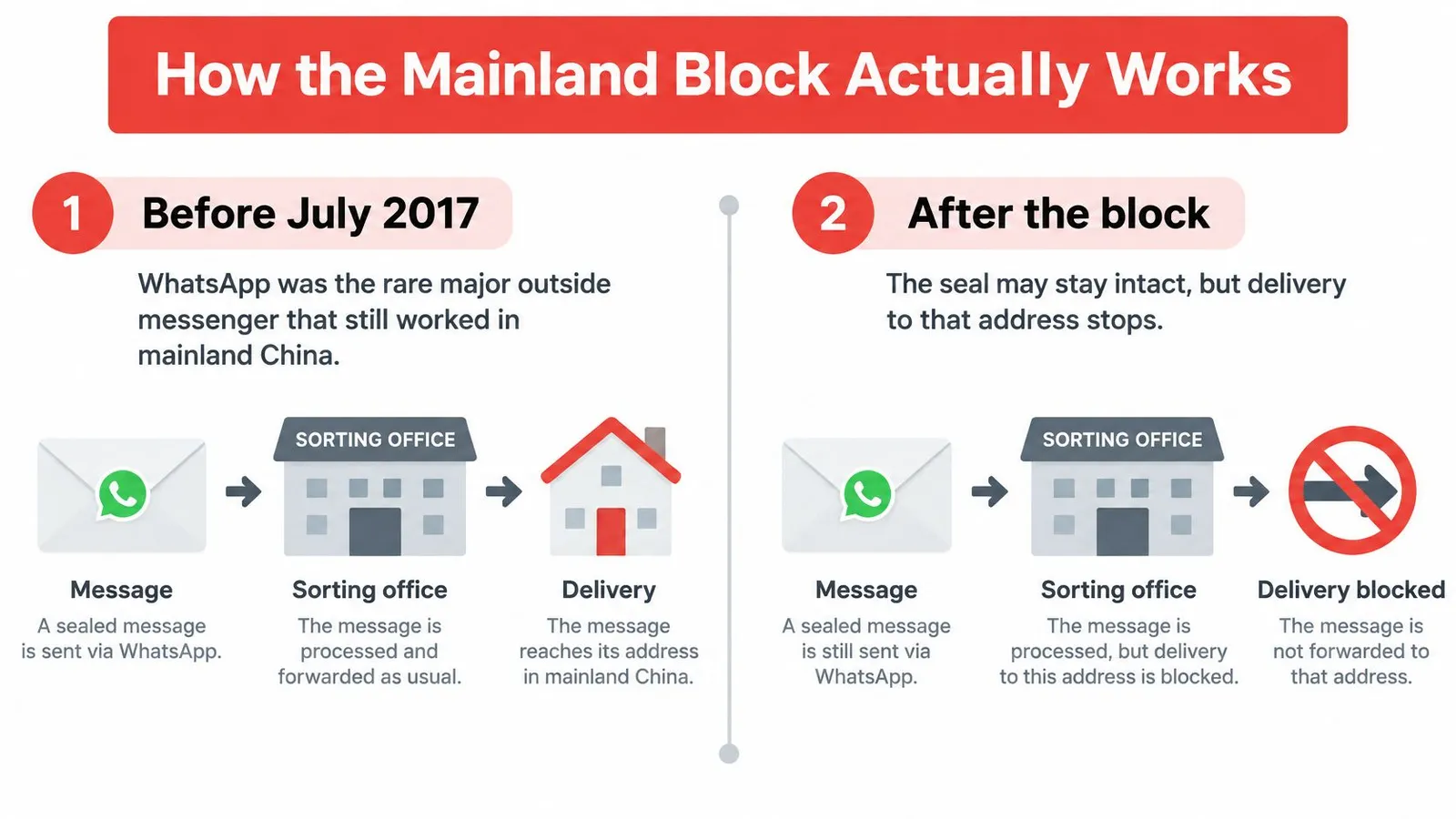
In mainland China, a message can be encrypted and still fail to arrive. A sealed envelope can pass through a sorting office unopened, yet never reach its address. That is a useful way to understand the block: the network can prevent a phone from reaching WhatsApp's services without reading the message itself.
Before July 2017, WhatsApp remained broadly reachable in mainland China after Facebook was blocked in 2009 and Instagram was blocked in 2014. The Straits Times reported that users began reporting disruption on July 18, 2017. Photos, videos, voice messages, and some files failed first, while plain text often continued to work. By September, text could fail too. By October, reports described WhatsApp as widely blocked around the 19th Party Congress, when controls were especially strict.
The change unfolded over roughly three months, rather than on one date. That gradual tightening helps explain why older travel advice can conflict: guidance written during the early disruption may describe text messages working, even though the service later became broadly inaccessible.
What Measurement Groups Look For
Deutsche Welle described the 2017 disruption as selective failure of media and voice traffic. That pattern is consistent with interference affecting WhatsApp service endpoints and media infrastructure, rather than showing that message contents were inspected. In plain terms, the network can stop a phone from connecting to WhatsApp's servers. End-to-end encryption protects message contents in transit, but it cannot make an unreachable service respond.
Internet measurement projects such as OONI's WhatsApp measurement reports examine whether connections to WhatsApp endpoints fail, whether DNS returns unexpected addresses, and whether connection or registration attempts receive a valid response. Signal bars only show that the phone is connected to a local tower. They do not show whether WhatsApp's services are reachable.
A successful login is only one check. Registration, text delivery, media uploads, and voice calls can rely on different services, so one may work while another fails. The 2017 sequence, in which media and voice problems appeared before text failures, illustrates why testing one feature does not confirm that the others will work.
Practical rule: Test registration, a text, a photo, and a call separately. A successful check for one feature says nothing conclusive about the other three.
Four separate checks give a clearer picture of what the current connection can carry. Opening the app alone confirms only that the app launches.
Why the Data Exit Point Matters
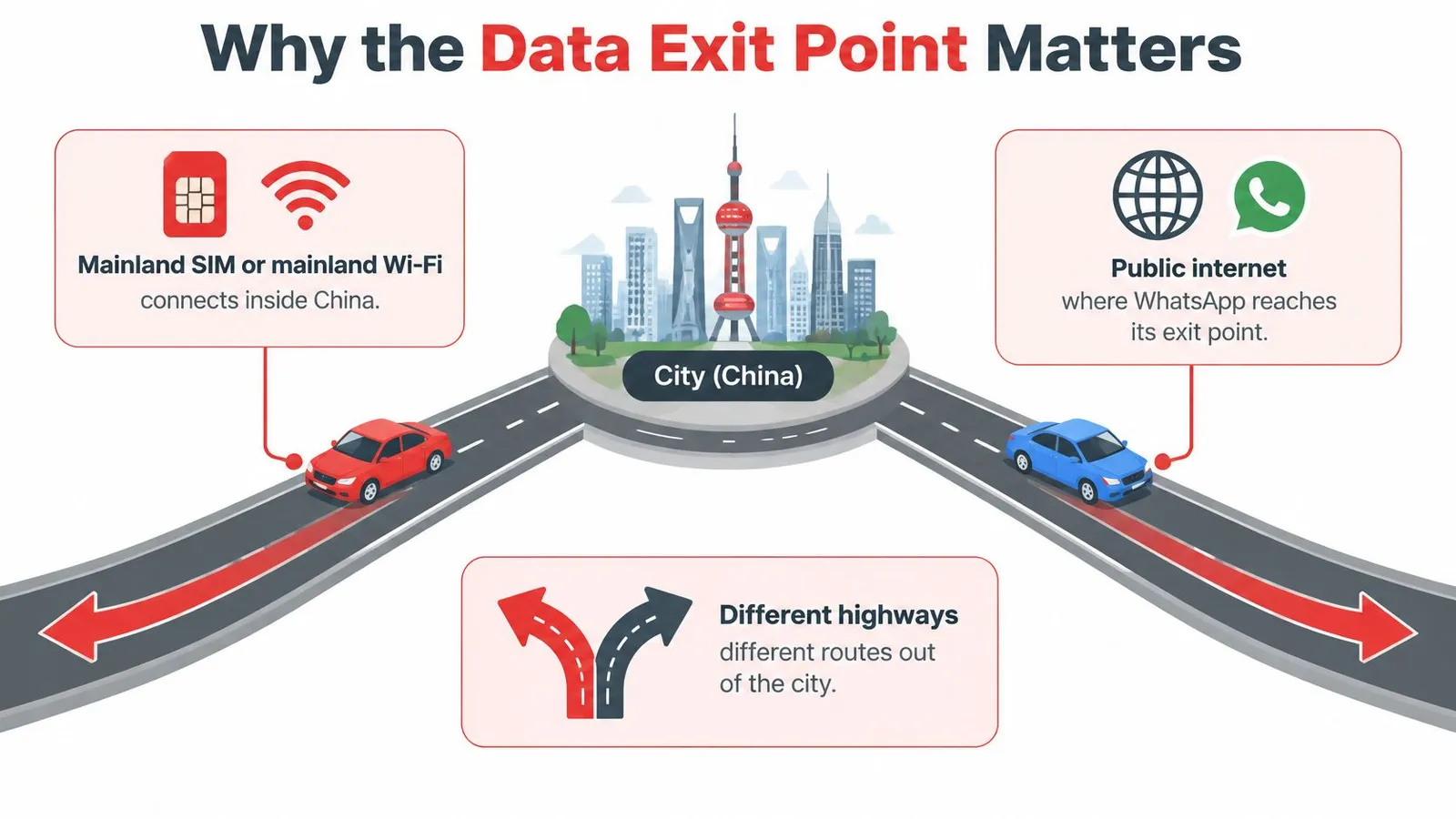
Two phones in Shanghai can connect to the internet through different gateways. The point where data leaves the local network and reaches the wider internet is its egress point, or exit point. That route can determine whether WhatsApp's servers are reachable.
A mainland SIM or mainland Wi-Fi typically sends traffic through mainland internet gateways, where WhatsApp endpoints are filtered. HelloRoam explains how local connections differ from international roaming: roaming may send data through the operator's home network or another foreign network before it reaches the public internet. That routing can allow WhatsApp to work without a separate VPN, depending on the roaming provider, destination gateway, DNS behavior, and applicable policies.
One colleague might roam on a home carrier and send messages, while another uses a local SIM and finds WhatsApp unavailable. The second connection takes the filtered route.
Coverage Is Not the Same as Breakout
An eSIM's coverage in China does not, by itself, show where its data exits. A travel eSIM helps WhatsApp only if its traffic breaks out internationally. When comparing options, including a China travel eSIM, check the routing details rather than relying on the coverage map alone.
Six Setup Checks in Order
- Install before flying: Set up the travel data line at home, while you have internet access for the QR code and account sign-in.
- Select the data line: Choose the travel line for mobile data. Keep your home number active on the other line for calls and SMS.
- Stop automatic Wi-Fi joining: Turn off auto-join for hotel and airport networks, or forget those networks while using WhatsApp.
- Disable silent switching: Turn off Wi-Fi Assist and settings that switch to another data line automatically.
- Run three tests: Send a text, upload a photo, and place a one-minute call to someone outside China.
- Repeat after Wi-Fi: Join the hotel network and test again. Wi-Fi can route traffic through a mainland connection even when the eSIM is installed.
When WhatsApp Fails on Arrival
A failed test can help isolate the problem. Start with the symptom and check the part of the connection it implicates before reinstalling WhatsApp.
Match the Symptom to the Fix
- Registration SMS never arrives: Confirm the eSIM is selected for mobile data, check the number's country code, and request a verification call if WhatsApp offers one.
- Messages stay on one tick: Turn off hotel or airport Wi-Fi, forget those networks, and try again using the foreign data line.
- Text works, but photos or voice notes fail: Check Wi-Fi Assist and automatic data-line switching, then retry on mobile data only.
- Calls drop after a minute: Move to a spot with a stronger signal and try again. If the call still drops, use SMS or email for the next message.
- All four tests fail: Restart the phone with the eSIM selected, confirm your home line remains active for SMS, and contact your provider with the time, city, and network name. The guide to fixing no signal after landing covers basic checks when a data line will not connect.
A single tick usually means the message has not reached WhatsApp's servers, so the route may be the problem and the contact may not be. If text works but media does not, filtering or an automatic switch to Wi-Fi may be affecting larger transfers.
Keep a short record of which test failed, the city, and the network. If the same problem recurs in one city, those details give your provider a clearer starting point than a general report that WhatsApp is not working.
WeChat VPNs and Backup Channels
Once WhatsApp stalls on a local network, choose a backup channel based on who you need to reach and how urgent the message is. A message to a mainland hotel may call for WeChat; a check-in with family may work by SMS.
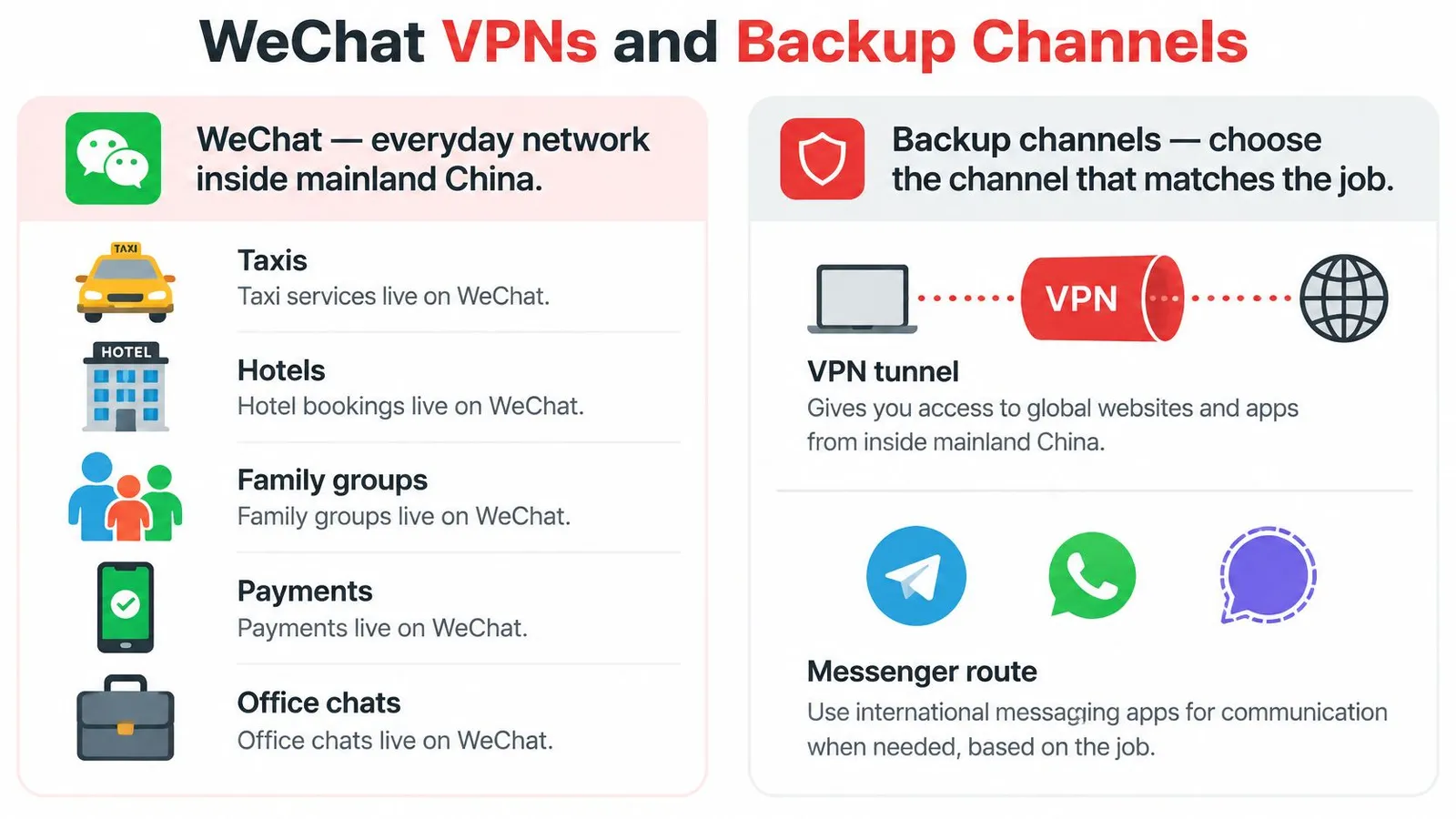
WeChat is widely used for everyday communication in mainland China, including chats with hotels, family, and colleagues. It can help you reach people who use it, but it does not restore your WhatsApp conversations. Registering before departure can avoid having to complete account checks after arrival.
A VPN may offer another route for WhatsApp, but its performance can vary. Whether it works depends on the service and the network you are using, so treat it as one possible channel rather than a guaranteed fix. For guidance on secure messaging for high-risk users, compare how messaging tools handle privacy before deciding what to use for sensitive conversations.
Backup Ways to Stay in Touch
| Option | Best for | Keeps WhatsApp | Main limit |
|---|---|---|---|
| Daily life with people in mainland China | No | Separate app and account checks | |
| VPN | Trying an alternate route to WhatsApp | Sometimes | Performance depends on the service and network |
| Home-carrier roaming | Short trips that need a familiar data option | Often | Roaming cost and carrier policy can change |
| Foreign-breakout travel eSIM | Using a foreign data route for messaging | Often | It will not help if the phone sends data over local Wi-Fi |
| SMS or email | A basic check-in if messaging apps fail | No | Messages may be slow or easy to miss |
For the differences between roaming and travel eSIM routes, see the connection options discussed earlier in the article. SMS and email are simpler fallbacks when messaging apps are unavailable, though they may not be private or prompt.
One Best Fit per Traveler
A relative who needs only a daily check-in can arrange to use SMS or email. A business traveler who needs to reach mainland contacts on WeChat and colleagues on WhatsApp should have both apps ready and decide in advance which channel to use for each group. For a family, agree on a fallback before anyone needs one.
No single channel fits every message. Choose a primary option and a backup that reaches the people you need.
Privacy Account Safety and the App Store
If WhatsApp stops connecting on a mainland network, that alone does not show that its encryption has been broken. The block limits reaching WhatsApp. It does not show that encryption was broken.
End-to-end encryption protects message content in transit, but it does not hide every detail of app use. Other apps and network services may still reveal activity such as connection times or destination names. Treat message privacy and network privacy as separate questions.
A Workaround Is Not Risk-Free
Rules for approved VPNs exist, and enforcement can change. Visitors should follow their employer's policy on VPN use, especially on work trips. A policy breach can have consequences beyond a missed message.
The App May Not Be Downloadable After Landing
Freedom House reported that as of October 2024, more than 16,000 apps were unavailable in China's Apple App Store out of 56,400 tested, and that Apple removed WhatsApp in April 2024 following an order from China's Cyberspace Administration. Plan to have WhatsApp installed before arriving; a mainland app store may not offer it.
Before departure, check that your device supports the eSIM you plan to use with the compatible-device guide. Avoid scanning QR codes from strangers who offer to fix a connection. Keep account-protection steps with your pre-trip setup, alongside your chosen backup channel.
Set Up Your China Connection Before Landing
Decide which conversations need a backup before you travel. A family group, a work chat, or both may need a second way to reach you if WhatsApp cannot connect.
- Choose your priority conversations: Identify the people who need to reach you and agree on a backup channel with them.
- Register WeChat early: Complete setup while your home number can still receive verification codes. If you are new to travel eSIMs, read this guide to how an eSIM works.
- Tell contacts the plan: Agree on which app to use in each city and how to reach one another if a group splits across the border.
- Add a data line if foreign apps matter: A data-only travel eSIM runs alongside your normal SIM, keeping your own number active while apps use the eSIM's data. RedSim's China eSIM starts at $2.19 for the smallest data tier. RedSim provides 24/7 WhatsApp support with real people and an average reply time of 2 minutes if setup stalls.
- Save key reservations offline: Keep screenshots of bookings and travel details in case data is slow on arrival.
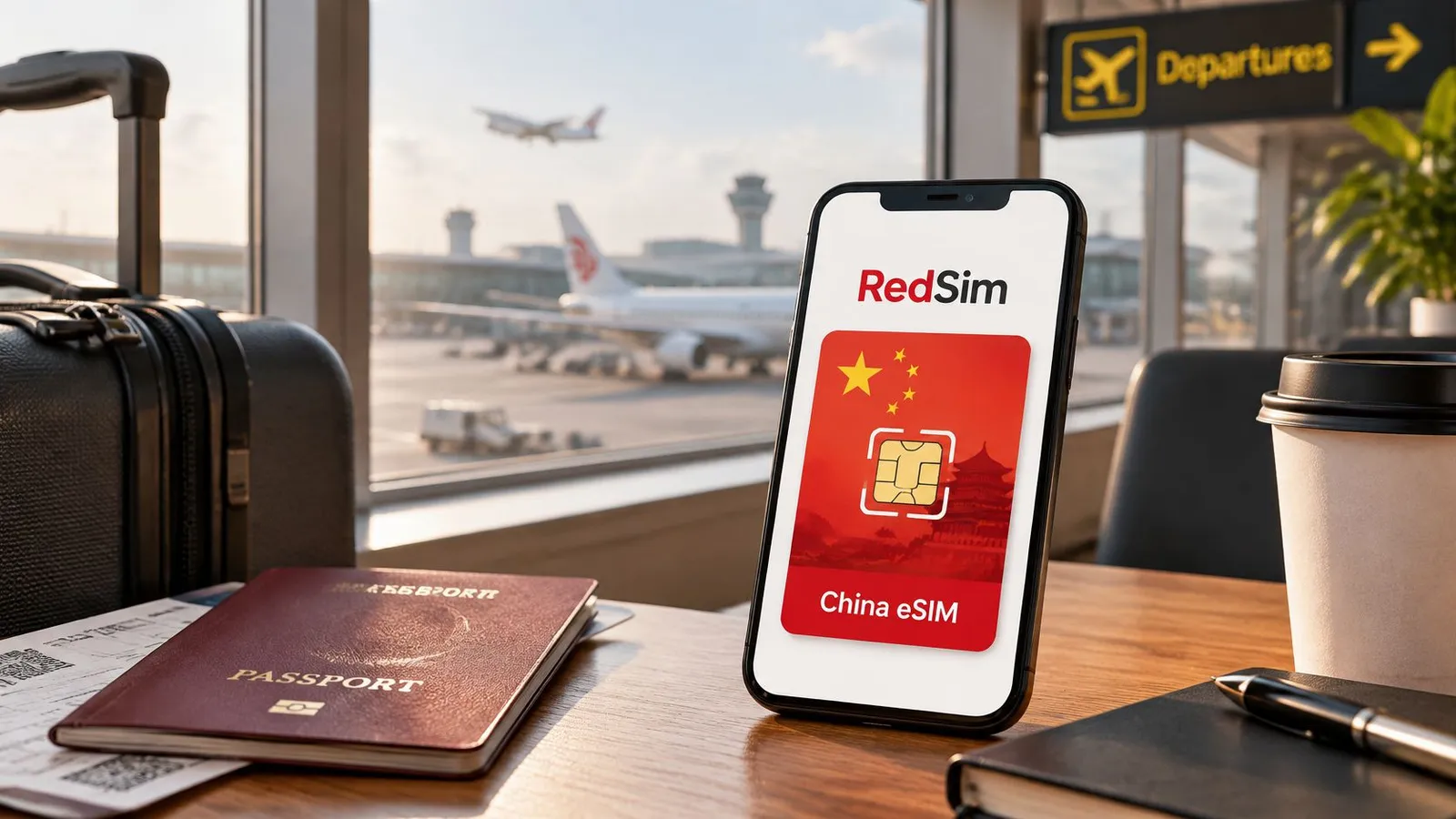
If your trip stays entirely in Hong Kong or Macau, decide whether a local SIM meets your needs. An unactivated eSIM can wait for a later trip rather than forcing a last-minute choice at the gate.
Travelers preparing for WhatsApp in China need a data line set up before landing and a clear backup plan. Choose a connection that fits your route, then test it on arrival before relying on it for an important message.
 China
China
 Canada