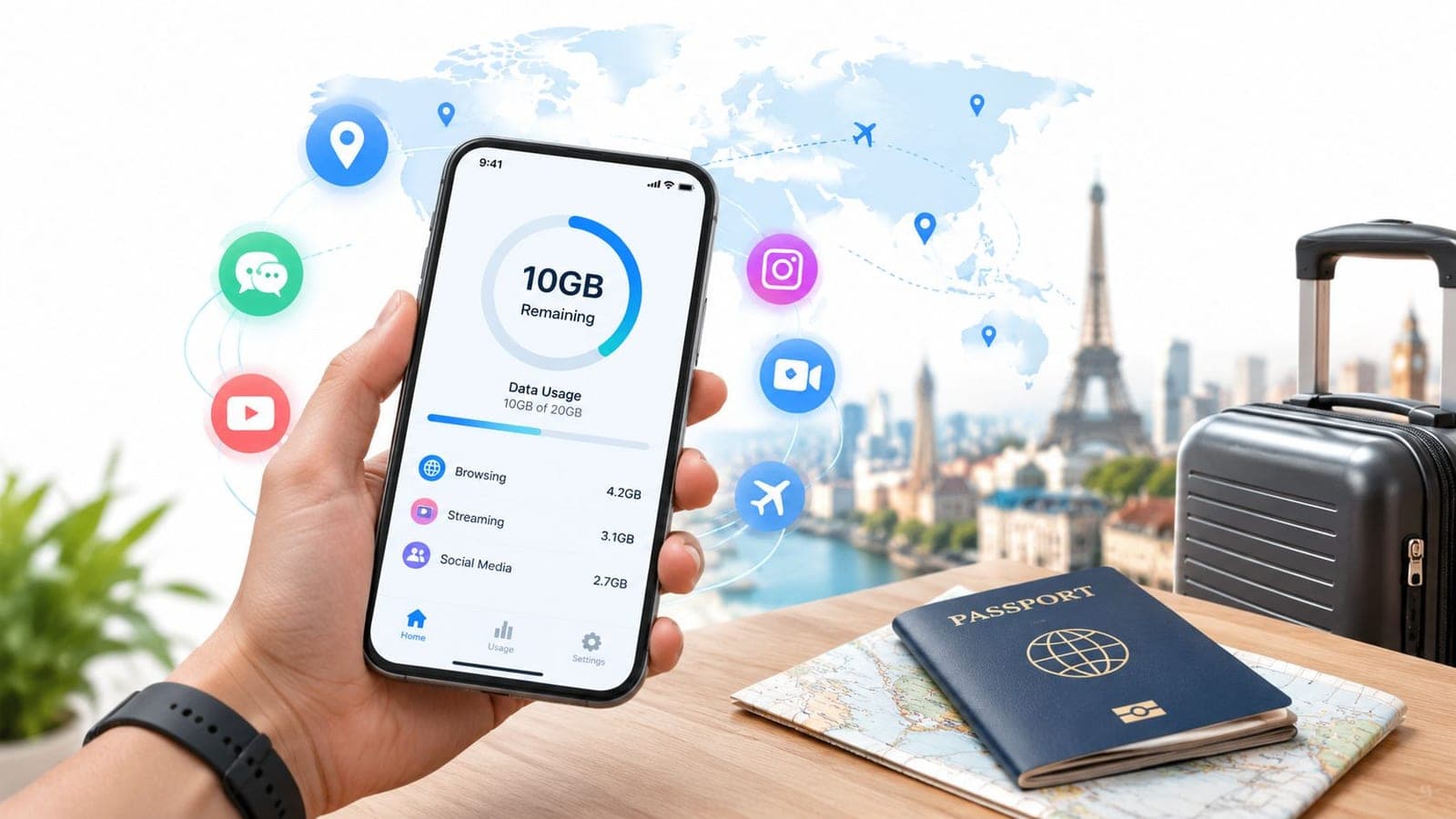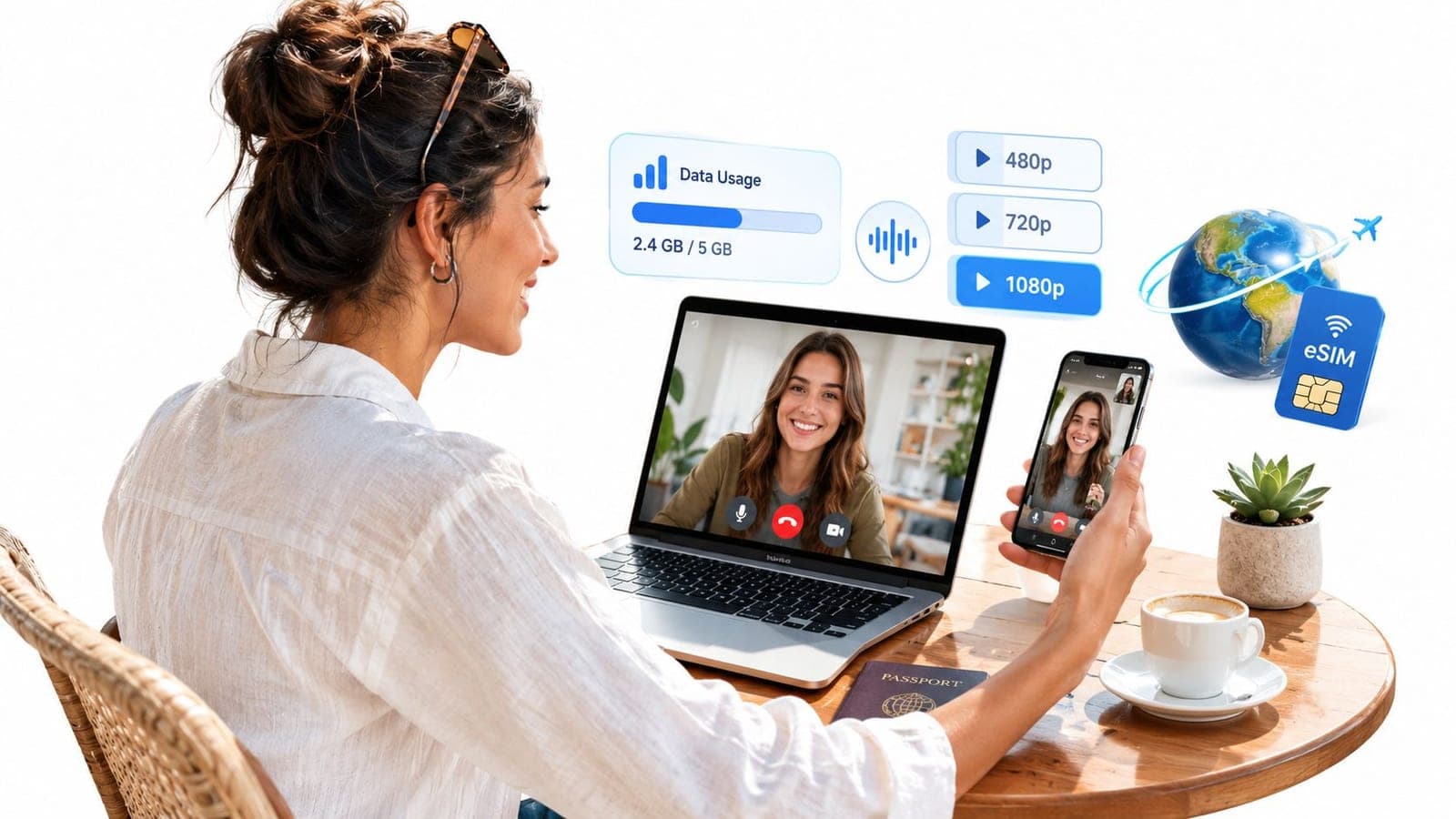
A typical one-to-one HD video call uses roughly 0.5 to 1.6 GB per hour, depending on resolution, while group calls can climb to 2.5 GB or more. Audio-only calls use far less, and screen sharing usually sits between audio and full video.
A client meeting from a Lisbon café, a weekly family Zoom from a Tokyo hotel, and a short WhatsApp check-in from a regional train can all produce very different data bills. The call length matters, but it isn't the only variable. Video quality, the number of incoming streams, network conditions, and whether a phone is also serving a laptop through a hotspot can change the result.
The safest approach for travelers is to treat video calling as a range, not a fixed hourly fee. A finite eSIM plan needs separate allowances for one-to-one meetings, group calls, navigation, messaging, and background activity. The following guide turns those moving parts into practical estimates and a trip-level budgeting method.
What Video Calling Costs in Data
A one-hour client call with one other person is easier to budget than a group meeting. Reported Zoom estimates put a one-to-one call at about 540 MB per hour at 480p, 1.08 GB at 720p, and 1.62 GB at 1080p. These are planning figures, not fixed limits, because calling apps adjust video quality as conditions change. The reported Zoom data estimates by resolution give travelers a useful baseline, and carrier measurements point in the same direction.
Group calls use more data because the device may receive several video streams at once. Reported estimates reach about 810 MB per hour at 480p, 1.35 GB at 720p, and 2.475 GB at 1080p for group sessions. A 60-minute 1080p group call can therefore come close to 2.5 GB, which can eat through a small travel plan faster than many people expect.
Practical rule: A camera-on group call needs a larger allowance than a one-to-one call, even when both meetings last the same length.
Audio-only calling sits at the low end, at about 3 MB per hour in the cited estimates. Screen sharing alone is also relatively light, at roughly 22 to 67 MB per hour, though the total rises when the camera stays on at the same time.
A traveler comparing eSIM prices for international trips should budget the calls first, then leave space for maps, messages, browsing, and any hotspot use. The safest plan separates short audio check-ins, one-to-one video, group meetings, and calls made through a shared laptop connection.
The Four Factors That Change Every Estimate
Video calling sends a moving picture and sound through a connection that keeps adapting. Four factors decide how much data that process needs.
Resolution describes the size and detail of the picture. A 480p image contains less visual information than a 720p image, while 1080p sends a sharper picture with more detail. More detail generally means more data, especially when the camera shows movement, patterned clothing, or a busy background.
Frame rate describes how often the app sends a new image. A calm conversation can require less visual information than a presentation with rapid movement. Higher frame rates make motion look smoother, but they can also increase the amount of information sent.
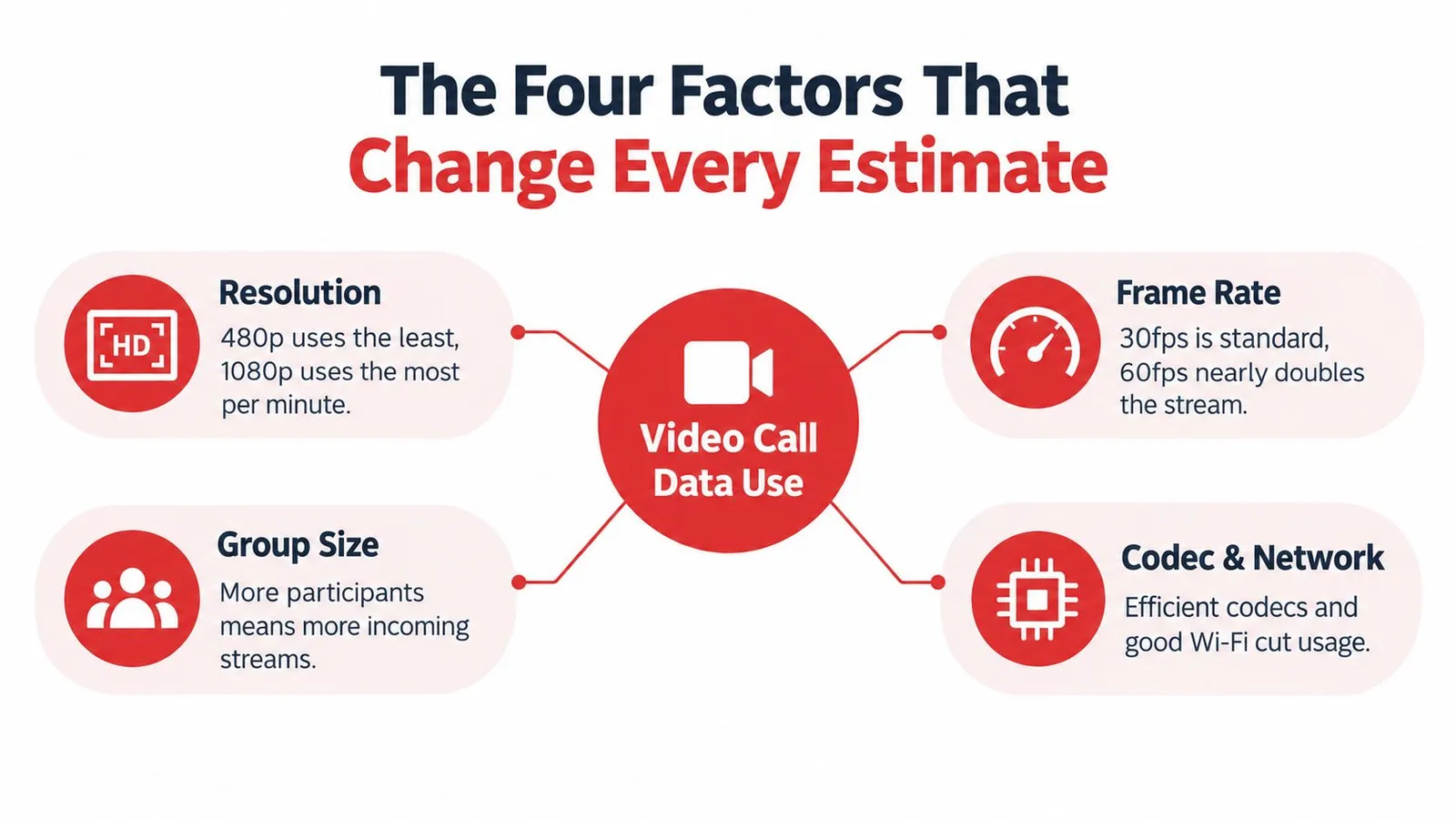
Group size changes the receiving side of the call. In a one-to-one conversation, the device mainly handles one incoming video stream. In a group meeting, the app may show several participants at once, so the device receives more moving pictures. The exact result depends on the layout, camera settings, and whether some participants are audio-only.
Codec and network conditions determine how efficiently the app packages the call. A strong, stable connection can carry a clear stream efficiently. A weak signal may cause the app to change quality or send extra information to cope with interruptions. Travelers checking whether a phone supports a destination network can use compatible-device guidance, but compatibility alone doesn't guarantee consistent data use.
Screen sharing adds another layer. Sharing a mostly static document usually needs less data than sharing a video or animated presentation, yet it still adds traffic to the meeting. These factors interact, which is why a single hourly number rarely describes every call accurately.
Hourly Data Use by Resolution and Call Type
A hotel Wi-Fi connection can make a work call feel unlimited. A finite eSIM plan does not. Use the figures below as planning anchors, with the same call changing significantly according to resolution and whether one or several video streams are involved.
| Resolution | Audio Only (1-to-1) | Video 1-to-1 | Video Group (4-8 people) | Screen Sharing +1-to-1 |
|---|---|---|---|---|
| Audio only | About 3 MB/hour | Not applicable | Not applicable | Not applicable |
| 480p | About 3 MB/hour | About 540 MB/hour | About 810 MB/hour | Add roughly 22 to 67 MB/hour for screen sharing |
| 720p | About 3 MB/hour | About 1.08 GB/hour | About 1.35 GB/hour | Add roughly 22 to 67 MB/hour for screen sharing |
| 1080p | About 3 MB/hour | About 1.62 GB/hour | Up to about 2.475 GB/hour | Add roughly 22 to 67 MB/hour for screen sharing |
The one-to-one figures come from the resolution-by-resolution Zoom usage breakdown. Group-call figures are separate planning estimates that reflect the added incoming video streams. Treat every figure as an estimate, since an app can adjust quality during the call.
For a one-to-one meeting from an airport lounge or train, 720p one-to-one video is a practical quality target when the connection is stable. It uses about 1.08 GB/hour, so a short meeting takes a manageable portion of a small plan. 1080p group video can reach about 2.475 GB/hour, making it the riskiest combination for travelers with limited data.
Screen sharing needs its own line in the budget. Adding a mostly static document may use roughly 22 to 67 MB/hour, while shared video or animation can require more activity. A camera-off presentation therefore has a different data profile from a meeting with several cameras and shared motion.
Before joining, set video to 480p or turn off HD, then use audio when seeing participants is unnecessary. That simple choice can protect the data reserved for maps, messages, and the rest of the trip.
Real Examples for Common Call Lengths
A five-minute check-in from a hotel lobby can look insignificant, yet several short meetings may consume a noticeable share of a travel eSIM plan. The call length matters, but resolution and call type set the budget.
| Call Length | Audio-only | 480p one-to-one | 720p one-to-one | 1080p one-to-one | 720p group |
|---|---|---|---|---|---|
| 5 minutes | About 0.25 MB | About 45 MB | About 90 MB | About 135 MB | About 113 MB |
| 15 minutes | About 0.75 MB | About 135 MB | About 270 MB | About 405 MB | About 338 MB |
| 30 minutes | About 1.5 MB | About 270 MB | About 540 MB | About 810 MB | About 675 MB |
| 60 minutes | About 3 MB | About 540 MB | About 1.08 GB | About 1.62 GB | About 1.35 GB |
These figures are calculated from the hourly estimates presented in the resolution table above, divided proportionally by call length. The underlying one-to-one estimates appear in the hourly Zoom estimates by resolution. They show why a single hourly average can mislead: the same meeting length produces very different totals at different resolutions and in group calls.
For a five-minute WhatsApp check-in at 480p, budget about 45 MB. A 15-minute 720p one-to-one call uses about 270 MB, while a 30-minute call at the same quality takes about 540 MB. A full 60-minute 1080p one-to-one meeting reaches about 1.62 GB, before maps, messages, browsing, or background updates use any data.
Group meetings deserve extra room in the plan. A 45-minute 720p group call based on the table's estimate uses about 1.01 GB. A longer meeting, more incoming video, or a quality change can push the total higher. Resolution does not follow a perfect doubling rule across every app, but higher quality can raise consumption sharply.
For a trip, list each planned meeting, record its expected length, resolution, and call type, then add the matching table values. Round the result upward before reserving data for navigation, messages, and hotspot use. That gives you a practical call budget instead of relying on one hourly number.
How Different Apps Compare in Practice
A video call from a hotel lobby can use a different amount of data from the same app on a train, even when both meetings last 15 minutes. Camera resolution, group layout, device, network conditions, and adaptive quality settings all change the result. The app name is only one part of the estimate.
Independent mobile-data testing recorded 158.87 MB for WhatsApp, 244.14 MB for Zoom, and 107.39 MB for Google Meet over 15 minutes in one Wi-Fi comparison, reported in the app usage comparison. Those figures are useful planning points, not fixed rates for every call. A separate mobile group-call study found a different pattern between WhatsApp and Zoom, which shows why one-to-one and group meetings should not share the same budget.
| App | Measured 15-minute result or planning guidance |
|---|---|
| 158.87 MB in the cited Wi-Fi comparison | |
| Zoom | 244.14 MB in the cited Wi-Fi comparison |
| Google Meet | 107.39 MB in the cited Wi-Fi comparison |
| FaceTime | No comparable figure in the cited comparison |
| Microsoft Teams | No comparable figure in the cited comparison |
| Skype | No comparable figure in the cited comparison |
The measured results give a practical starting range, while the missing entries require testing under the settings you expect to use. FaceTime may behave differently across devices, and Teams or Skype may change consumption with meeting layout, camera use, and incoming streams. Treat each app as a range rather than a guaranteed hourly rate.
Resolution still matters inside the same platform. Lowering video quality, limiting incoming video, or turning off HD can reduce consumption more than switching between familiar apps. A group meeting showing several camera feeds can also use more data than a one-to-one call with the same duration and resolution.
For a traveler, the useful test is simple. Join a short call on the phone and network you plan to use, then check the device's mobile-data counter before and after. Repeat it with the camera on and with the expected group layout if possible. Compare that result with practical connectivity guidance and app resources on the RedSim blog.
The right question is which settings fit the allowance. A familiar app with restrained video settings may cost less than another app running high-quality video, especially when the call uses a phone hotspot.
Budgeting a Travel eSIM for Video Calls
A travel plan should reserve data for more than meetings. Navigation, messages, browsing, ticket downloads, and unexpected changes all compete with video calls.
A 10 GB plan provides a simple budgeting example. A traveler can reserve 2 GB for navigation and messaging, then hold back 1 GB as a buffer, leaving 7 GB for calls. This allocation is a planning method based on the mobile-data traffic and usage context, not a guarantee that every trip will follow the same pattern.
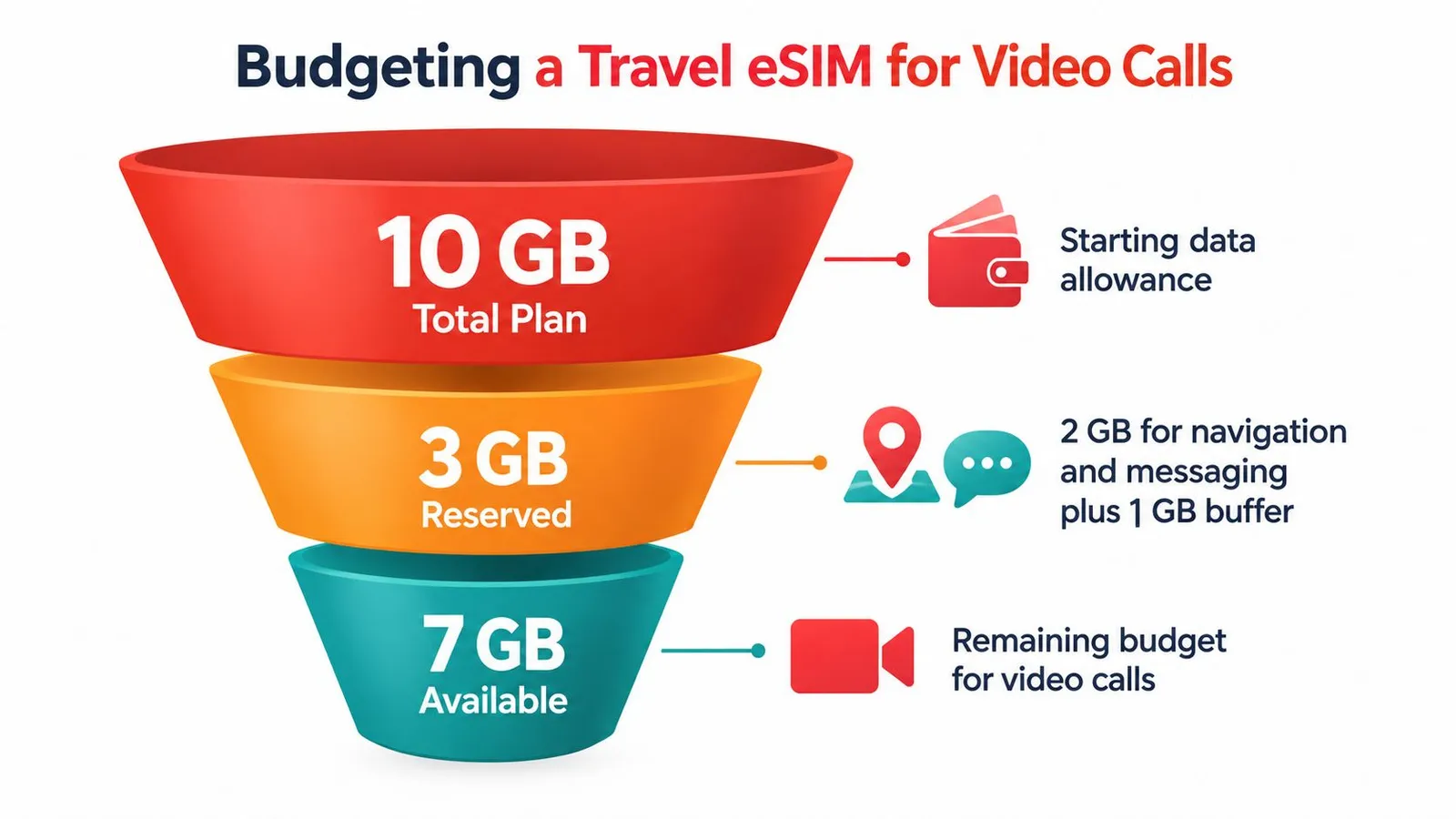
A traveler can then work through the following sequence:
- List the calls. Record the expected duration, whether each meeting is one-to-one or group, and whether video is essential.
- Assign a quality. Use 480p for mobile calls when appearance matters less than conservation, 720p for a balanced one-to-one meeting, and 1080p only when the connection and allowance support it.
- Convert time into data. A 30-minute 720p one-to-one call uses about 540 MB, while a 15-minute 480p call uses about 135 MB, using the cited hourly estimates.
- Reserve the remainder. Keep part of the call allowance for meetings that run over time or switch from one-to-one to group format.
For example, one 30-minute 720p one-to-one call, one 15-minute 480p call, and one 45-minute 720p group call total roughly 1.69 GB using the verified hourly estimates. That remains within a 7 GB call budget, leaving room for additional meetings, provided hotspot activity and other devices stay controlled.
Real-time tracking matters because several short calls can become expensive when combined with background traffic. Travelers comparing plans for different usage needs can also check the phone's built-in data monitor or the provider's app during the trip.
A useful formula is:
Estimated calls per day × hours per call × estimated GB per hour = daily call allowance
Long meetings belong on reliable Wi-Fi where possible. Mobile data is better reserved for short check-ins, essential meetings, and situations where no stable Wi-Fi exists.
The Hidden Cost of Hotspotting Your Call
The phone-only estimate stops being reliable when a laptop, tablet, or another phone shares the connection. A laptop may run cloud synchronization, system updates, email, browser tabs, meeting recordings, and other background services while the video call is active. Multiplying a phone estimate by the number of connected people also fails because those devices may consume different amounts for unrelated tasks.
A mobile video usability study found meaningful differences between platforms and call modes, including 44.43 MB for WhatsApp and 100.63 MB for Zoom during 15-minute mobile-data group calls, as reported in the mobile video call usage comparison. The important lesson is that the app name isn't the only variable. A desktop client with several open services can create a larger leak than a carefully configured phone app.
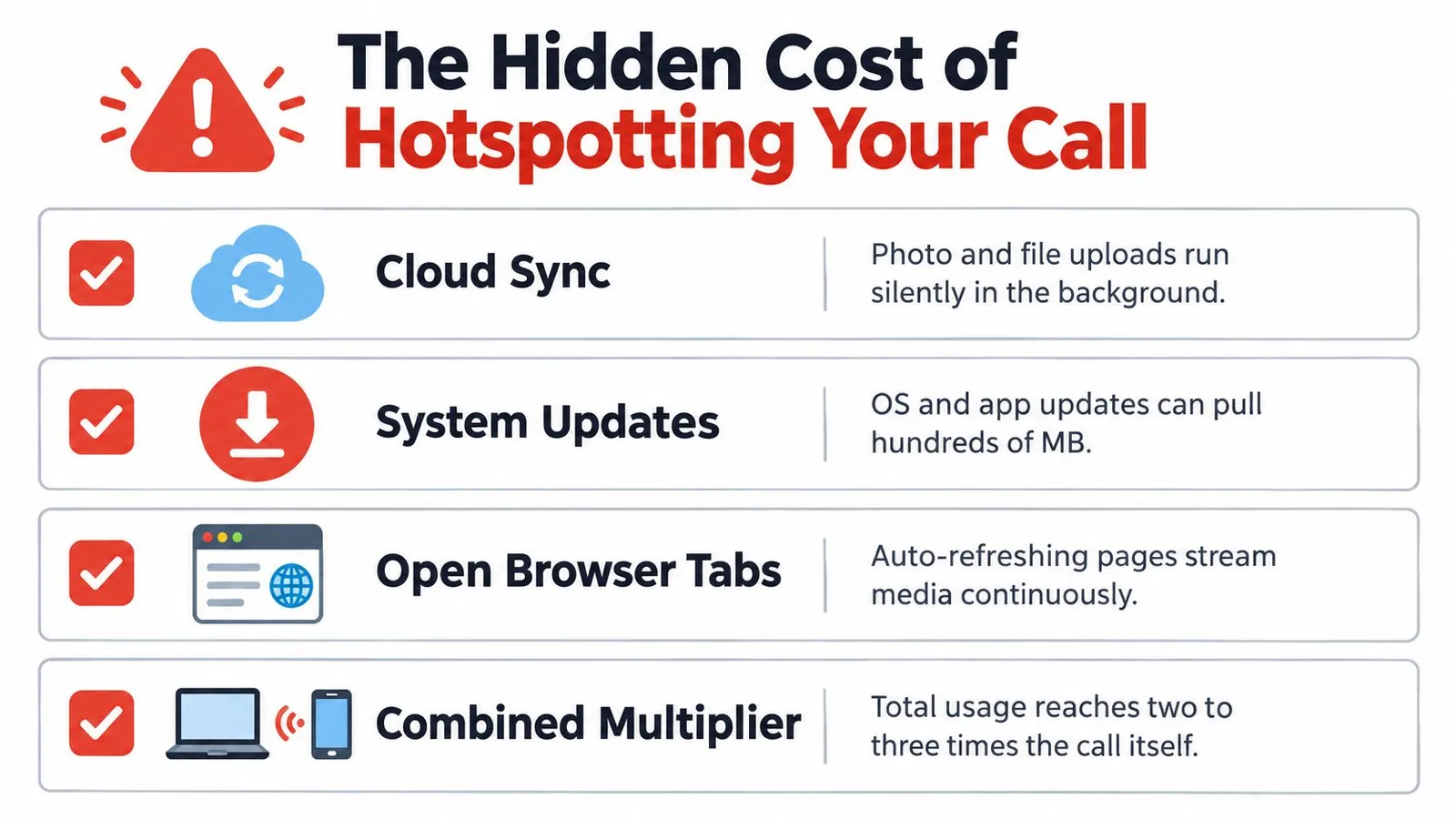
Before starting a hotspot meeting, travelers can use this checklist:
- Pause cloud backups: Stop photo, file, and drive synchronization until the call ends.
- Disable automatic updates: Prevent the operating system and apps from downloading in the background.
- Close streaming tabs: Shut browser pages that refresh video, audio, live dashboards, or social feeds.
- Limit desktop activity: Avoid downloading attachments, recording locally, or opening large media files during the meeting.
- Check connected devices: Confirm that only the intended laptop or tablet is using the hotspot.
- Monitor cumulative usage: Check the phone or eSIM dashboard before and after the call.
Hotspotting turns a video-call budget into a whole-device budget.
The safest setup uses the phone's native calling app when a laptop isn't required. When a laptop is necessary, travelers can disable metered-connection downloads, pause synchronization, and keep the meeting client at a lower resolution. The slow-data troubleshooting guidance can also help identify whether the problem is weak signal, congestion, or too many connected tasks.
Smart Settings Before You Hit Join
Four decisions control most of the practical outcome. The first is audio versus SD versus HD. Audio is the conservation choice, 480p is a sensible cellular setting, and higher resolution belongs on Wi-Fi or within a generous data budget.
The second is one-to-one versus group. A group meeting can receive several streams, so reducing the visible participant video or turning off the camera can protect the allowance. The third is phone versus hotspot. A phone call usually exposes fewer background services than a laptop connected through tethering. The fourth is the platform's own data-saver mode, which can limit bitrate or background activity.
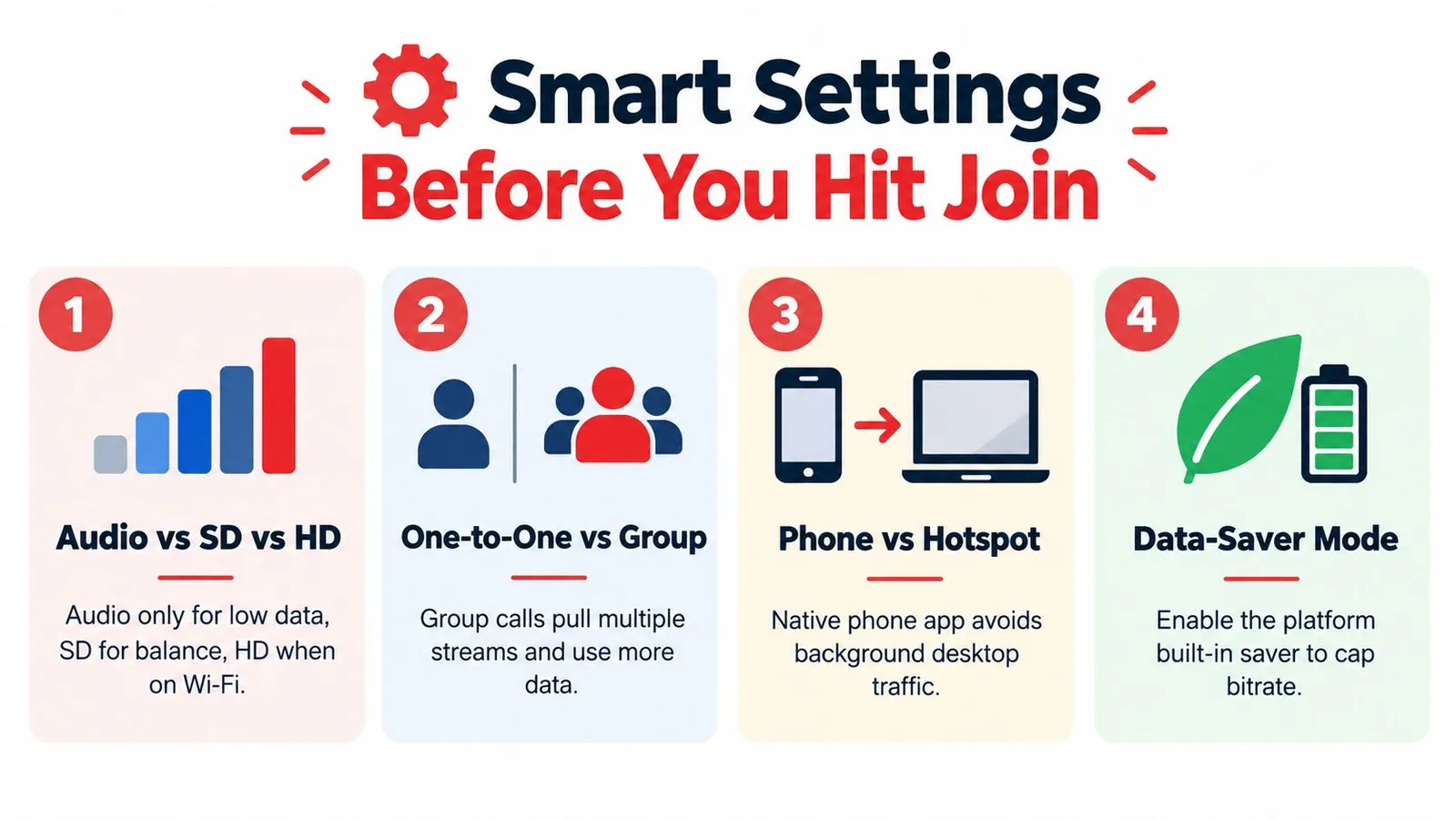
In the 60 seconds before joining, a traveler can take five actions:
- Drop resolution to 480p on cellular. This reduces the picture detail before the meeting begins.
- Mute video when speaking on camera isn't necessary. Audio keeps the conversation active without sending the camera stream.
- Turn off HD for group calls. Several incoming streams make high resolution more expensive.
- Prefer Wi-Fi for meetings longer than 30 minutes. A stable Wi-Fi connection protects the mobile allowance, although its quality should still be checked.
- Check the expected duration. A short invite and a full-hour meeting require different allowances.
The final choice should reflect the actual trip, not a generic average. A traveler with limited data can use audio for informal check-ins, lower quality for essential mobile meetings, and higher quality only when the connection and plan make the extra usage worthwhile.
RedSim provides travel eSIM data plans with real-time usage tracking, hotspot support, top-ups, and coverage across more than 200 destinations. Travelers planning video meetings can review RedSim plans, estimate the call budget first, and choose a data allowance that leaves room for navigation and background activity.