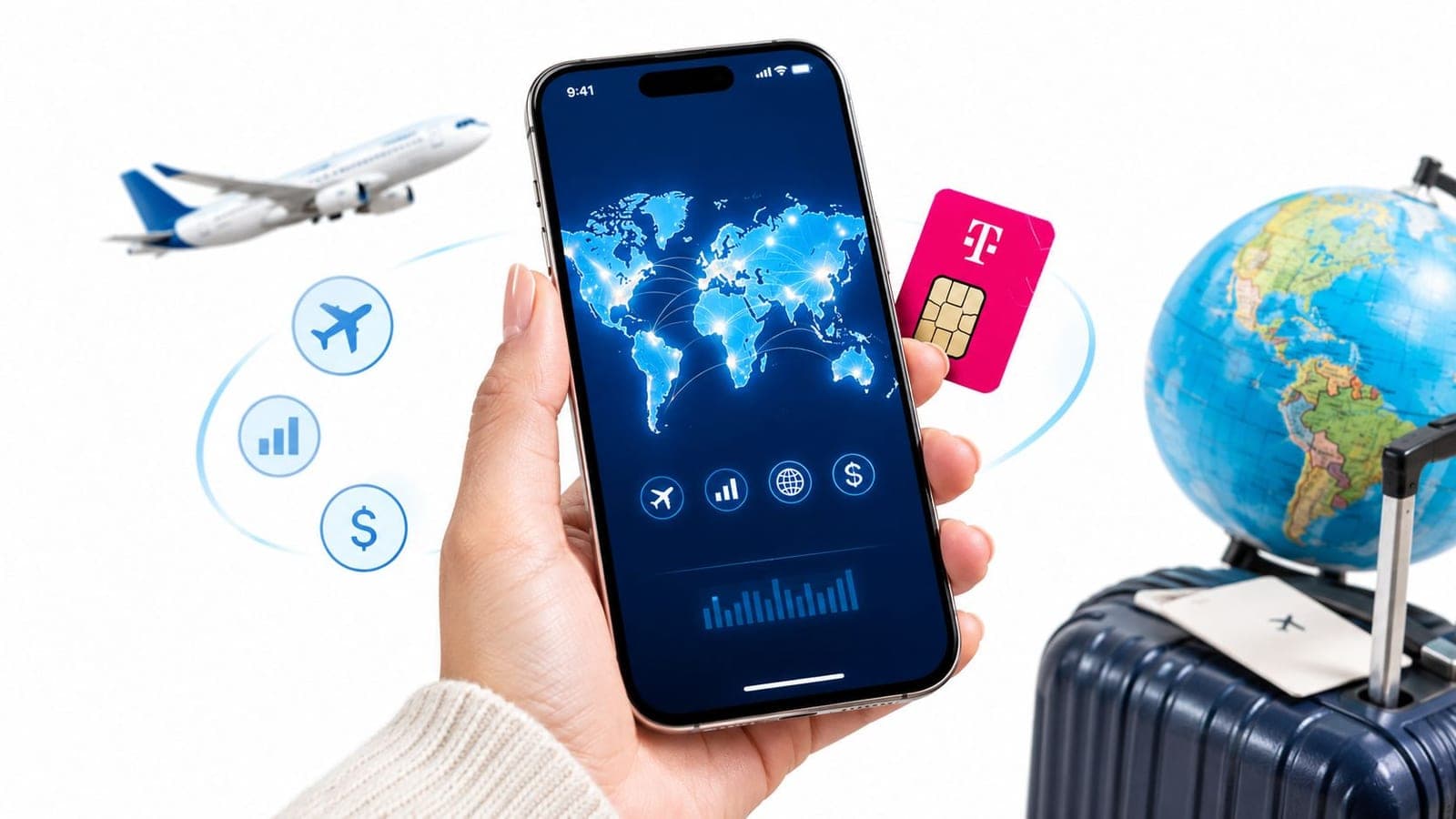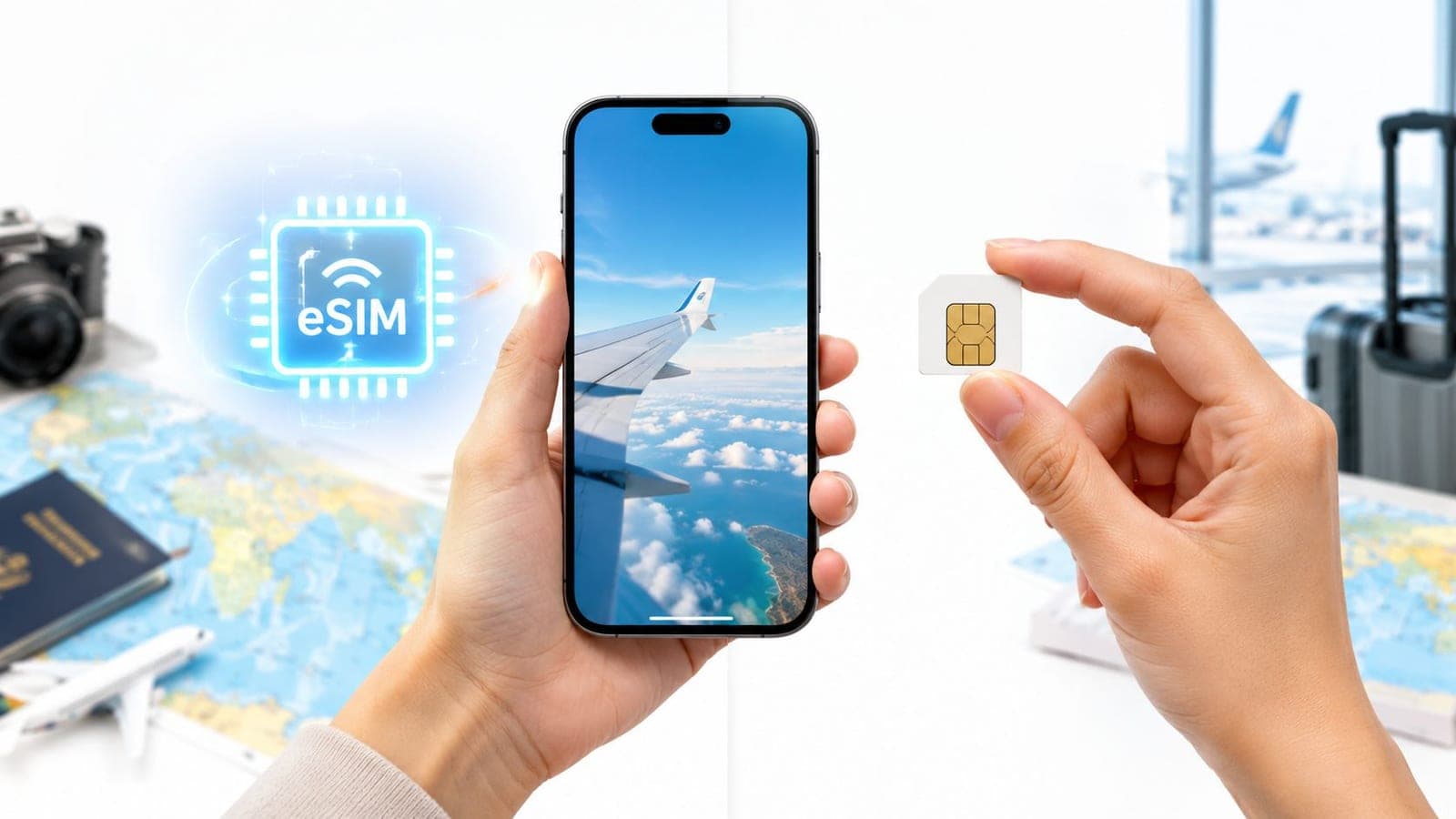
A traveler lands after a long flight, reaches the baggage hall, and discovers that the phone has no usable data. The airport kiosk has a queue, the available plans are hard to compare, and the home SIM is still attached to an expensive roaming plan. A physical SIM can solve the problem, but only after a purchase, a swap, and a safe place to store the tiny card.
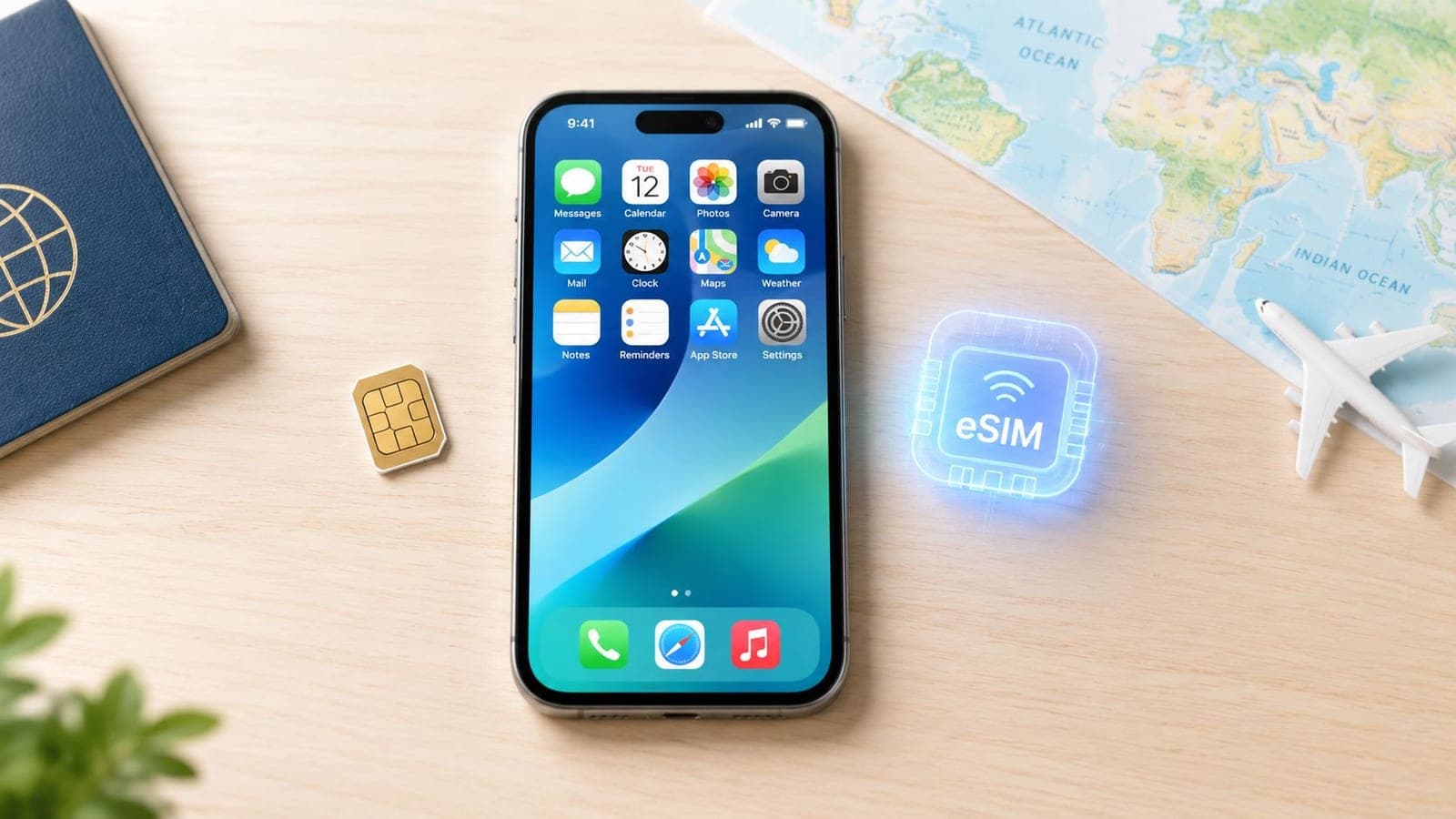
An eSIM changes the timing. A compatible, SIM-free phone can receive a travel plan at home over Wi-Fi, while the home SIM remains available for calls and SMS. The trade-off is that digital activation introduces its own failure points, especially around device support, QR codes, profile deletion, and data-only service.
| Travel consideration | eSIM | Physical SIM |
|---|---|---|
| Installation | Downloaded remotely before departure | Bought and inserted manually |
| Network performance | Identical to a physical SIM on the same device and network, as explained in this technical comparison of eSIM and physical SIM | Identical to an eSIM on the same device and network |
| Home number | Home SIM can often remain active alongside the eSIM | Usually requires removing the home SIM unless the phone supports dual physical SIMs |
| Flexibility | Multiple carrier profiles can be stored on the embedded chip, depending on device memory and profile size, according to the GSMA eSIM white paper | Cards can be removed, stored, and moved between compatible phones |
| Main risk | A deleted profile may require carrier reissue | The card can be lost, damaged, or misplaced |
| Voice service | Many travel plans, including the one discussed in the support cases behind this guide, are data-only | Local calls and SMS are commonly available when included in the purchased plan |
The Real Difference Between eSIM and Physical SIM
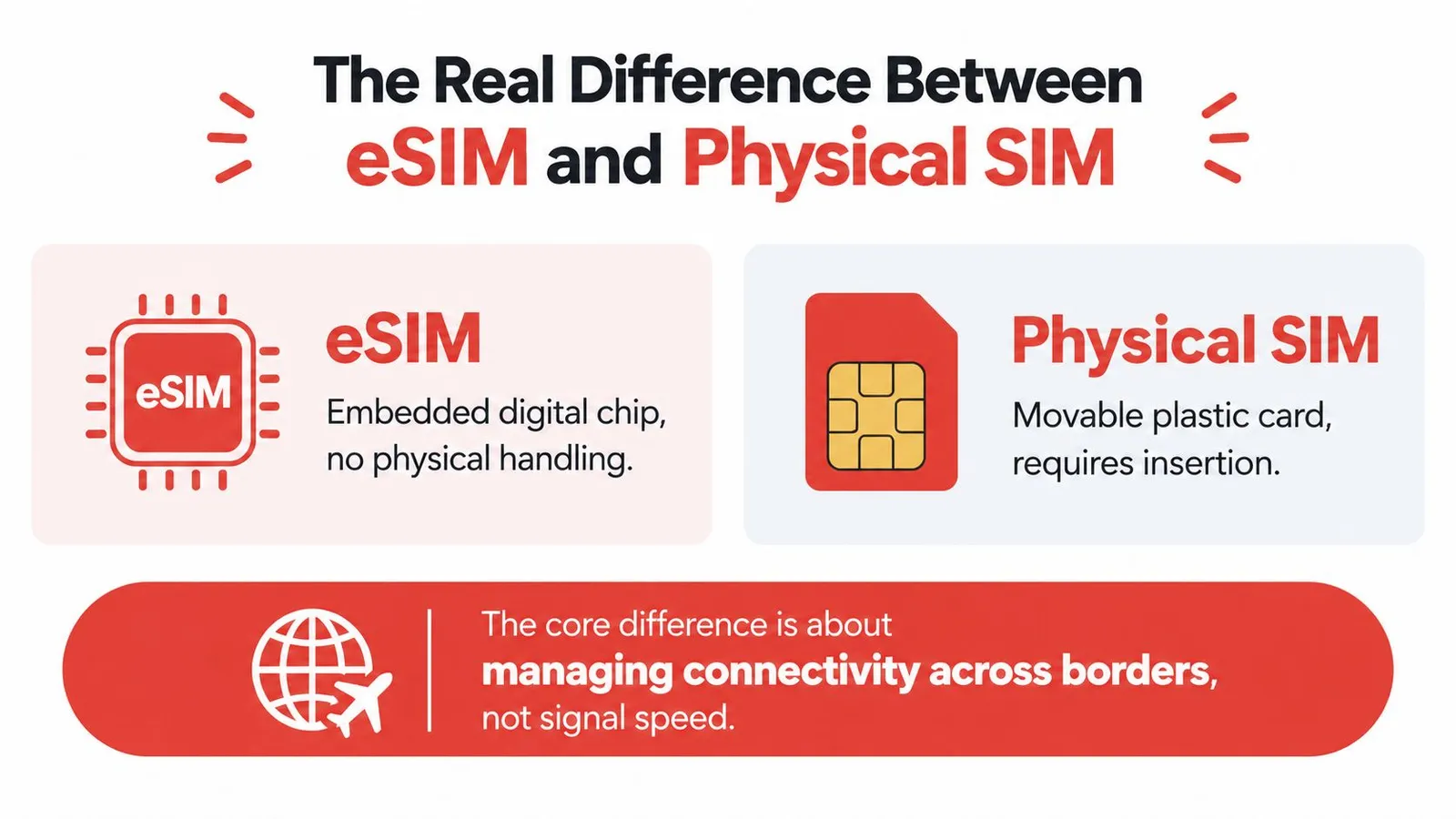
A traveler standing outside an airport needs a working connection, not a particular type of plastic or embedded chip. The important difference between an eSIM and a physical SIM is how the mobile subscription reaches the phone and how easily it can be managed across borders.
Both technologies store the credentials that let a handset register with a carrier. A physical nano-SIM is a removable UICC with the credentials loaded before delivery. An eSIM uses a soldered eUICC, which downloads a carrier profile remotely through an SM-DP+ server. The modem, antennas, cellular bands, and network protocols still determine the radio connection.
That means an eSIM doesn't automatically provide stronger signal, faster downloads, or clearer calls. On the same handset and carrier network, the two formats deliver the same radio performance. A speed comparison only becomes meaningful when other factors, such as the carrier, congestion, modem, and supported bands, are also controlled.
A change in management, not reception
Physical SIMs still work well for travelers who want a local number, need a card for an older phone, or prefer a credential that can be removed and tested in another handset. The card can go into a drawer after a trip and return to service later without relying on an app, email, or activation record.
An eSIM moves the useful part of the process into software. A traveler can add a destination plan before departure, leave the home SIM installed, and select which line handles mobile data after landing. The phone may store several profiles, although the number that can be active at the same time depends on the device.
This distinction matters most during multi-country trips. A physical-SIM itinerary often requires finding a retailer, identifying a compatible local plan, and replacing or storing cards at every change of network. An eSIM can support several profiles on one device, so the traveler manages plans through phone settings rather than through a collection of loose cards. The practical details of that setup are outlined in this guide to what an eSIM is.
Practical rule: Choose the format that makes the next connectivity decision easier. Signal quality comes from the network and handset. Convenience comes from provisioning and profile management.
The technology has moved quickly from specialist use into mainstream travel planning. GSMA began formal work on software-based SIMs in November 2010, released the eSIM specification in 2016, and saw consumer awareness accelerate after the Apple Watch Series 3 in 2017 and iPhone XS in 2018. GSMA Intelligence estimated smartphone eSIM penetration at about 5% of the global installed base by 2025, with a projection of around 10% by the end of 2026, as reported in its eSIM adoption analysis. The hardware isn't new anymore, but the support habits around it are still developing.
Activation and Convenience for Travelers
The strongest eSIM advantage appears before departure, not after landing. A traveler with a compatible phone can purchase a plan, connect to home Wi-Fi, and install the profile in about two minutes. The phone is then prepared before the airport queue, the flight, and the moment when maps or a ride-hailing app becomes essential.
A physical SIM follows a different timeline. The traveler must locate a shop or kiosk, compare plans in an unfamiliar market, complete any required identity checks, pay with an accepted method, and insert the card correctly. Staff may help with activation, but the traveler still has to protect the home SIM and remember which card belongs to which country.
What happens before the flight
A reliable predeparture sequence looks like this:
- Confirm the handset. The phone needs eSIM support and must not be locked to a single carrier. A carrier-branded phone can reject a perfectly valid travel profile if it restricts other networks.
- Buy the destination plan. The plan should match the itinerary, especially if the route crosses more than one country.
- Install on stable Wi-Fi. The phone downloads the profile while the home connection is available, rather than relying on airport Wi-Fi after a tiring arrival.
- Keep the home line in place. The home SIM can remain available for calls and SMS while the travel eSIM handles mobile data.
- Set the data line deliberately. The traveler should choose the travel profile for data and review roaming settings on the home line to prevent unintended charges.
The eSIM setup instructions provide the operational detail for installing a plan from device settings or an app. The central benefit isn't that the eSIM takes over the phone. It is that the travel line can be added without sacrificing the home line.
The dual-line advantage
A traveler may need a bank verification message, a call from family, or a one-time login code sent to the home number. Swapping out the home physical SIM can interrupt that access. With a compatible dual-SIM configuration, the home line can remain available for calls and SMS while the eSIM carries destination data.
That arrangement also reduces the airport decision load. There's no need to choose between staying reachable on the home number and getting affordable local data. The two lines can have separate jobs, provided the phone's settings and the home carrier's roaming behavior are checked carefully.
Physical SIMs aren't always inconvenient. A traveler who arrives with a dual-SIM phone that accepts any carrier, already has a local card, or needs a staff-assisted activation may prefer a physical option. The friction rises when the card must be sourced during a tight arrival window, especially after shops close or when the destination uses a language unfamiliar to the traveler.
The support pattern is consistent: preinstallation solves an arrival problem, but it doesn't remove the need for correct settings. The eSIM can be present on the phone and still fail to provide data if the wrong line is selected, data roaming is disabled where required, or the access point settings need adjustment.
Device Compatibility and Hardware Limits
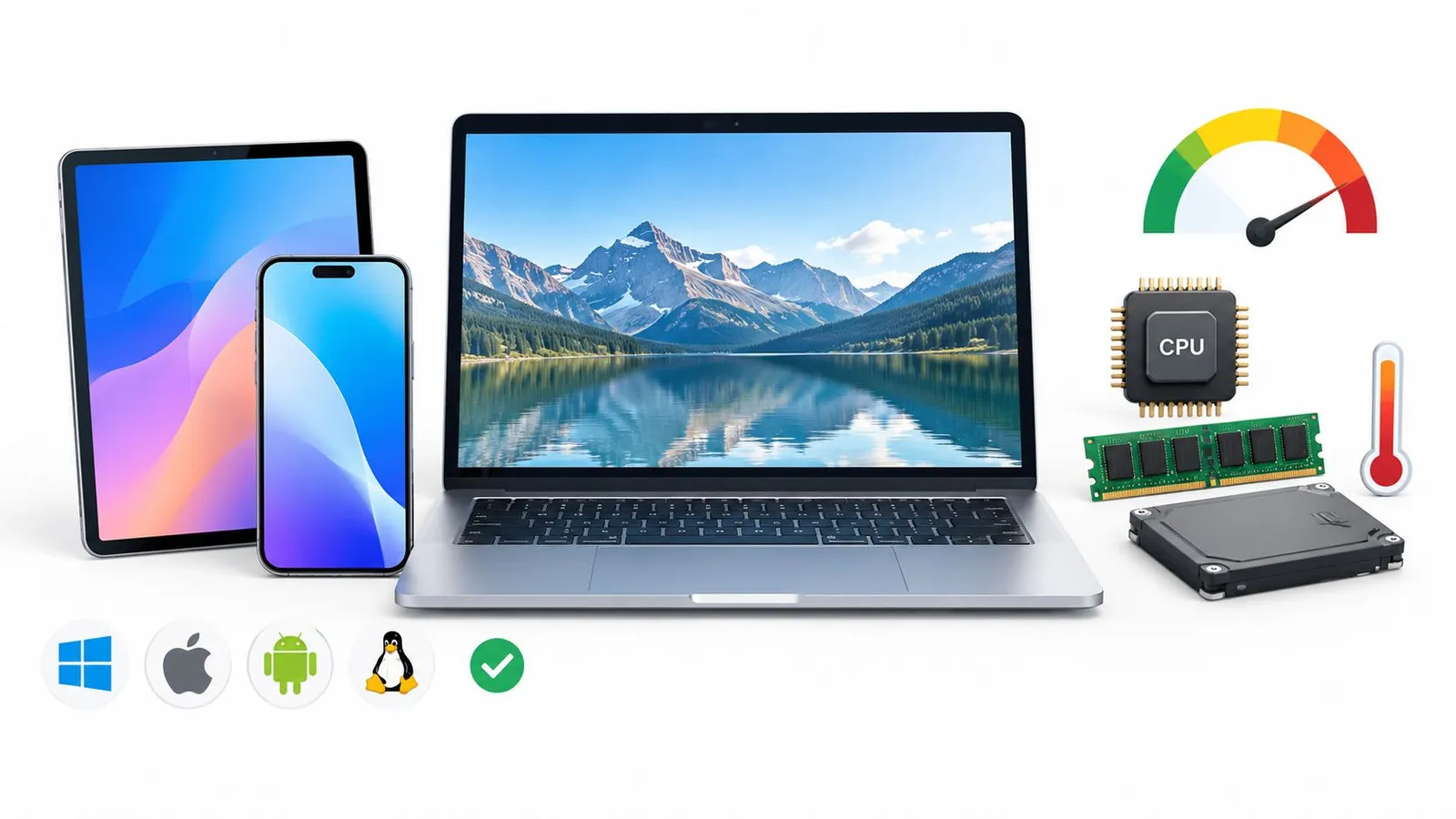
An eSIM is only useful when the phone can host one. The minimum practical checklist has two separate tests: eSIM compatibility and carrier-ready status. Passing one doesn't guarantee the other.
A handset may contain an eUICC but remain locked to its original carrier. In that case, the travel profile can download yet fail to register on the intended network. A phone without eSIM hardware cannot use a digital profile at all, regardless of the travel plan or QR code.
The hardware check
Before buying, the traveler should verify:
- Exact model support. A product family can contain regional variants with different SIM capabilities.
- EID availability. The device settings may display an EID when eSIM hardware is present.
- Carrier status. The phone should show that it isn't restricted to one carrier.
- Operating system readiness. The handset should run a supported software version and have enough storage for profile management.
- Dual-SIM behavior. Some phones support an eSIM and a physical SIM together, while others limit which lines can be active simultaneously.
The compatible-device guidance is useful for checking the model before a plan is purchased. This check belongs in the living room, where the traveler has time to find the model number and contact the original carrier, not at an airport counter with luggage in hand.
Where physical SIMs retain the advantage
A physical slot remains the safer fallback for older or region-specific phones. The traveler can insert a local card, test it in another handset with the carrier lock removed, or move it to a spare phone if the primary device is damaged. That portability is hard to reproduce when a digital profile is tied to one device and must be reissued after deletion or hardware failure.
The market is shifting, but it hasn't eliminated this limitation. One 2026 industry survey found that 45% of respondents said fewer than 5% of their customers used eSIM-enabled devices, while only 2% reported penetration above 75%, according to the 2026 eSIM adoption report. The same source described global eSIM adoption for the upcoming 2026 summer travel season at 28.1%, up 9.1 percentage points year over year. Those figures point to rapid growth alongside a substantial compatibility gap.
GSMA Intelligence has projected that eSIM could reach 6.7 billion smartphone connections globally by 2030, representing 76% of total smartphone connections, according to this industry guide to SIM and eSIM technology. That is a projection, not a reason to assume that a particular phone is ready today. Model and carrier checks still decide the individual travel outcome.
Installation Process and QR Code Risks
At an airport, a missing QR email or deleted eSIM can turn a five-minute setup into a support problem. In RedSim support cases, the recurring issue is not the scan itself. It is the assumption that an eSIM profile behaves like a physical card that can be removed, stored, and reused.
An eSIM profile is a digital credential stored in the phone's eUICC. Its QR code normally authorizes installation rather than serving as a reusable photograph of a SIM card. Once the profile is downloaded, keeping the original email or QR image does not guarantee that the same activation can be completed again.
Use this sequence before departure:
- Open the delivery email or app on the intended phone. If the QR code appears on that phone's screen, use the provider's manual activation details if available. A second device can display the code for scanning.
- Connect to dependable Wi-Fi. The phone needs internet access to retrieve the profile from the carrier's provisioning system.
- Scan the code or start one-click installation. Follow the cellular setup prompts and wait until the download finishes.
- Label the line immediately. “Japan Data” or “Europe Travel” is easier to identify than a generic secondary line.
- Select the travel line for mobile data. Review roaming and line settings so the intended profile handles the connection.
- Keep the delivery email and order details. Store them somewhere accessible, but do not treat the QR image as a guaranteed replacement key.
Why deletion causes trouble
A physical SIM can be removed during troubleshooting and inserted again later. Deleting an eSIM profile is different. Apple says that erasing an eSIM on an iPhone or iPad may require contacting the carrier for a new one, as explained in its official eSIM deletion guidance.
RedSim support cases show the practical consequence. Travelers who deleted a profile while trying to fix a connection problem needed a replacement QR code, and the original code could not be reused. Travel eSIMs often use single-use activations, a risk also described in this travel eSIM deletion guidance.
Before troubleshooting: Do not delete a working travel eSIM to refresh the connection. Check the selected data line, restart the phone, review network settings, and contact support if the profile still fails.
The common mistake is treating “remove” as temporary housekeeping. A traveler may delete an unused-looking profile to tidy cellular settings, reset the phone before a flight, or follow generic troubleshooting advice. If the plan is still needed, that action can turn a configuration issue into a reissue request, often at the least convenient time.
A safer recovery process
If data stops working, first confirm that the travel line remains visible in cellular settings. Check network selection, mobile data selection, roaming permission where applicable, and whether the phone has connected to a supported local network. These checks address configuration problems without destroying the installed profile.
If the delivery email never arrived, the QR code troubleshooting guide covers resending and manual activation before you contact support.
If the profile has disappeared, ask RedSim or the travel eSIM provider whether a replacement can be issued. Install before departure, while home Wi-Fi and support channels are available. Activating beside an airport carousel leaves less room to recover from a missing message, a failed scan, or an irreversible deletion.
Cost Implications and Hidden Fees
The price on a connectivity plan is only one part of the travel cost. A physical SIM can carry indirect costs through airport pricing, currency exchange, transport to a retailer, lost time, and the risk of leaving the home line on roaming. An eSIM can make the price easier to see before departure, but a lower checkout total doesn't automatically make it the right plan.
A physical card may be economical in a destination where local prepaid plans include generous data, calls, and SMS. It can also be the better long-stay choice when a local number is essential. The calculation changes for a short trip, a late-night arrival, or an itinerary that crosses borders and would require several separate purchases.
The real comparison
| Cost factor | eSIM consideration | Physical SIM consideration |
|---|---|---|
| Purchase timing | Price is known before departure and the plan can be installed in advance | Price may be discovered at a shop or airport kiosk |
| Roaming exposure | A prepaid travel data plan can limit the travel budget | The home line may create roaming charges if settings aren't managed |
| Local number | A travel plan may not include calls or SMS | A local plan commonly includes a number when the carrier sells one |
| Country changes | A regional or global plan can reduce repeated swaps | New destinations may require new cards or plan changes |
| Top-ups | Active profiles can often be topped up digitally | A new purchase, voucher, or retailer visit may be required |
| Family use | Hotspot support can let one plan serve several devices where permitted | Each device may need its own card or a compatible sharing arrangement |
The data-only limitation deserves special attention. The travel eSIM used in the support cases behind this article doesn't provide a local phone number. It handles mobile data, so messaging services, internet calls, maps, email, and app-based bookings can work, but traditional local calls and SMS aren't included as part of that service.
That isn't a defect for every traveler. A solo traveler who relies on messaging apps may value predictable data more than a local number. A business traveler waiting for local clients, a family coordinating voice calls, or a person staying long term may find the missing number more important than quick installation.
Avoiding the cheap-plan trap
A plan that looks inexpensive can become poor value if it expires before the trip ends, excludes the next country, or requires a separate purchase for tethering. The traveler should check the coverage area, validity period, data allowance, activation rules, hotspot policy, and top-up method before paying.
The travel eSIM pricing page shows the kind of information that should be checked before purchase. The useful comparison isn't “eSIM versus physical SIM” in the abstract. It's the full cost of staying connected, including the plan, access to a local number, arrival time, border changes, and the consequences of an incorrect roaming setting.
Budget rule: A prepaid plan is only predictable when the traveler knows what it excludes. Data-only service, unsupported countries, and hotspot restrictions matter as much as the headline price.
Security - Physical Theft vs Account Takeover
Removing a plastic SIM removes one physical theft scenario. Someone who takes a phone can't just remove the travel eSIM and place it into another handset. The profile stays embedded in the device, which reduces the risk associated with a loose card being lost in luggage, a wallet, or an airport seat.
That benefit doesn't make eSIM secure by design. It changes the attack surface. Instead of focusing mainly on possession of the card, travelers and carriers must protect account recovery, customer-service verification, number-transfer workflows, and remote provisioning.
The management layer is the new weak point
A fraudster who gains control of a carrier account or persuades a support agent to approve an unauthorized change may obtain a replacement profile or redirect a number. The traveler doesn't need to lose a physical object for the attack to begin. A compromised email account, weak account recovery, or exposed personal information can create the conditions for remote takeover.
The available operator data shows why the distinction matters. A 2026 industry survey reported that only 16% of operators had anti-fraud eSIM protections in place, while just 14% could recover accidentally deleted profiles, according to this analysis of eSIM safety and fraud controls. Those figures don't mean every eSIM is unsafe. They show that provisioning and recovery controls remain uneven.
A physical SIM has weaknesses too. It can be removed from a lost phone and used elsewhere if it isn't protected by a device or SIM PIN. It can also be damaged, misplaced, or swapped without the owner noticing immediately. The physical format offers portability, but portability is also part of the theft risk.
Safer habits for either format
- Protect the carrier account. Use a strong, unique password and secure account recovery details.
- Secure the email account. The mailbox often contains purchase records, QR codes, and support communications.
- Use a device lock. A strong passcode prevents easy access to cellular settings after phone loss.
- Avoid unnecessary profile deletion. Removing a travel eSIM can create a recovery problem, not a security improvement.
- Contact the carrier quickly after loss. Ask for the line or profile to be suspended when a handset or physical card disappears.
- Treat support verification seriously. Don't share one-time codes with anyone who claims to be arranging an activation.
For travelers, the balanced conclusion is clear. An eSIM is safer against casual physical card theft, but it depends more heavily on trustworthy account and provisioning controls. A physical SIM is easier to move and replace, but that same removability can help an unauthorized person use it. Security comes from the entire account and device setup, not from the form factor alone.
Choosing the Right Solution for Your Trip
The right choice depends on three practical questions: Can the phone use an eSIM, does the trip require a local number, and how much arrival friction can the traveler tolerate?
An eSIM usually fits the solo traveler who needs maps, translation, ride-hailing, messaging, and booking access as soon as the plane lands. It also suits a business traveler who wants to keep the home number available, or a multi-country traveler who would rather manage profiles than exchange cards at every border.
A physical SIM remains sensible for an older or carrier-locked phone, a destination with limited eSIM availability, and a family or business itinerary that depends on multiple local numbers. It can also make sense when a local carrier offers a plan whose voice, SMS, and data bundle better matches the trip.
Summer travel is increasingly international and multi-stop. Recent travel data indicated that 51.2% of international trips in summer 2026 were expected to visit more than one country, while more than 90% of future eSIM users cited previous problems such as roaming charges, unreliable public Wi-Fi, or difficulty activating traditional SIMs, according to the travel fraud and connectivity commentary from FICO. Those pressures favor advance provisioning, but they don't remove the need to confirm country coverage and switching behavior.

A simple decision matrix looks like this:
- Choose eSIM: The phone is compatible and not locked, the trip needs data quickly, the home number should stay active, or the route crosses several countries.
- Choose physical SIM: The phone lacks eSIM support, a local number is central, the destination has stronger physical-SIM availability, or the traveler wants a removable backup.
- Use both where possible: Keep the home line for calls and SMS, then assign the travel eSIM to mobile data. Check every setting before takeoff.
- Delay purchase until compatibility is confirmed: No plan can overcome a locked or unsupported handset.
The best decision is the one that has already been tested before departure. A traveler who installs the eSIM at home should avoid deleting it during a rushed troubleshooting attempt. A traveler who chooses a physical card should store the home SIM securely and record which line is active. Airport convenience is won through preparation, not through a universal preference for one SIM format.
RedSim offers travel eSIM data plans with QR-code or one-tap installation, country, regional, and global options, and support for keeping a home SIM active alongside travel data. Check device compatibility and choose a plan for the itinerary by visiting RedSim before departure.
 Mexico