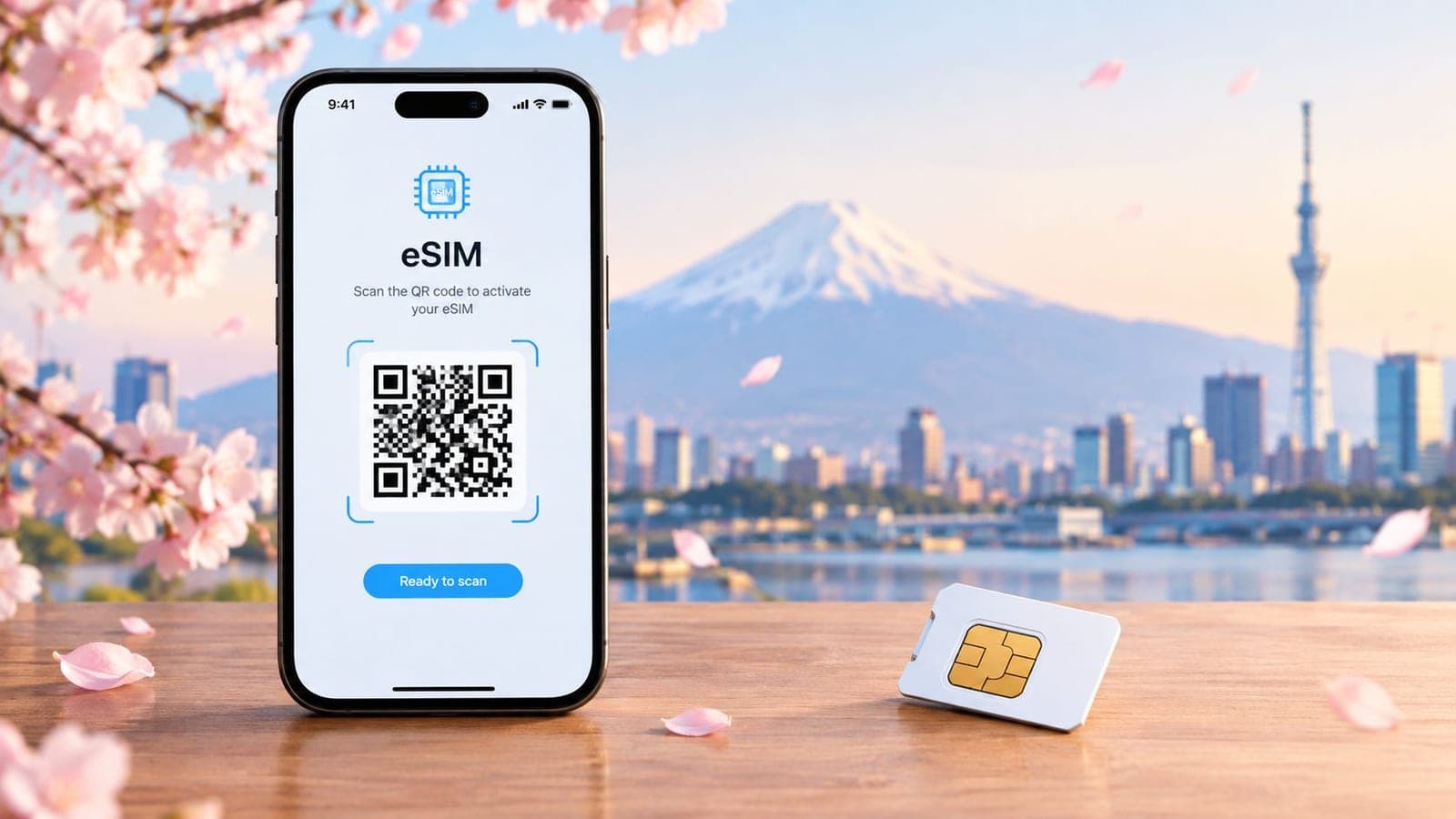
You've just landed in Japan after a long flight. The airport is crowded, the signs are unfamiliar, and the hotel address is sitting in an email you can't open. Without mobile data, there's no dependable map, translation tool, transit route, or quick way to contact the property. That first hour can become much harder than it needs to be.
Japan's international visitor volume makes this a practical planning issue, not a minor convenience. The country received approximately 42.7 million international visitors in 2025, after recording about 36.9 million in 2024 and 31.9 million in 2019 (Japan's official statistical handbook). With so many travelers moving through major airports, stations, and attractions, airport Wi-Fi or a last-minute SIM purchase isn't a complete connectivity plan.
These Japan travel tips focus on the decisions that prevent common failures. The sequence matters: install before departure, keep the travel line off until arrival, choose coverage for the route, watch data use, and keep a support channel ready.
1. Activate Your eSIM Before Landing to Avoid Connectivity Gaps
A travel eSIM works best when the installation happens before the flight, not while standing beside an airport baggage carousel. Install the profile at home on reliable Wi-Fi, check that the phone recognizes it, and then leave the travel line turned off during the flight and any layover.
That last step protects the plan's validity. An eSIM can connect to a covered network before Japan if its line is active, which can start the validity period earlier than intended. Japan Travel Support confirms that an eSIM may be added before arrival and that its validity begins when it first connects to a Japanese network (Japan Travel Support's eSIM guidance).
A traveler flying from New York through London to Tokyo can install a RedSim Japan eSIM in the apartment, leave the line off through the layover, and switch it on after landing in Tokyo. Maps, translation apps, hotel email, and work messages can then work immediately.
The arrival sequence
Save the confirmation email and a screenshot before boarding. After landing:
- Turn on the travel line: Select the Japan eSIM under Cellular or Mobile Data settings.
- Choose it for data: Make the travel eSIM the active data line.
- Enable Data Roaming: Apple's instructions require Data Roaming to be enabled for the selected travel line (Apple's travel eSIM instructions).
- Protect the home line: Keeping both lines active can still create roaming charges if the home line handles data (Apple's international travel guidance).
Write those steps in the phone's notes before departure. If activation causes trouble, RedSim's plan validity explanation clarifies when the plan starts. RedSim also offers 24/7 WhatsApp support, which is useful when the problem appears outside the home carrier's business hours.
2. Secure Your eSIM Installation Before Departure with Test Connectivity
An installed eSIM profile isn't automatically a working data connection. Before leaving for Japan, the traveler should test the phone while connected to home Wi-Fi, then confirm that the profile is visible and that basic data tasks work.
The test doesn't need to be elaborate. Open a website, load a map, send or download an email, and check that the device can switch between the home line and the travel line. A profile that appears in Settings but can't provide data may point to an incompatible device, a locked phone, an incorrect installation, or a configuration problem.
Test while troubleshooting is easy
Run the test several days before departure rather than at the airport. A traveler who discovers that an older iPhone doesn't support the selected eSIM format still has time to contact RedSim and request an alternative installation method. Discovering the same problem after landing creates more pressure, especially when the traveler needs directions to a hotel.
RedSim's eSIM setup guidance provides the installation path. Support questions should include the phone model, operating system, screenshots of error messages, and the steps already attempted.
Practical rule: Test data, not just installation. A visible eSIM profile proves that the phone saved the profile. It doesn't prove that maps, email, or websites will load.
After a successful test, turn the travel line off again. The profile can remain installed while the line stays inactive until arrival. Save the confirmation email, order details, and installation notes somewhere accessible without mobile data. WhatsApp support should also be tested before departure so the traveler knows the account can be reached if a configuration issue appears in Japan.
This small validation step removes a major point of uncertainty. The traveler arrives with a known setup instead of an untested profile and a long troubleshooting session ahead.
3. Use a Regional Asia eSIM for Multi-Country Japanese Adventures
Japan is often only the first stop. The key decision point comes when the trip continues to Seoul, Bangkok, Singapore, or another city in the region. A Japan-only plan can still work, but it adds another purchase, another activation, and another chance to lose data service during a border crossing. A Regional Asia eSIM keeps the trip on one profile if every destination on the route is covered.
A common example is a two-week itinerary that starts in Tokyo, then moves on to Seoul and Bangkok. One regional plan lets the phone connect in each country without replacing the eSIM or timing separate country plans. That matters most on travel days, when directions, booking emails, ride apps, and translation tools need to work as soon as the plane lands.
The trade-off is straightforward. Regional coverage is only useful if it matches the actual route.
Check the country list before buying. Do that for every stop, including short layovers or side trips. Do not assume that "Asia" means all destinations in Asia. If the trip is fixed and Japan is the only stop, a Japan-specific plan is usually simpler. If the route spans several covered countries, one regional plan usually means less setup and less account management.
There is also a practical group angle. On family trips or business travel, one phone may end up sharing data through hotspot with laptops or other devices. A single regional profile can make that easier across multiple countries because the main phone stays connected throughout the itinerary. The weak point is data drain. Shared usage across maps, messaging, work apps, and video calls can burn through the allowance much faster than expected.
RedSim offers a regional option for this kind of trip, and its app supports usage tracking across borders. That helps when the same plan stays active for the full route instead of resetting country by country.
Use the plan for high-value tasks first. Keep navigation, reservations, messaging, and translation on mobile data. Leave large downloads and streaming for hotel Wi-Fi whenever possible.
4. Combine a Japan eSIM with Global Roaming Backup for Extended Asia Trips
A dedicated Japan eSIM and a global backup solve different problems. The Japan plan can serve as the primary connection for a confirmed Japan itinerary. A dormant global eSIM can cover an unexpected destination, an unplanned business meeting, or a failure of the primary profile.
This setup is most useful for business travelers and flexible itineraries. A traveler may begin with meetings in Tokyo, then receive a request to visit Singapore. Instead of searching for a new plan at the airport, the traveler can activate the prepared global profile on a secondary device or in the second SIM position on a compatible dual-SIM phone.
The backup should stay inactive until it is needed. That prevents unnecessary activation and keeps the primary connection clear during the planned Japan leg.
Keep the backup usable
Before buying, check the device's eSIM and dual-SIM capabilities. Then store the global QR code, order confirmation, and support contact separately from the primary phone if possible. A second device can preserve access if the main phone is lost, damaged, or unable to connect.
RedSim's Global eSIM option supports the backup approach. Planned travel across several Asian countries may still be better served by a Regional Asia plan. Global coverage is more appropriate as a contingency when the destination list is uncertain.
There's also a financial trade-off. A backup plan adds cost if it remains unused, although an unactivated plan may qualify for a refund under the provider's policy. Travelers should review the return conditions before purchase rather than assume every activated or installed plan can be reversed.
A dormant backup isn't a replacement for offline preparation. Save hotel addresses, transport details, emergency contacts, and maps before departure. The backup protects connectivity. Offline files protect the itinerary when both networks and batteries are under pressure.
5. Purchase a Japan eSIM with an Extra Data Buffer
The wrong time to discover you bought too little data is halfway through a station transfer, with a booking email that will not load and translation running on the same phone.
Buy the Japan eSIM for the trip you expect, then add a buffer for the moments that break the estimate. Camera translation, route changes, digital tickets, map downloads, hotspot use, and one unexpected video call can push a tidy plan over the limit quickly. The extra allowance is there to protect the decisions that matter when you are out of Wi-Fi range and still moving.
A simple way to choose is to separate must-work tasks from everything else. Keep cellular data available for:
- Maps and route changes: live directions between stations, hotels, and attractions.
- Translation: text, voice, or camera help when menus, payment screens, or instructions are unclear.
- Reservations: booking confirmations, change requests, and time-sensitive details away from hotel Wi-Fi.
- Messages: coordination with companions and contact with accommodation providers.
- Emergency communication: enough remaining data for a call, rebooking task, or urgent update.
Everything heavy can wait. Streaming, large downloads, app updates, and automatic photo backup are better left for hotel Wi-Fi.
This matters more once the trip stops being a single-city stay. Japan makes it easy to move fast between major destinations, and fast travel creates more points where a live connection saves time. A missed platform change, a changed meeting point, or a ticket detail that needs checking usually happens in transit, not in the room. The country's rail system supports that pace. The Shinkansen began commercial operation between Tokyo and Shin-Osaka on October 1, 1964, and the fastest scheduled Tokyo to Osaka journey is around 2 hours and 30 minutes, according to JNTO statistics.
The practical trade-off is simple. Paying a little more upfront for headroom is usually easier than hunting for a top-up when the connection is already under pressure.
6. Monitor Real-Time Data Usage to Avoid Surprise Top-Up Needs
The usual failure point is not buying too little data. It is noticing the problem too late, halfway through a transfer, outside Wi-Fi, with maps, messages, and booking details still needed.
Treat usage checks like part of the travel routine. Open RedSim's app once in the morning and once at night. That quick look shows whether the plan is holding up against the days left, while there is still time to switch more tasks to hotel Wi-Fi or add data before the connection gets tight.
If the total looks higher than expected, do not guess. Check the phone's cellular settings and find the app responsible. In practice, the biggest drains are usually predictable. Video calls eat data fast, so save casual calls for Wi-Fi. Cloud photo uploads can run for hours, so pause them until you are back on a trusted connection. Streaming should stay off cellular unless you have already decided it is worth the trade-off. Social apps also deserve a check, especially background refresh. Keep maps available, but download offline areas before leaving the hotel.
A short reset often fixes the whole day.
Shared hotspots need one extra rule. Monitor the total as a group, not just on the main phone. One laptop update or a tablet streaming session can burn through the allowance that everyone expected to use for directions, translation, and reservations later. Set the limit early. Travel tasks stay on cellular. Large downloads wait.
Checking usage regularly also helps with the next decision. Keep the plan if consumption is tracking normally. Change habits if the burn rate is too high. Add data before the need becomes urgent. If usage stays low, that is useful too. It confirms the original plan was reasonable and lets you use the remaining allowance calmly, instead of saving every megabyte and still ending up short at the worst moment.
7. Leverage Hotspot Sharing for Family and Group Travel
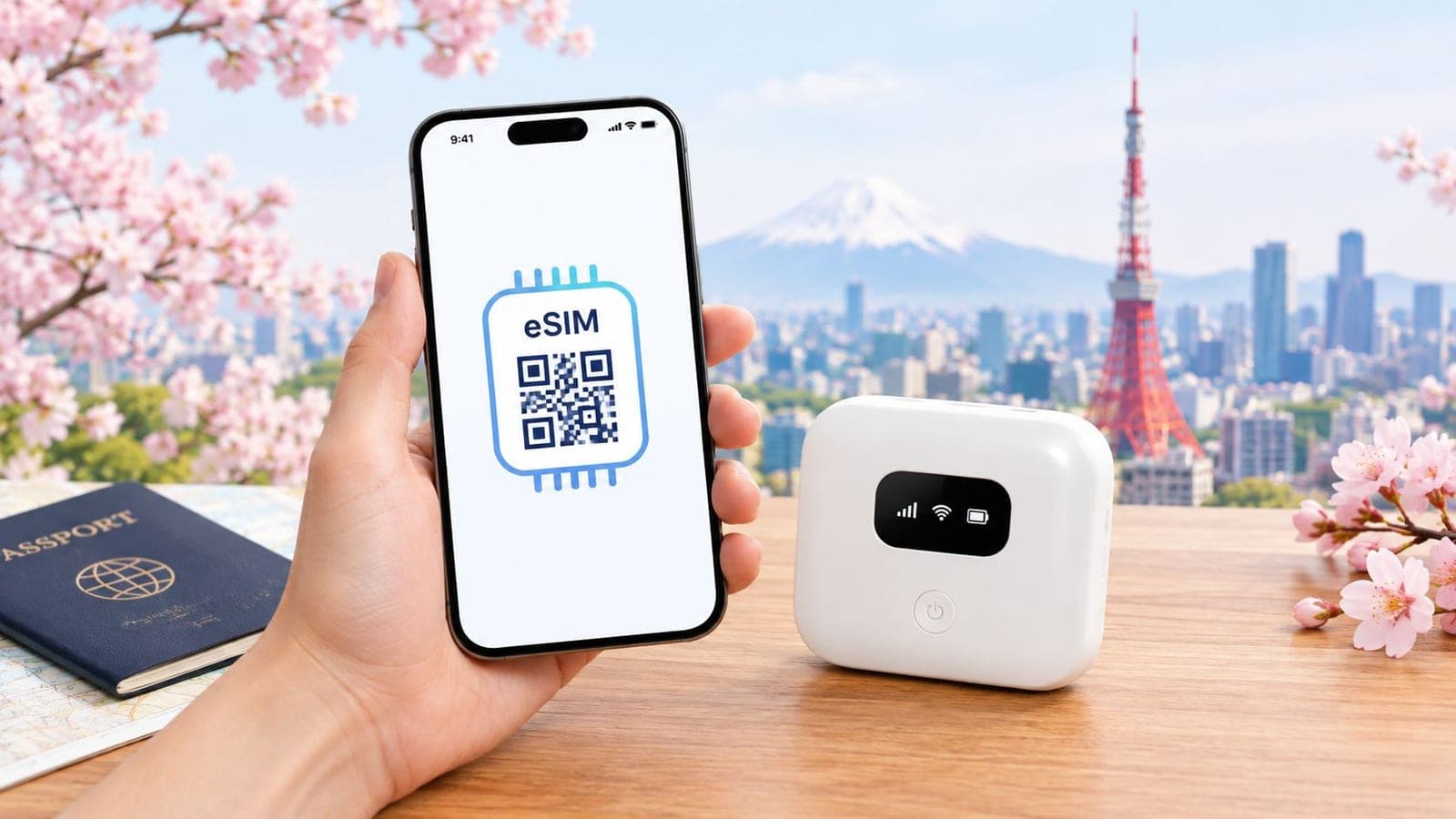
One reliable eSIM can serve several devices through hotspot sharing. This is useful for families, colleagues, and small groups that need maps, messages, reservations, or translation but don't all want separate mobile plans.
The arrangement works best when one person carries the connected phone and keeps it charged. Other devices join the hotspot only when needed. A parent can connect a companion's phone, a child's tablet, or a laptop for a short task without asking each traveler to install and configure a separate profile.
Protect the primary phone
Hotspot sharing increases battery and data use. Carry a portable battery, especially on full days involving rail transfers, crowded attractions, and unfamiliar neighborhoods. Keep the phone in a secure but reachable place so the group can reconnect if the hotspot drops.
The group should also disable automatic updates, cloud backups, and video autoplay on connected devices. These background tasks can use data without anyone actively choosing them. RedSim's app can help the account holder monitor total consumption, but the group still needs clear rules about heavy usage.
A hotspot isn't always the cheapest or simplest choice. If several people need constant independent access, multiple eSIMs provide redundancy and avoid dependence on one phone. A single shared plan is more practical when the group stays together and uses data mainly for travel tasks.
Connectivity also helps solve Japan's station-navigation problem. A Japan Tourism Agency survey of 4,189 foreign visitors departing from major airports between July and December 2024 found that 12.3% had difficulty understanding train, bus, or transfer routes, while 6.1% struggled to find free Wi-Fi or public internet access (the survey coverage and findings). A shared hotspot gives the group one dependable route source when free Wi-Fi isn't available.
8. Refund Unused eSIMs Within the Return Window for Trip Changes
Travel plans change. Weather, family circumstances, work demands, and airline changes can all affect a Japan itinerary. An unactivated eSIM shouldn't automatically become a sunk cost, so travelers should understand the refund conditions before buying early.
RedSim states that unused, unactivated eSIMs can be refunded in full under its return policy, with the credit placed in the account wallet. The important distinction is activation status. Installing a profile and turning on the line may affect eligibility, so travelers shouldn't activate a plan only to test it after the purchase decision has changed.
Keep purchase records accessible
Save the order number, confirmation email, and purchase date. If a trip is postponed, contact support promptly and ask about eligibility rather than waiting until the original travel date. The account wallet can then be used toward a later plan when the itinerary is confirmed.
RedSim's refund policy explanation gives the relevant process. Travelers should read the current terms because policies can change, and a return window may apply.
This flexibility is most useful when planning well ahead. A traveler who buys a Japan plan before finalizing flights should still record the deadline and avoid installing the eSIM until the trip is firm. A backup purchase can make sense for a time-sensitive itinerary, but only when the traveler understands how to preserve refund eligibility.
A refund policy doesn't remove the need to choose carefully. Check the destination, plan duration, device compatibility, and data allowance before checkout. Those checks prevent the more common problem, buying the wrong plan and activating it before noticing the mistake.
9. Maximize Referral Rewards and Gift Balance for Repeat Asia Travel
Frequent Japan travelers can reduce future out-of-pocket spending by using account credits deliberately. RedSim adds a 25% gift balance on every purchase, according to the publisher's service information, and its referral program credits 40% of a referred order's value to the referrer's wallet. These are product terms, so travelers should confirm the current conditions in the account before relying on them.
The rewards work best when travel is recurring. A consultant visiting Japan for regular meetings can check the wallet before each purchase, use available credit on a country plan, and reserve cash for other trip expenses. A family can share a referral link before a group holiday if companions are already planning to buy their own coverage.
Build a simple rewards routine
- Check the wallet first: Review the available balance before choosing a new country, regional, or global plan.
- Share before checkout: Referral attribution may depend on the invited traveler using the correct link or code.
- Keep confirmations: Save purchase and referral emails if a credit doesn't appear as expected.
- Use credits strategically: Apply them to a regional plan or backup eSIM when the itinerary justifies one.
- Review current terms: Reward percentages, eligibility, and expiry conditions can change.
Rewards shouldn't drive an unsuitable purchase. A traveler visiting only Japan doesn't need a global plan just to use a credit. The correct approach is to choose the coverage and data allowance first, then apply the balance if the plan fits.
Frequent travelers should also keep separate records for work and personal trips when expenses need reimbursement. A wallet credit can lower the checkout amount, but the traveler may still need the original receipt for business accounting.
10. Use 24/7 WhatsApp Support for Real-Time Troubleshooting
The failure point is rarely buying the eSIM. It is standing in a station, arriving late, or trying to message a hotel when the phone shows signal but no data. In that moment, speed matters more than theory. Work through a short check in order, then contact support with enough detail to avoid a long back and forth.
RedSim says it provides 24/7 human support through WhatsApp, with typical reply times of about two minutes in its service information. Save the contact before departure. During setup, send a test message while you still have reliable Wi-Fi so WhatsApp is ready if mobile data fails later.
A good first message gets faster help. Include the exact phone model, current iOS or Android version, whether the Japan eSIM line is turned on, whether Data Roaming is enabled, and whether your home SIM is still handling mobile data. Add the order confirmation and a screenshot of any error if you have one. Also state what you already tried, such as toggling Airplane Mode, restarting the phone, or reselecting the data line.
Keep the device checks simple. Confirm Airplane Mode is off. Confirm the Japan eSIM is selected for mobile data. Confirm Data Roaming is enabled on that line. Then restart the phone once.
I also keep a small offline pack on the phone before landing. Save the hotel address, station name, booking numbers, and emergency contacts as screenshots or notes. If support asks you to reset settings or the connection drops for a few minutes, you can still get where you need to go and send precise details once service returns.
10-Point Japan eSIM Travel Tips Comparison
| Strategy | Implementation complexity | Resource requirements | Expected outcomes | Ideal use cases | Key advantages |
|---|---|---|---|---|---|
| Activate Your eSIM Before Landing to Avoid Connectivity Gaps | Low–Moderate (pre-install, toggle ON on arrival) | Home Wi‑Fi before departure; basic eSIM settings knowledge | Immediate on-arrival connectivity; preserved plan validity | Single-country arrival after layovers | Maximizes plan time; avoids airport queues and premature activation |
| Secure Your eSIM Installation Before Departure with Test Connectivity | Moderate (activate and validate connectivity) | Home Wi‑Fi or cellular, 5–10 min test time, support access | Verified device compatibility; fewer on-arrival issues | Older devices or uncertain compatibility | Early troubleshooting; confidence before travel |
| Use a Regional Asia eSIM for Multi-Country Japanese Adventures | Low (single plan setup) | Purchase regional plan; compatible device | Seamless coverage across covered countries; no manual swaps | Multi-country Asia itineraries | Simplified management; cost-effective vs multiple country plans |
| Combine Japan eSIM with Global Roaming Backup for Extended Asia Trips | Moderate–High (manage dual eSIMs) | Dual-eSIM/dual-SIM phone; two plans (one dormant) | Redundant connectivity and instant fallback when needed | Extended trips with unpredictable routing | Local-speed optimization plus global emergency backup |
| Purchase a Japan eSIM with Extra Data Buffer to Avoid Mid-Trip Overages | Low (select larger allowance) | Higher upfront spend; ability to top up | Reduced risk of running out of data; fewer mid-trip disruptions | High-consumption travelers; rural or long trips | Peace-of-mind; fewer emergency top-ups; flexible top-ups available |
| Monitor Real-Time Data Usage to Avoid Surprise Top-Up Needs | Low (use app regularly) | RedSim app installed; occasional checks | Visibility into consumption; proactive adjustments | Data-conscious users and shared plans | Transparency; prevents unexpected exhaustion |
| Leverage Hotspot Sharing for Family and Group Travel Cost Savings | Low–Moderate (enable tethering, manage group) | Primary device battery/charger; single eSIM plan | Shared connectivity; lower overall group cost | Families, small groups, tour parties | Significant cost savings; centralized control and billing |
| Refund Unused eSIMs Within the Return Window for Trip Changes | Low (request refund before activation) | Keep eSIM unactivated; track return window dates | Wallet credit refund for unused plans | Cancellable or uncertain travel plans | Financial flexibility; risk-free purchasing |
| Maximize Referral Rewards and Gift Balance for Repeat Asia Travel | Low–Moderate (refer and accumulate credits) | Multiple purchases or referred users; track wallet balance | Accumulated credits reduce future costs | Frequent travelers, business repeat trips | Long-term cost reduction; loyalty incentives without cash back |
| Use 24/7 WhatsApp Support for Real-Time Troubleshooting During Travel | Low (save contact, message support) | WhatsApp installed; active data or Wi‑Fi | Rapid troubleshooting and fast issue resolution | Travelers needing immediate help or with tight schedules | Fast human support across time zones; minimal wait times |
Three Habits That Keep You Online in Japan
The most dependable connectivity plan is built around three habits. First, install the eSIM before leaving home, while familiar Wi-Fi and support are available. Second, keep the travel line turned off during the flight and any layover, then turn it on and enable Data Roaming only after landing in Japan. Third, check data use every day so a background upload or long video call doesn't consume the plan unnoticed.
The activation sequence deserves special attention. Installing and activating aren't the same action. The profile can sit on the phone before departure, ready for use, while the line remains inactive. That protects the intended start of the plan and avoids an accidental connection in another covered country during a layover.
The daily review is just as practical. Maps, translation, train information, digital reservations, and messaging can make a trip easier, but video calls, streaming, cloud backups, and hotspot use can change consumption quickly. A traveler who checks usage each morning has time to move heavy tasks to hotel Wi-Fi, restrict background activity, or add data before an interruption occurs.
Offline preparation covers the remaining gap. Save hotel addresses, railway lines, station names in Japanese, reservation confirmations, and emergency information before leaving Wi-Fi. Japan's transport network is extensive, and the final step of a journey may involve a private railway, a bus stop, or a rural connection. The Japan Tourism Agency survey found that route and transfer confusion affects a measurable share of international visitors, so an offline fallback is more useful than relying on a single live route.
A group should decide who owns the primary connection, who can use the hotspot, and what activities wait for Wi-Fi. A business traveler should store support and order details separately from the main phone. A traveler with a flexible Asia itinerary should choose between a Regional Asia plan for planned countries and a global backup for unexpected routing.
RedSim is one option for this setup, with Japan-specific, regional, and global eSIM plans, hotspot support, app-based usage tracking, refundable unactivated eSIMs, and 24/7 WhatsApp support. The right choice still depends on the route, device, duration, data needs, and current terms.
Japan is easier to get around when connectivity is treated as part of the itinerary rather than an airport errand. Set it up early, protect the activation timing, carry offline details, and monitor the plan while moving.
RedSim offers Japan-specific, regional Asia, and global eSIM plans with pre-trip installation, hotspot sharing, usage tracking, and 24/7 WhatsApp support. Choose coverage that matches the route and prepare the travel line before departure by visiting RedSim.
 Japan
Japan